22
| www.krain.com
SEE LIVE FLOW DATA
This feature allows the user to see live ow data
in a few different ways. You can view the data
under Special Features while a Program is running or
during Manual operation. This gives you a real time look
at how your system is performing as well as an idea of
the parameters to use for setting
HI/LO ow limits.
To See Live Flow Data:
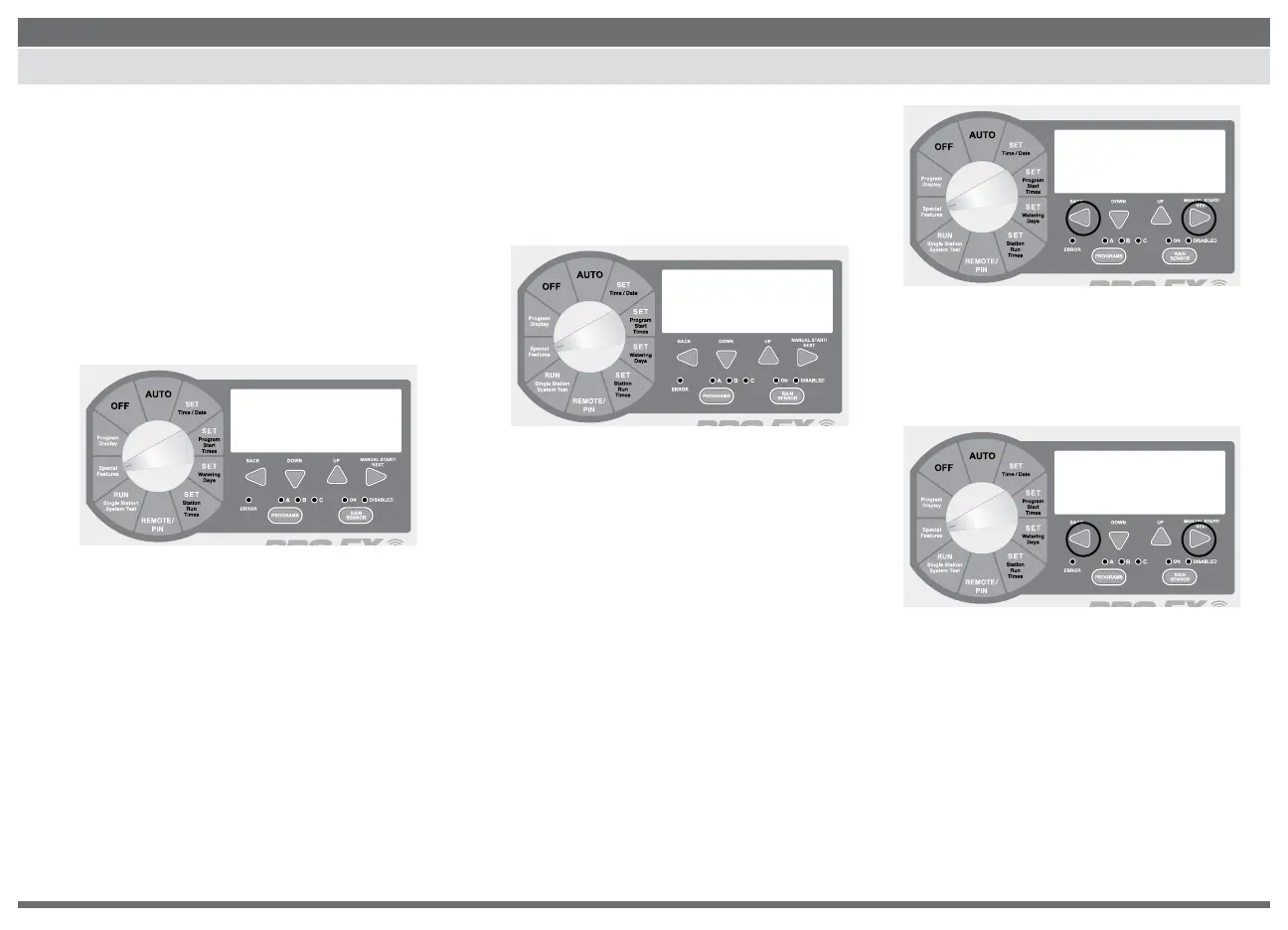
1. Turn the dial to SPECIAL FEATURES. Display
show ”SEASONAL ADJUST % 100.
2. Press the NEXT or BACK button until
GPM N:A is displayed. This screen will be
active but probably not accurate until you
have set up the ow meter type (see page
15). After you set up your meter, this will
display the actual ow data in real time.
Alternate Ways to See Real Time Data:
1. You can see real time ow data during a
program by simply pressing the BACK and
NEXT buttons at the same time.
2. Press the BACK and NEXT buttons at
the same time again to go back to the
main screen. This can also be done
while performing a Manual Run Time.
SPECIAL FEATURES
100
seasonal adj.%
GPM N:A
A
PGM
G 112:50
STATION 1
A
PGM
RUN 4:25
remaining run time


 To Next Page