Installation, Programming and Operation Manual
9
www.krain.com |
MANUAL PROGRAM OPERATION REMOTE PIN
When a full program operation is needed
the user can manually start any of the three
(A, B or C) programs.
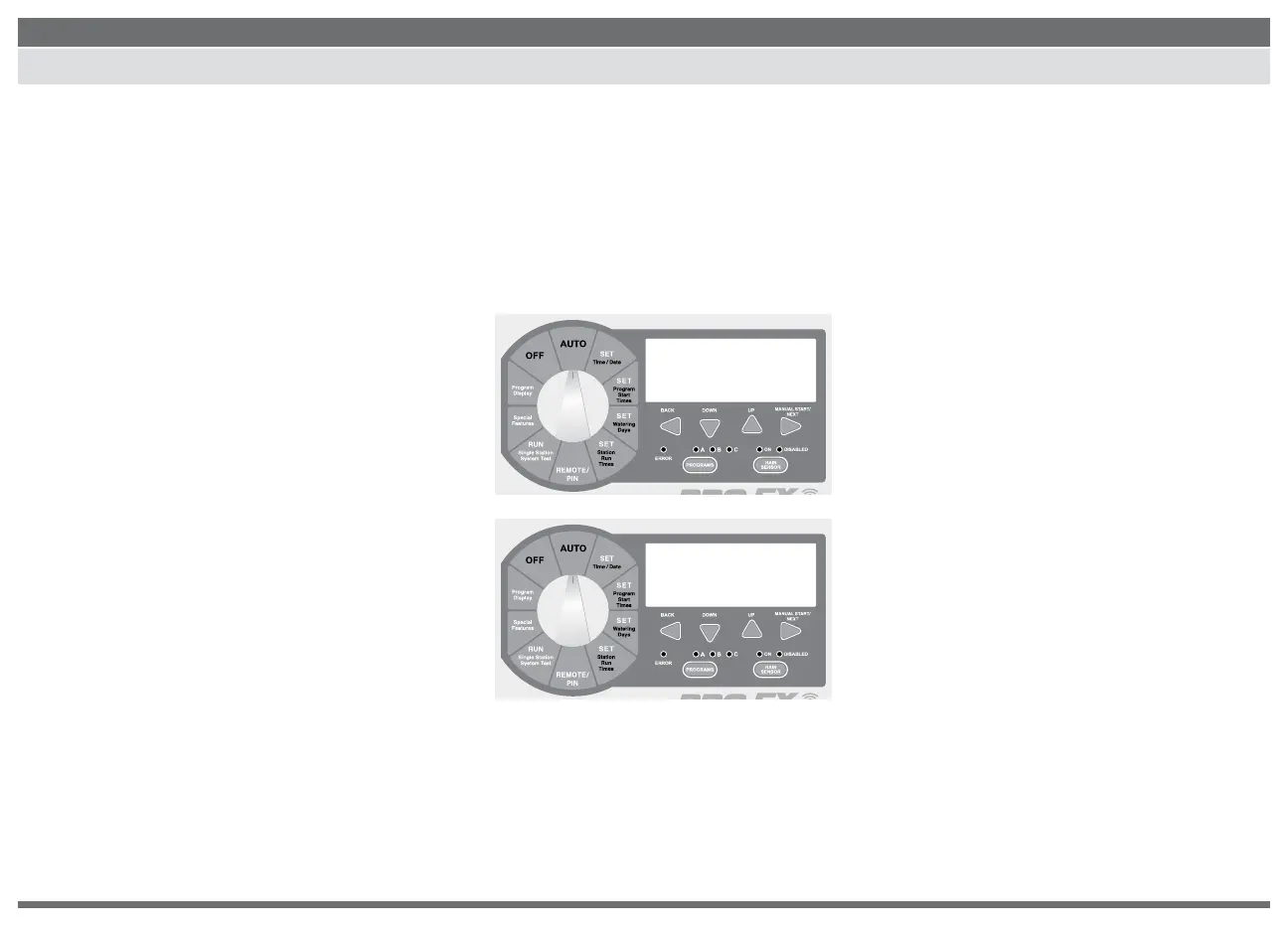
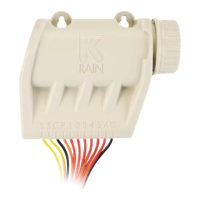
1. Use the PROGRAM SELECT BUTTON to
select the program (A, B or C) you wish
to manually operate.
2. Turn the dial to AUTO or RUN PROGRAM.
3. Press MANUAL START / NEXT button to
start the selected program.
4. The display will show “RUN,” the station
currently running and the remaining run time
for that station. As each station completes its
previously programmed run time the next station in
sequence will begin watering.
5. Manual operation can be canceled anytime
by turning the dial to OFF for 3 seconds.
6. Return the dial to AUTO.
NOTE: Pressing the BACK or NEXT
buttons will manually advance to the
next or previous station number.
Previously programmed run times can
be increased or decreased during manual
operation. Any run time changes during
manual operation WILL NOT change the
station’s stored program run time.
The PRO EX 2.0 has an optional
Handheld Remote (not included)
for convenient controller operation
eliminating back and forth trips to
the controller.
NOTE: To use this feature the
controller must be connected to
AC power and the optional Remote
RF Module must be installed.
For RF Module installation, Pin Code
programming and operation please
refer to the optional PRO EX 2.0 remote
user manual.
A
PGM
FRI 9:09
AM
A
PGM
start
\
/


 To Next Page