6
| www.krain.com
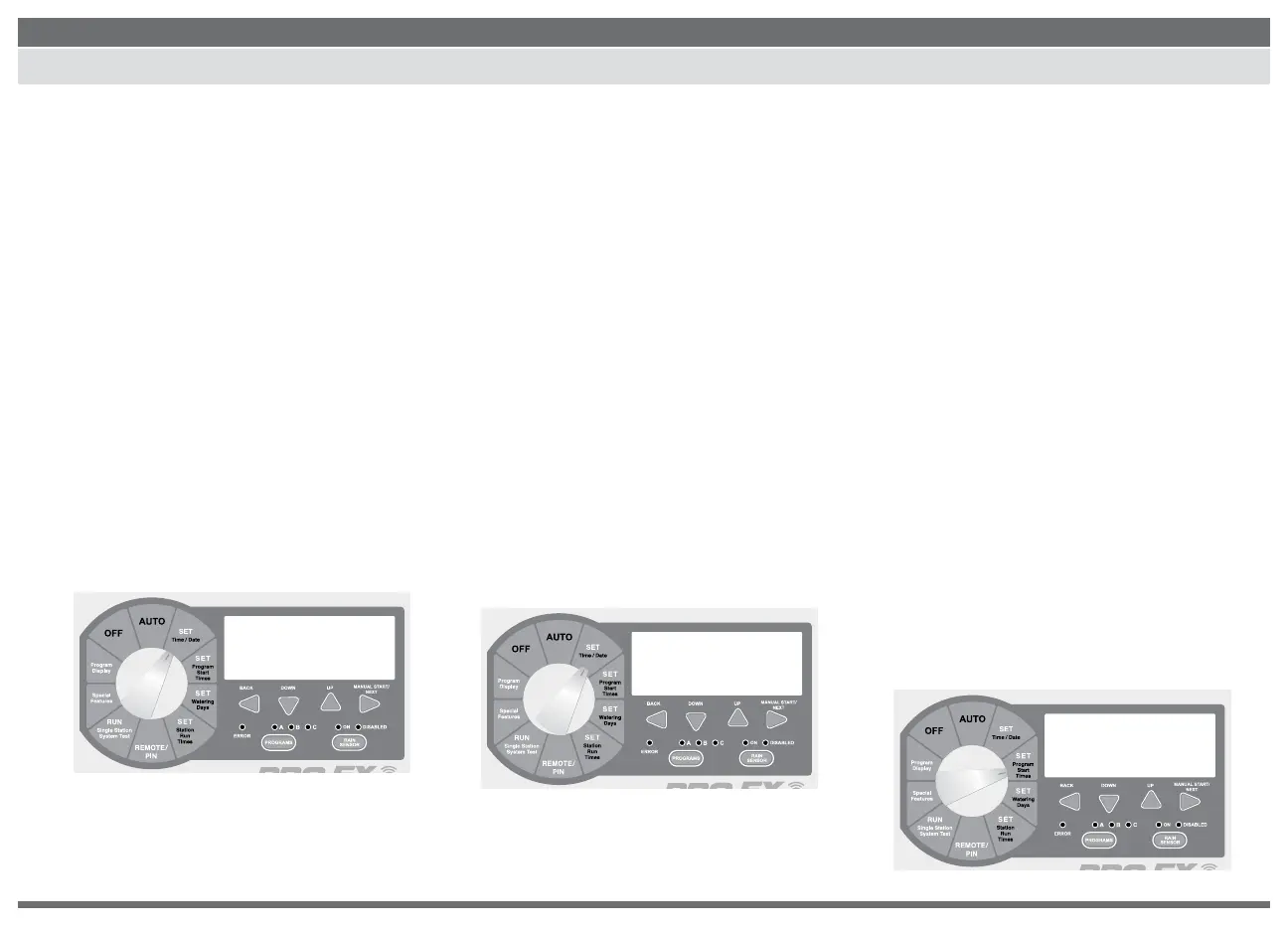
SET TIME / DATE
SET PROGRAM START TIMES
1. Turn the dial to SET TIME / DATE, the LCD
will display the time of day. The word
“HOURS” will be ashing in the display.
NOTE: If the controller is connected to the
internet via WiFi Hub, the server will push
the correct time and date to the controller
according to the controller address and
zip code entered during set up.
2. Press the DOWN or UP buttons to set
current hour.
3. To change minutes, press the NEXT button.
The word “MINUTES” will be ashing in
the display.
4. Press the DOWN or UP buttons to set
current minutes.
5. To set the current date, press the NEXT button.
The word “DAY” will be ashing in the display.
6. Press the DOWN or UP buttons to set
current day.
7. To set the current month press the NEXT
button and the word “MONTH” will be
ashing in the display.
8. Press the DOWN or UP buttons to set the
current month.
9. To set the current year press the NEXT
button. The word “YEAR” will be ashing
in the display.
10. Press the DOWN or UP buttons to set the
current year.
11. Return the dial to AUTO.
NOTE: The PRO EX 2.0 controller can be set for
either 12 or 24 hour display. Pressing the BACK
and NEXT buttons SIMULTANEOUSLY will allow user to
toggle between 12 or 24 hour display.
The PRO EX 2.0 controller will allow up
to four separate watering start times for
each program.
1. Use the PROGRAM select button to
select the program (A, B or C) you wish
to assign a start time.
2. Turn the dial to SET PROGRAM START
TIMES. The display will show the rst start
time currently set for the selected program.
3. Press the DOWN or UP buttons to change
the start time. The time setting change is
in 15-minute increments.
4. To eliminate a watering start time press
the DOWN or UP buttons until “OFF”
appears in the display. The OFF setting is
located between 11:45 p.m. and 12:00 a.m.
5. When additional start times are needed
press the NEXT button to display the next
watering start time. Repeat steps 4-6 for
setting additional start times.
6. Return the dial to AUTO.
TIME
9:10
AM
hours minutes
fri
day month year
28feb18
A
PGM
1st 8:00
AM
start time 1


 To Next Page