Installation, Programming and Operation Manual
7
www.krain.com |
SET WATERING DAYS SET CUSTOM OPERATION SET ODD/EVEN OPERATION
The PRO EX 2.0 controller can be
programmed to operate within four
different watering cycles.
CUSTOM waters on the days of
the week you select.
ODD waters only on odd number
days of the month.
EVEN waters on even numbered
days of the month.
CYCLIC waters on a selected daily
interval (for example every 5 days).
1. Use the PROGRAM SELECT BUTTON
to select the program (A, B or C) you wish
to assign watering days.
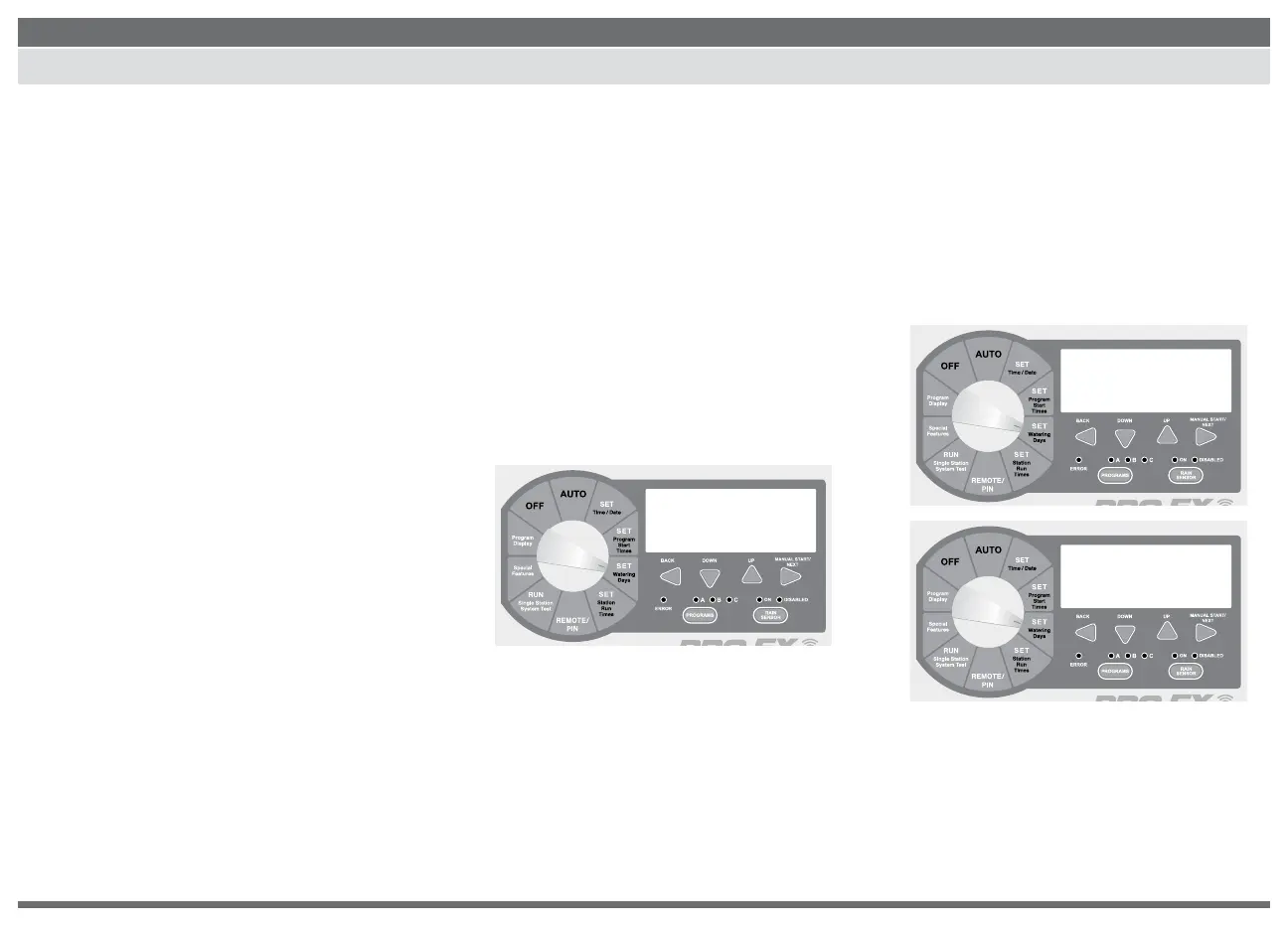
2. Turn the dial to SET WATERING DAYS.
“MON ON” should appear in the display.
3. Press the DOWN or UP buttons to
enable (ON) or disable (OFF) day of the
week operation.
4. Press the NEXT button to advance to the
next day of the week. Repeat steps 3 and
4 until all days of the week have been set.
5. Return the dial to AUTO.
1. Use the PROGRAM SELECT BUTTON
to select the program (A, B or C) you
wish to assign odd or even watering.
2. Press the BACK and NEXT buttons
SIMULTANEOUSLY until “ODD” or
“EVEN” appears in the display.
3. Return the dial to AUTO.
mon tue wed thu fri sat sun
A
PGM
MON ON
days
A
PGM
ODD
days
A
PGM
even
days



 To Next Page