www.krain.com
PUMP ON / OFF
The PUMP ON/OFF feature allows the user to enable
or disable the MV/PS terminal for each individual
station.
The ON/OFF feature is used in irrigation systems
where it is desirable for a pump to operate or not
operate for a specific station(s).
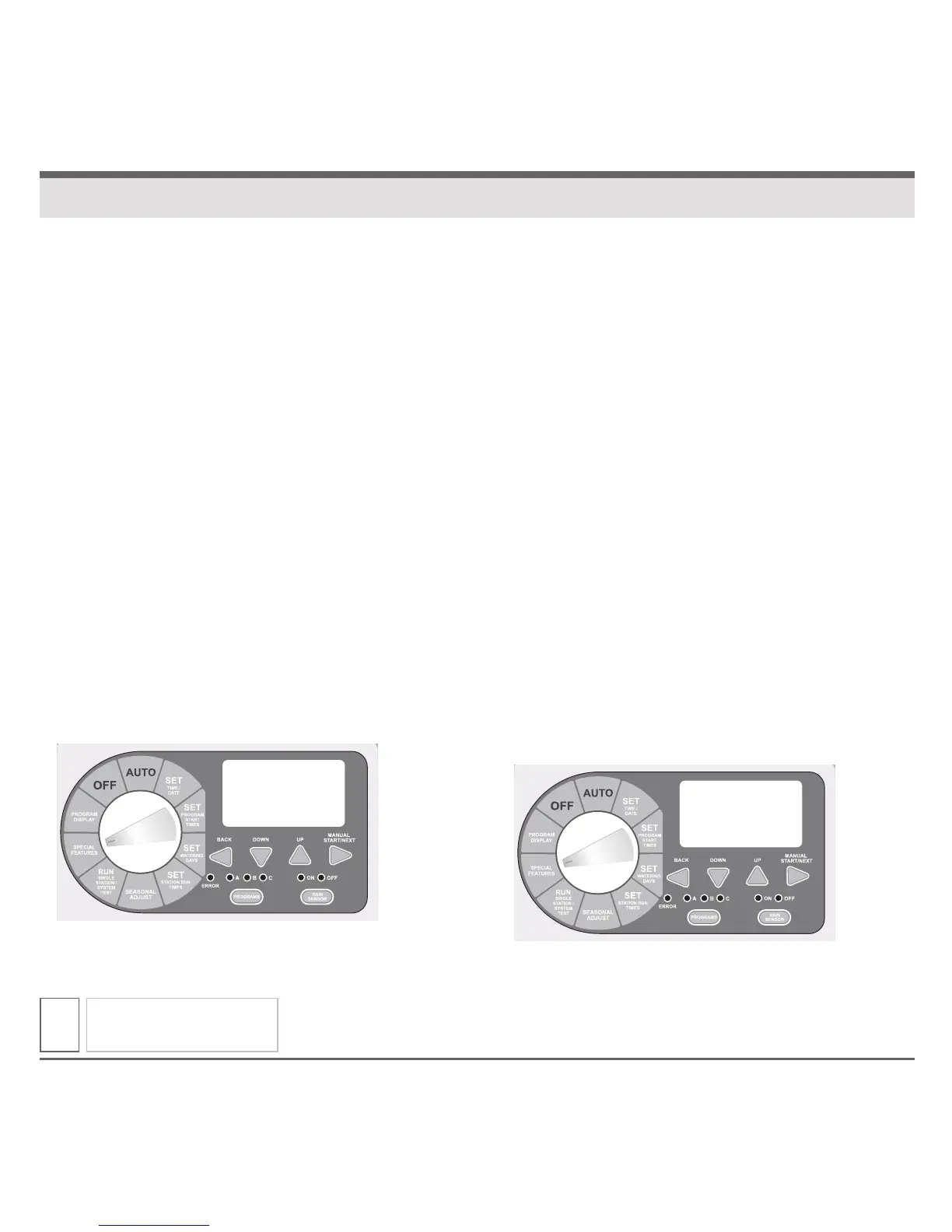
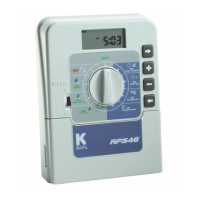
1. Turn the dial to SPECIAL FEATURES. Display will
show “DELAY 0:00.”
2. Press NEXT button until “PUMP” is displayed.
3. Press the BACK and NEXT buttons simultaneously
to enter the PUMP ON/OFF feature. The display will
show “PUMP ON” and all stations.
4. Press BACK or NEXT to select desired station.
5. Press UP or DOWN buttons to activate (ON) or
deactivate (OFF) the station.
6. Return the dial to AUTO.
SENSOR
The SENSOR ON/OFF feature allows the user
to enable or disable the SENSOR terminals for
each individual station.
The on/off feature is used in irrigation systems
where it is desirable for a Rain Sensor to operate
or not operate for a specific station(s).
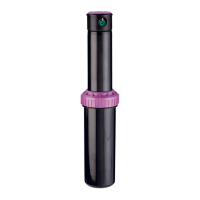
1. Turn the dial to SPECIAL FEATURES. Display
will show “DELAY 0:00.”
2. Press NEXT button until “SENSOR” is displayed.
3. Press the BACK and NEXT button simultaneously
to enter the sensor on / off feature. The display
will show “ACTIVE” and all stations.
4. Press the BACK or NEXT buttons to select
desired station.
5. Press the UP or DOWN buttons to activate
(ON) or bypass (OFF) the station.
6. Return the dial to AUTO.
SPECIAL FEATURES
13
Pump
SENSOR



 To Next Page