CLEAR
The CLEAR feature allows the user to erase
all current programing and restore the original
factory default program (all available stations,
everyday for ten minutes).
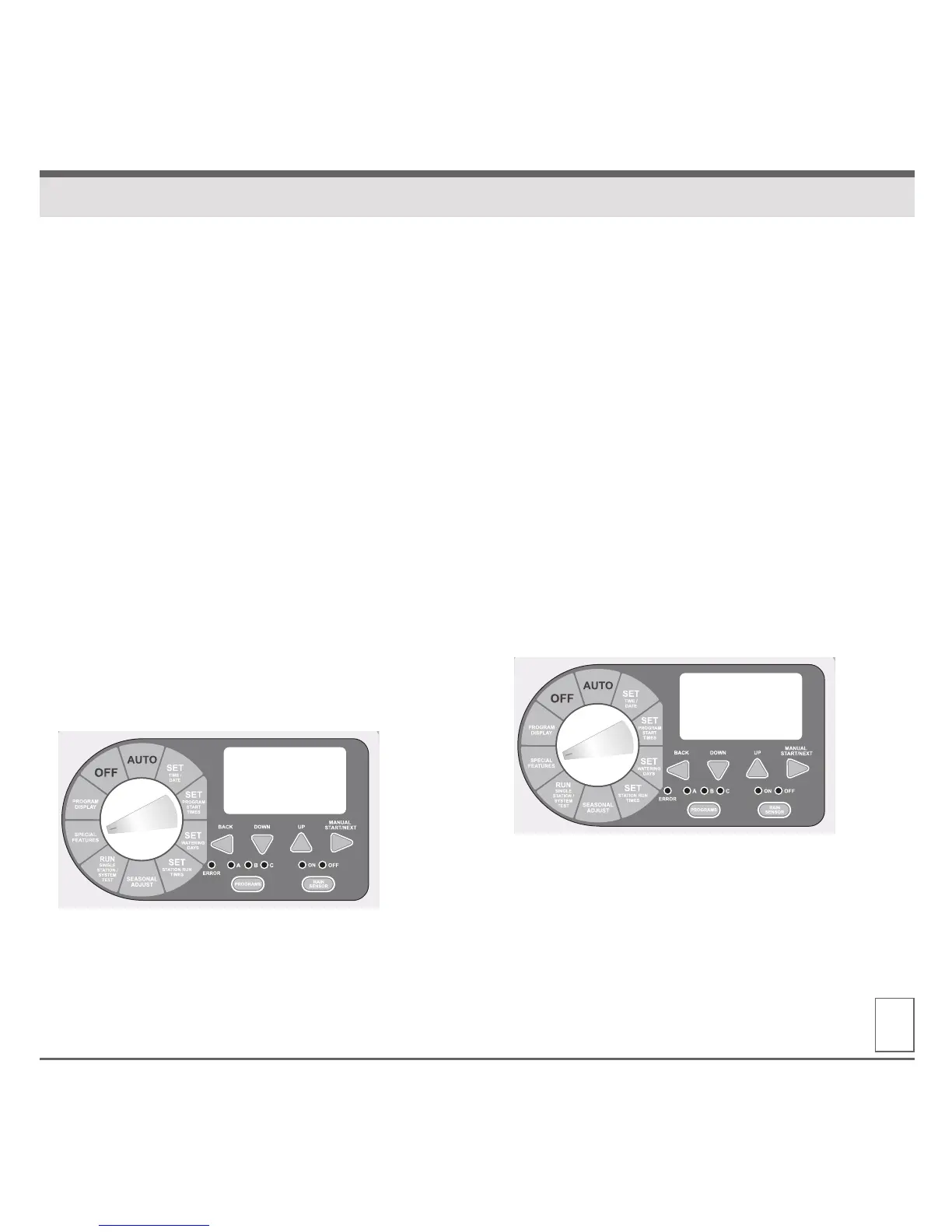
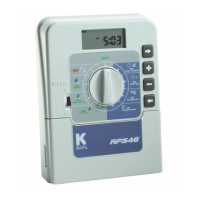
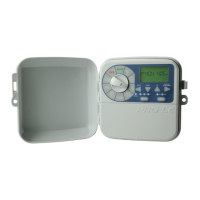
1. Turn the dial to SPECIAL FEATURES.
The display will show “DELAY 0:00.”
2. Press the NEXT button until “CLEAR”
is displayed.
3. To enter the CLEAR feature press the UP
or DOWN button and the display should
now show “CLEAR*.”
4. Press the NEXT button to clear the current
program. The display will briefly show
“CLEARED” before automatically advancing
to the next available feature.
5. Return the dial to AUTO.
SAVE
The SAVE feature allows the user to save all
current programing. This allows the user to quickly
and easily restore any saved program(s) should
they be changed.
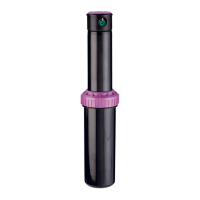
1. Turn the dial to SPECIAL FEATURES. Display will
show “DELAY 0:00.”
2. Press the NEXT button until “SAVE” is displayed.
3. To enter the SAVE feature press the UP or DOWN
button and the display should now show “SAVE*.”
4. Press NEXT button to save the current program(s).
Display will briefly show “SAVED” before auto-
matically advancing to the next available feature.
5. Return the dial to AUTO.
14
SPECIAL FEATURES
CLEAR
SAVE


 To Next Page