www.krain.com
RESTORE
The “RESTORE” feature allows the user to
restore any previously saved programs.
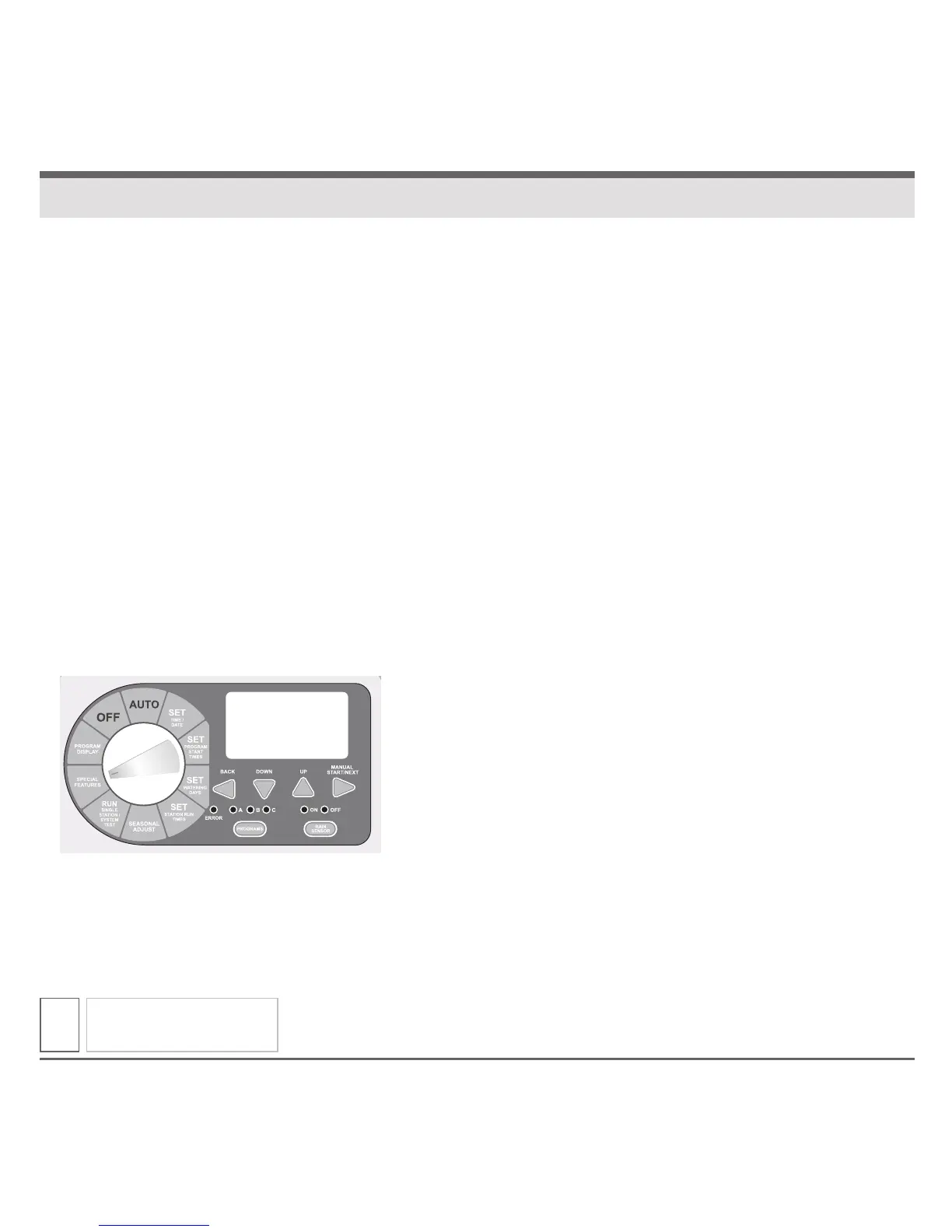
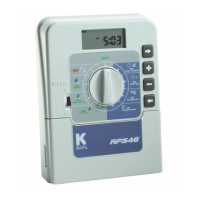
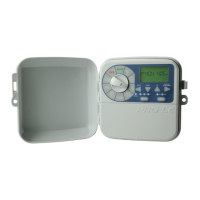
1. Turn the dial to SPECIAL FEATURES.
Display will show “DELAY 0:00.”
2. Press the NEXT button until “RESTORE”
is displayed.
3. To enter the RESTORE feature press the UP
or DOWN button and the display should now
show “RESTORE.”
4. Press the NEXT button to restore any
previously SAVED program(s). Display will
briefly show “RESTORD” before automatically
advancing to the next available feature.
5. Return the dial to AUTO.
SPECIAL FEATURES
15
RESTORE


 To Next Page