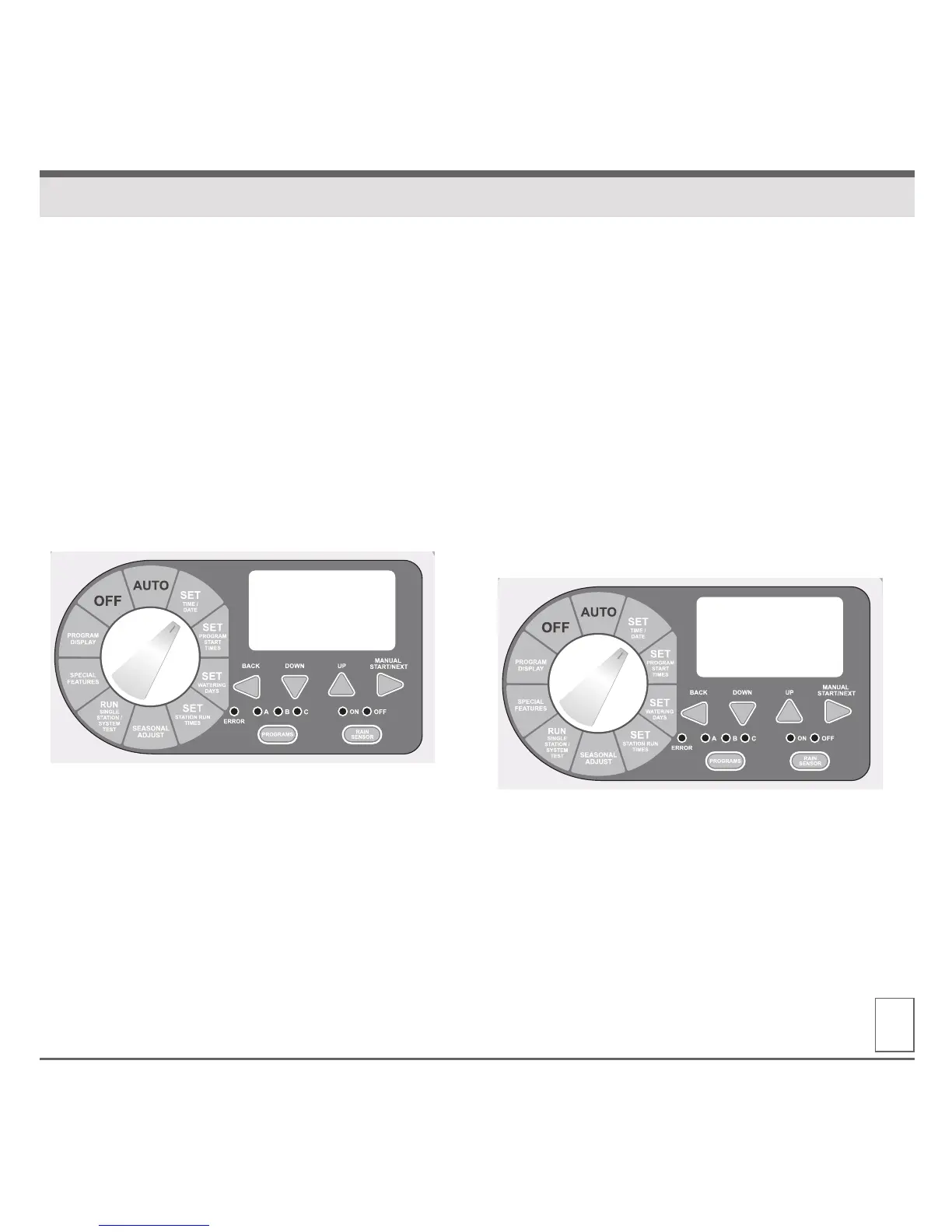
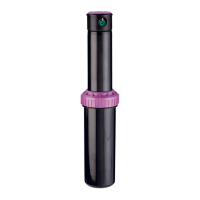
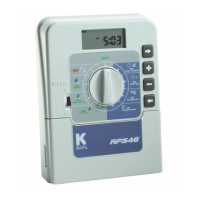
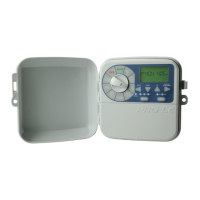
1. Turn the dial to SET TIME / DATE, the LCD will
display the time of day. The word “HRS” will be
flashing in the display.
2. Press DOWN or UP buttons to set current hour.
3. To change minutes, press the NEXT button.
The word “MIN” will be flashing in the display.
4. Press DOWN or UP buttons to set current minutes.
5. To set the current date, press the NEXT button.
The word “DAY” will be flashing in the display.
6. Press DOWN or UP buttons to set current day.
7. To set the current month press the NEXT button.
The word “MONTH” will be flashing in the display.
8. Press DOWN or UP buttons to set current month.
9. To set the current year press the NEXT button.
The word “YEAR” will be flashing in the display.
10. Press DOWN or UP buttons to set current year.
11. Return the dial to AUTO.
NOTE: The
Pro-LC controller can be set for either
12 or 24 hour display. Pressing the BACK and NEXT
buttons SIMULTANEOUSLY will allow user to toggle
between 12 or 24 hour display.
06
SET TIME / DATE
9:10
AM
TIME
HOURS MINUTES
28FEB12
FRI
DAY MONTH YEAR


 To Next Page