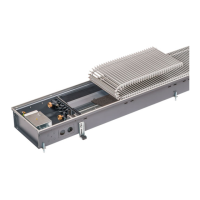
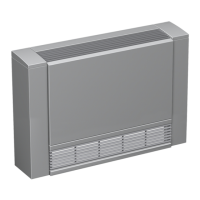
Katherm HK
Assembly, installation and operating instructions
66
9.2.2 KaController type 3210001, type 3210002, type 3210006
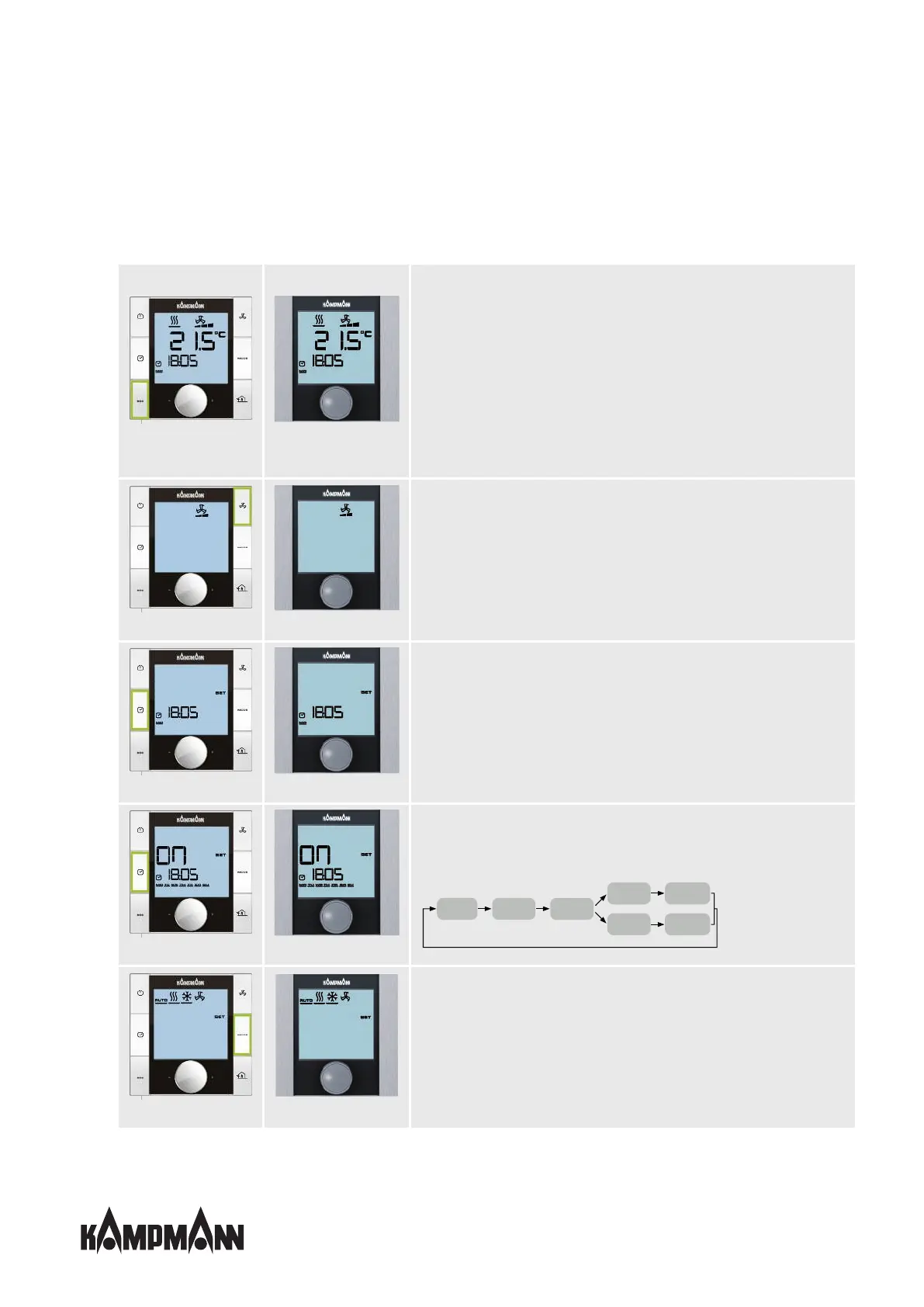
Press and hold down the navigator dial for 3 seconds to move from one menu to the next.
Standard view Standard view
Switching on the unit
Option 1: Turn the navigator dial.
Option 2: Press the ON/OFF button.
Switching off the unit
Option 1: Press the navigator dial for 3 seconds.
Option 2: Press the ON/OFF button.
Option 3: Turn the navigator dial anti-clockwise until OFF appears.
Setting the temperature setpoint
Option 1: Turn the navigator dial.
Fan setting Fan setting
Fan setting
Option 1: Turn the navigator dial.
Option 2: Press the FAN button several times.
Fan stages
Setting values: 0,1, 2, 3, 4, 5, AUTO
Time setting Time setting
Time setting
Adjust the current time by turning and pressing the navigator dial.
Timer programs Timer programs
Timer programs
Adjust the switching times by turning and pressing the navigator dial.
Sequence for entering a timer program:
Timer start screen Day of the week
entry
Timer program
no. entry
Switching-on time
entry
Switching-on time
entry
Switching-off time
entry
Switching-off time
entry
Operating modes Operating modes
Setting the operating modes
Option 1: Turn the navigator dial.
Option 2: Press the MODE button several times.
The "Operating mode" menu item is locked in 2-pipe applications and cannot be accessed!



 To Next Page