KANE900 Plus Operators Manual Page 17
5.2.4 Display Menu
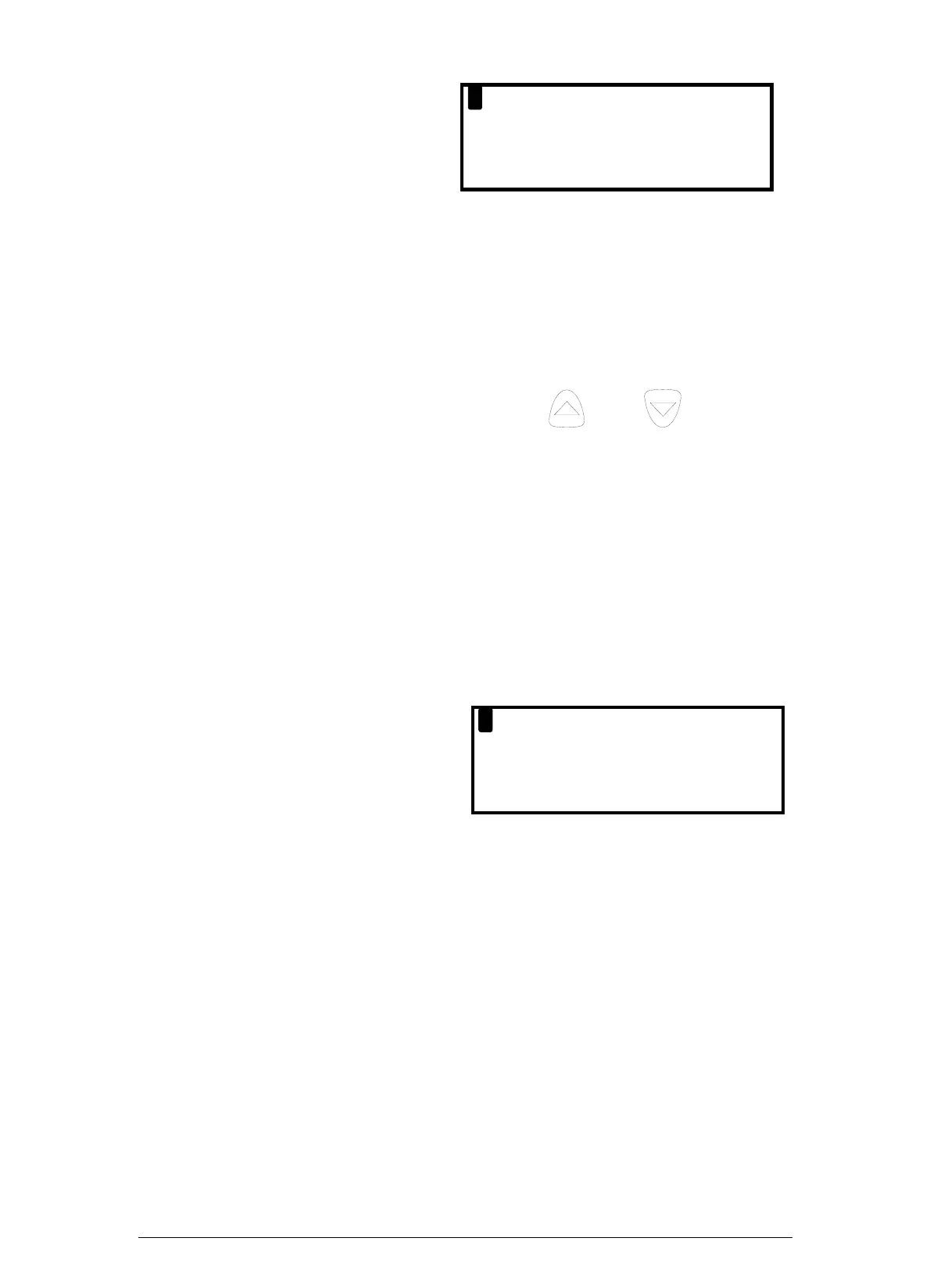
LIGHT
MODE
CONTRAST
: OFF
: 8-PAGE
: DEFAULT
Allows the configuration of the display to be changed.
LIGHT : Choose from ON or OFF.
MODE : Select 4 or 8 Page Mode or Line Scroll Mode as detailed in section 4.3
Main Displays.
CONTRAST :The contrast is set to a DEFAULT value or can be adjusted
↑ LIGHTER or ↓ DARKER. Use the
and keys to
adjust.
5.2.5. Set-Up Menu
The set up menu allows the following parameters to be set / altered.
• Language.
• Automatic calibration time
• CO gas alarm
• NOx percentage for calculation
• Date and time
• Printout Header
LANG
CO AL
CALEN
: ENGLISH
ARM : 400
DAR
ZERO : 3
NOx% : 5
HEADER
Parameter Description Settings
LANG :
Changes the analysers displayed and printed
language.
ENGLISH
SPANISH
DUTCH
FRENCH
ITALIAN
ZERO :
Allows setting of the Autocalibration time in
minutes. Care must be taken when changing this
parameter as sensors may drift from zero if too
short a time is used. Kane International advise 3
minute countdown.
2-6 minutes
CO ALARM :
Allows an alarm level to be set on for the CO
reading. This is set as a default at 1000 ppm.
OFF
0-4000 ppm
Keison Products www.keison.co.uk sales@keison.co.uk Tel: 01245 600560 Fax: 01245 600030



 To Next Page