KANE900 Plus Operators Manual Page 19
Header :
Allows two lines of 20 characters to be
programmed into the analyser. The header appears
on the top of the standard printout. This can be used
to print your company name and/or phone number.
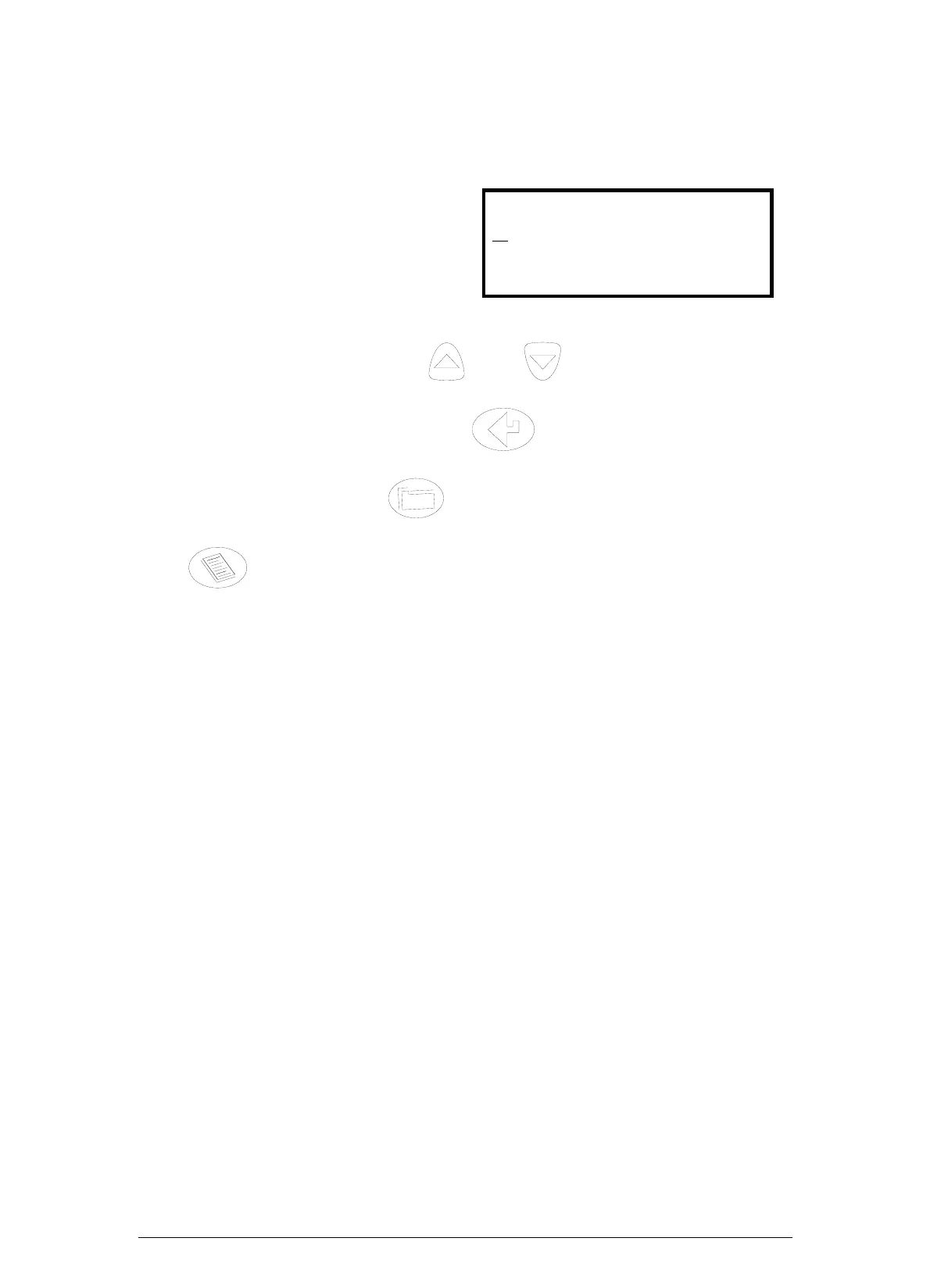
Name/Phone
K
ane International
(44)-1707-375550
‘LEFT’ USE STORE KEY
The screen above shows the standard header setting with the cursor now shown
underlining the K in Kane. By using and any letter or number can be
chosen.
Once the correct character is displayed, use
to move right to the next. Move
along until all characters spell the desired name or phone number. If you need to go
back and change a character use to move left.
Press
to return to the SET UP menu.
Keison Products www.keison.co.uk sales@keison.co.uk Tel: 01245 600560 Fax: 01245 600030



 To Next Page