13
2.2 The Setup Wizard
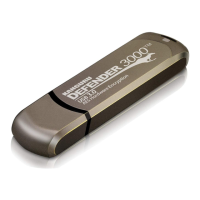
When you start KDM for the first time you will be greeted by the Setup Wizard. Follow the Setup Wizard
instructions to create a security password for your Defender’s secure, encrypted partition.
Caution! Once the Setup Wizard has started, you should not disconnect your Defender flash drive
without either first completing the Setup Wizard or closing the Setup Wizard by clicking on the X button.
2.2.1 Selecting a Setup Language
The default language for the Setup Wizard is English. To run the Setup Wizard in a different language:
1. From the Welcome screen, click on the
icon in the Language Menu.
2. A list of available languages will appear in a drop down menu. Select your desired language from
the drop down menu. The Setup Wizard will switch to the new language.
3. Click on the Next button to continue to the next step.
The Setup Wizard


 To Next Page