36
2.5 Online Documentation
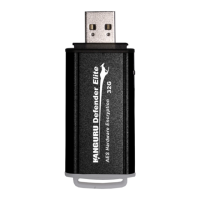
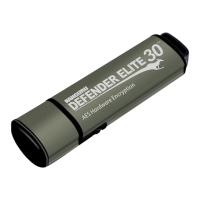
You can download digital copies of the Kanguru Defender flash drive’s documentation from the internet.
To download your Defender flash drive’s documentation, click on the KDM icon
located in the
task bar:
Note: Linux users must right-click on the KDM icon in the task bar.
• Click on ‘Quick Start Guide’ to download a digital copy of the Defender flash drive’s Quick Start
Guide.
• Click on ‘Defender User Manual’ to download a digital copy of the Defender flash drive’s User
Manual
2.6 About KDM
To see which version of KDM is currently installed on your device, click on the KDM icon located
in the task bar and then select ‘About’.
Note: Linux users must right-click on the KDM icon in the task bar.
The KDM Taskbar Menu


 To Next Page