SmartVision & SmartVision LITE – User Guide (Rev. 2.7) – Version 1943.4105 13
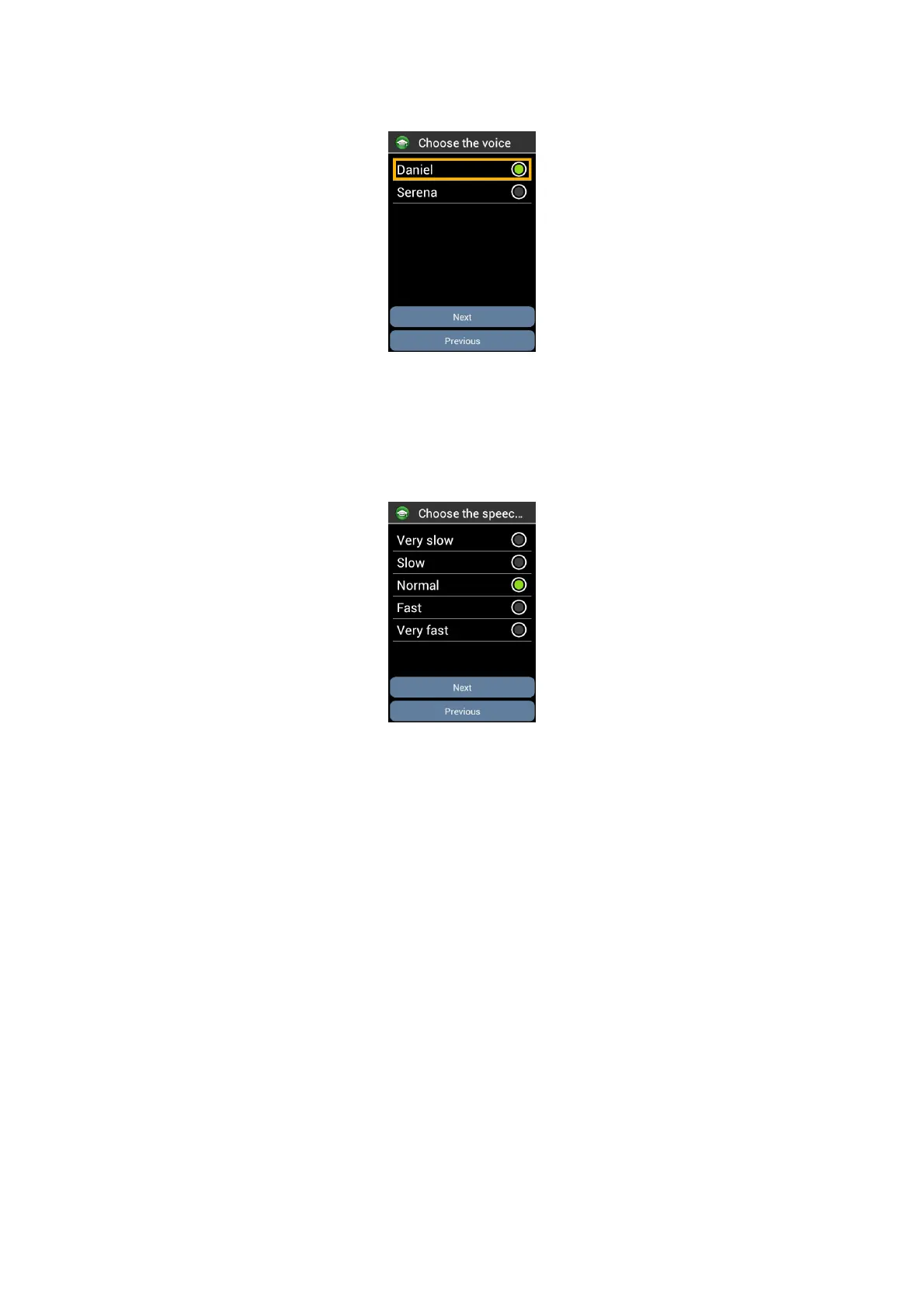
Step 5: Voices selection:
Browse with navigation keys the proposed voices. Press “OK” to select and play the
voice. Select “Next” button and press "OK" to confirm your choice and move to the
next step.
Step 6: Speech speed selection:
Browse with navigation keys the proposed speech speed. Press “OK” to select and
hear the speech speed. Select “Next” button and press "OK" to confirm your choice
and move to the next step.



 To Next Page