SmartVision & SmartVision LITE – User Guide (Rev. 2.7) – Version 1943.4105 14
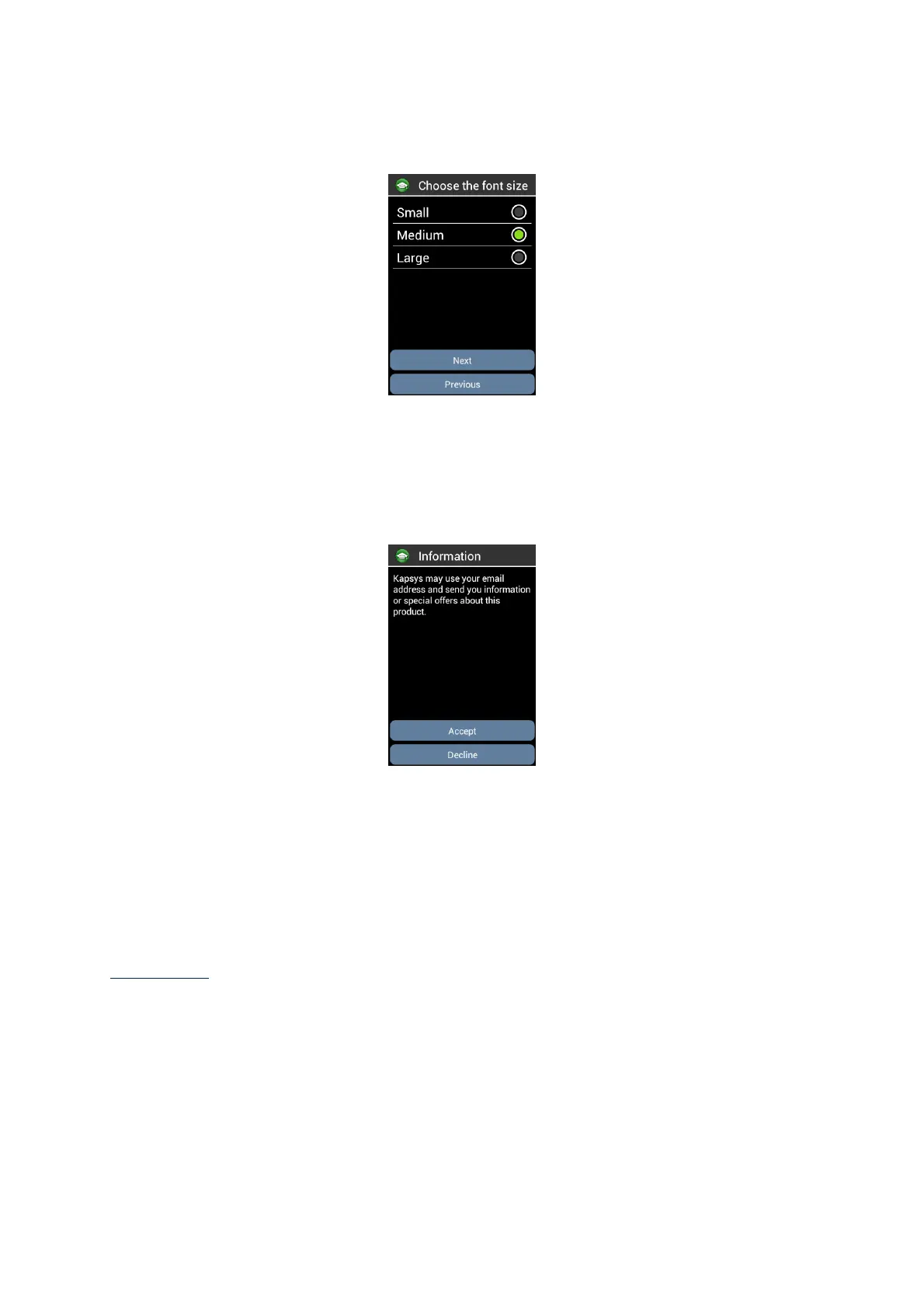
Step 7: Font size selection:
Browse with navigation keys the proposed font sizes. Press “OK” to select and
visualize the font size. Select “Next” button and press "OK" to confirm your choice
and move to the next step.
Step 8: Information
Kapsys may use your email address and send you information or special offers about
this product.
Select « Accept » if you want to get information about SmartVision, otherwise select
« Decline ».
Once this last step completed, the SmartVision starts normally and the unlocking PIN
screen appears.
Please note: After the tutorial, it will not be restarted automatically when starting the
SmartVision. However, it is possible to replay the tutorial from step 3 at any time by
selecting the application 'SmartVision Tutorial "from the list of applications.



 To Next Page