SmartVision & SmartVision LITE – User Guide (Rev. 2.7) – Version 1943.4105 18
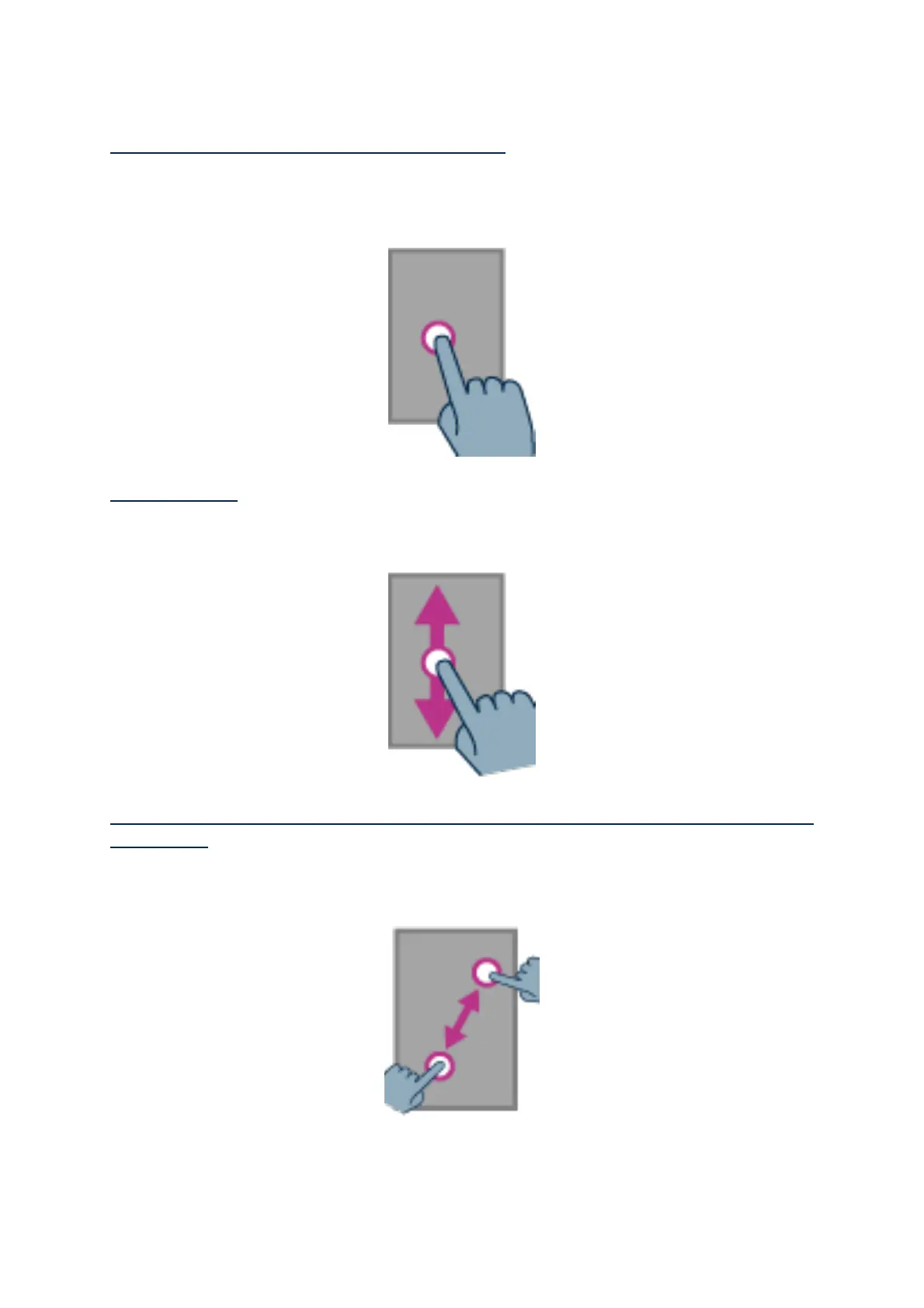
Selecting or activating an item on the screen:
Make a short key press or click on an item to select it, confirm an action, or display
the virtual keypad in the provided input field.
Make a long key press to get more options for the selected item (context menu).
Scrolling a list:
Scroll up and down a displayed list by sliding your finger up and down without
removing your finger of the screen.
Zooming in/out (available on specific applications such as Image Viewer,
Email, etc.):
Use two fingers to touch the screen, pinch inwards to zoom out, and pinch outward to
zoom in.



 To Next Page