SmartVision & SmartVision LITE – User Guide (Rev. 2.7) – Version 1943.4105 21
Explore by touch:
Touchscreen is the standard way of interacting with Smartphones. It allows users to
navigate through the various menus and control the Smartphone with simple or multi-
touch gestures by touching the screen. SmartVision has an advanced accessibility
mode called «Explore by touch» which supports additional commands and control
gestures for easy navigation through the screens. “Explore by touch” is set by default
in SmartVision which modifies the behavior of the touch screen to fit for visually
impaired.
Please note: to disable the «Explore by touch» option, select «Settings» from the
Home screen, then “Accessibility” item and finally uncheck the option in the list.
«Explore by touch» is also available with direct access via a long press on the
«On/Off» button.
Gesture control of the Touchscreen:
The "Explore by touch" mode supports additional control gestures to easily navigate
through the screens and interact with your smartphone. Below are listed the the
different gestures that you can use when the explore by touch is enabled:
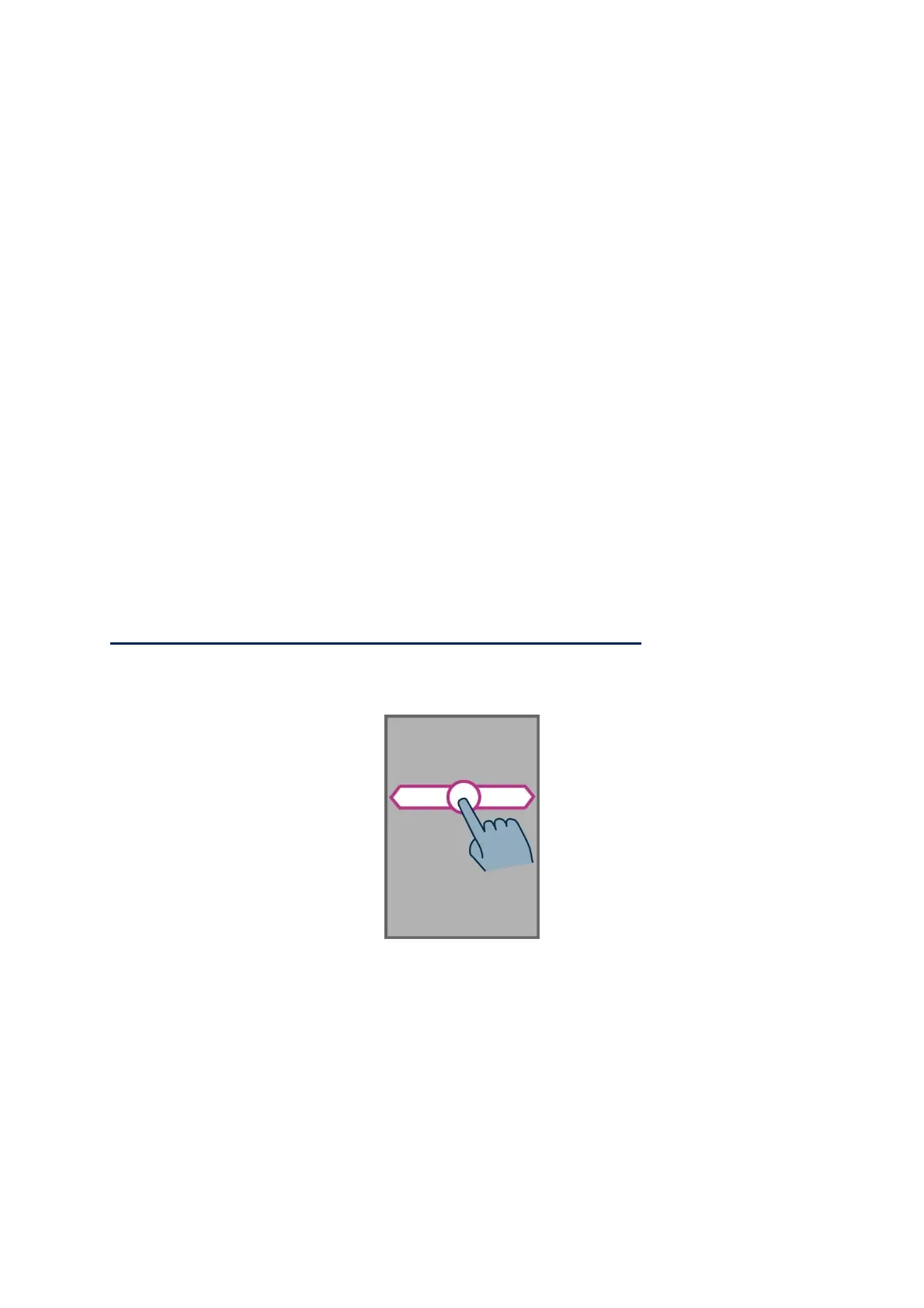
How to have an audio description of what is on the screen, place your finger on
the screen, slide it from right to left then from left to right. You will hear a voice over
description of items displayed on the screen.



 To Next Page