SmartVision & SmartVision LITE – User Guide (Rev. 2.7) – Version 1943.4105 37
Favorites
The "Favorites"
application is SmartVision’s most convenient functionality and is
available from the home screen. It works like a directory in which your preferred
applications or the ones you use most frequently are stored.
Creating a favorite
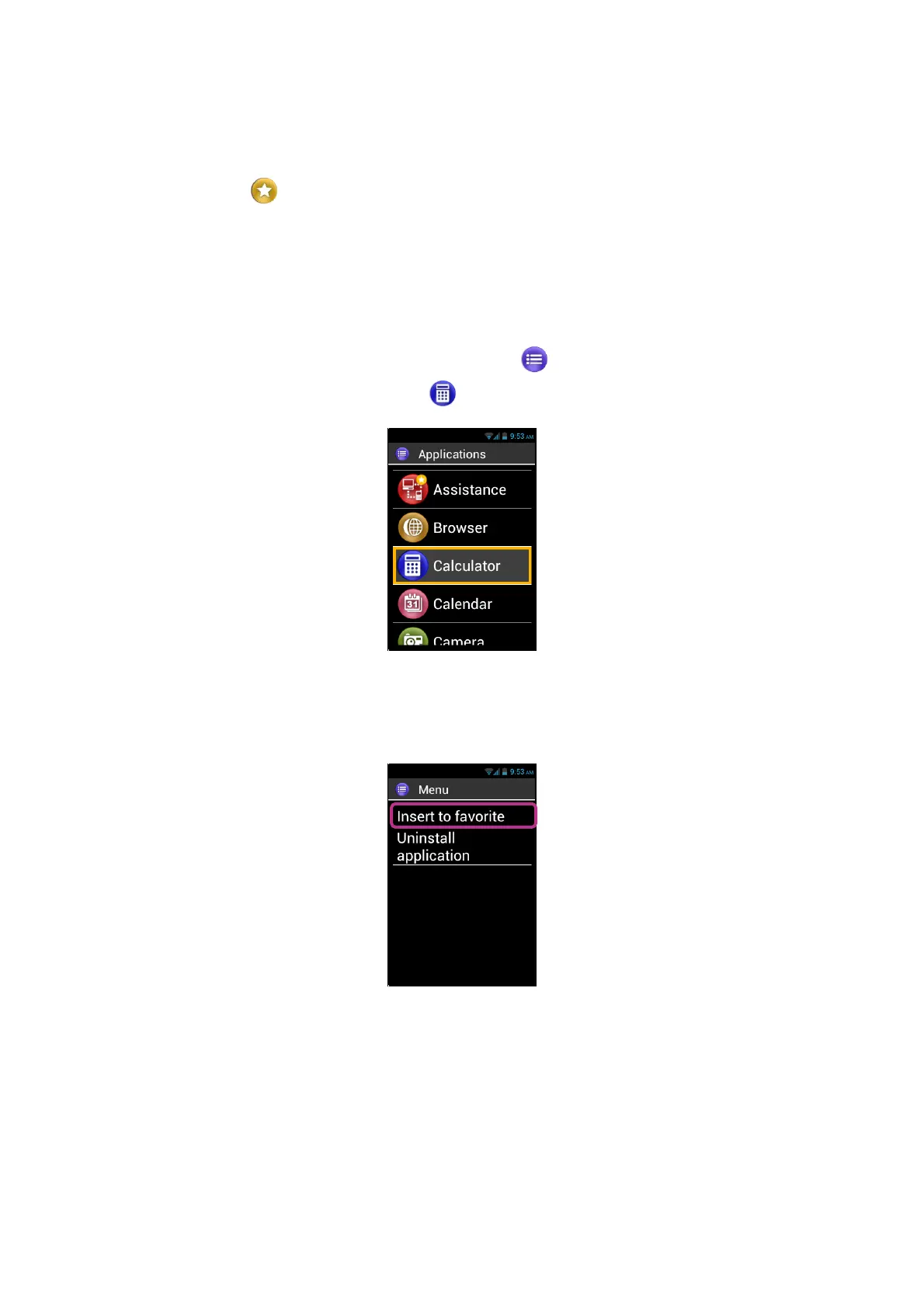
For example, add the "Calculator" application into "Favorites".
1. From the home screen, select "Applications" .
2. Scroll the list until the "Calculator"
application is highlighted.
3. Press and hold the "OK" key of the keypad to open the context menu.
4. From this context menu, click on "Insert to favorite" to store "Calculator" in your
preferred applications.
5. Confirm with "Yes".



 To Next Page