SmartVision & SmartVision LITE – User Guide (Rev. 2.7) – Version 1943.4105 38
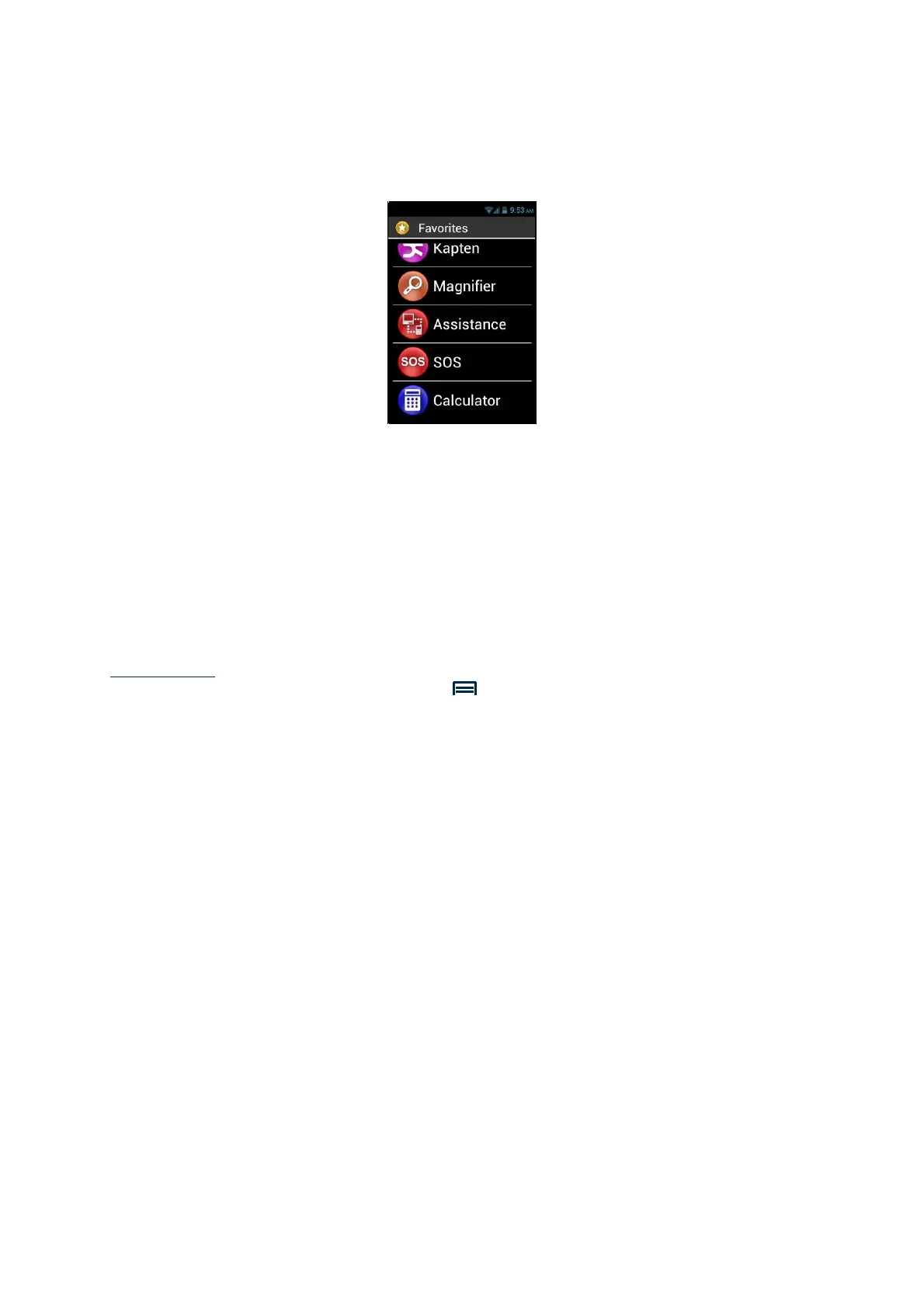
The "Calculator" application can now be directly accessed from the "Favorites"
screen.
Managing Favorites
To remove a Favorite application, access the "Favorites" menu, click on the
application to be removed, press and hold the keypad "OK" key. Click on "Remove
from favorite" in the context menu then confirm deletion with "Yes".
To organise your applications within the list, click on "Up into the list" or "Down into
the list" option from the context menu.
Please note: in the same manner as for listing the applications, if you wish a matrix
format (lines/columns), press the "Menu" button, and click on "By matrix".



 To Next Page