SmartVision & SmartVision LITE – User Guide (Rev. 2.7) – Version 1943.4105 39
Telephone
The "Phone"
application by SmartVision is a very user friendly feature with a lot
of options.
How to make a call?
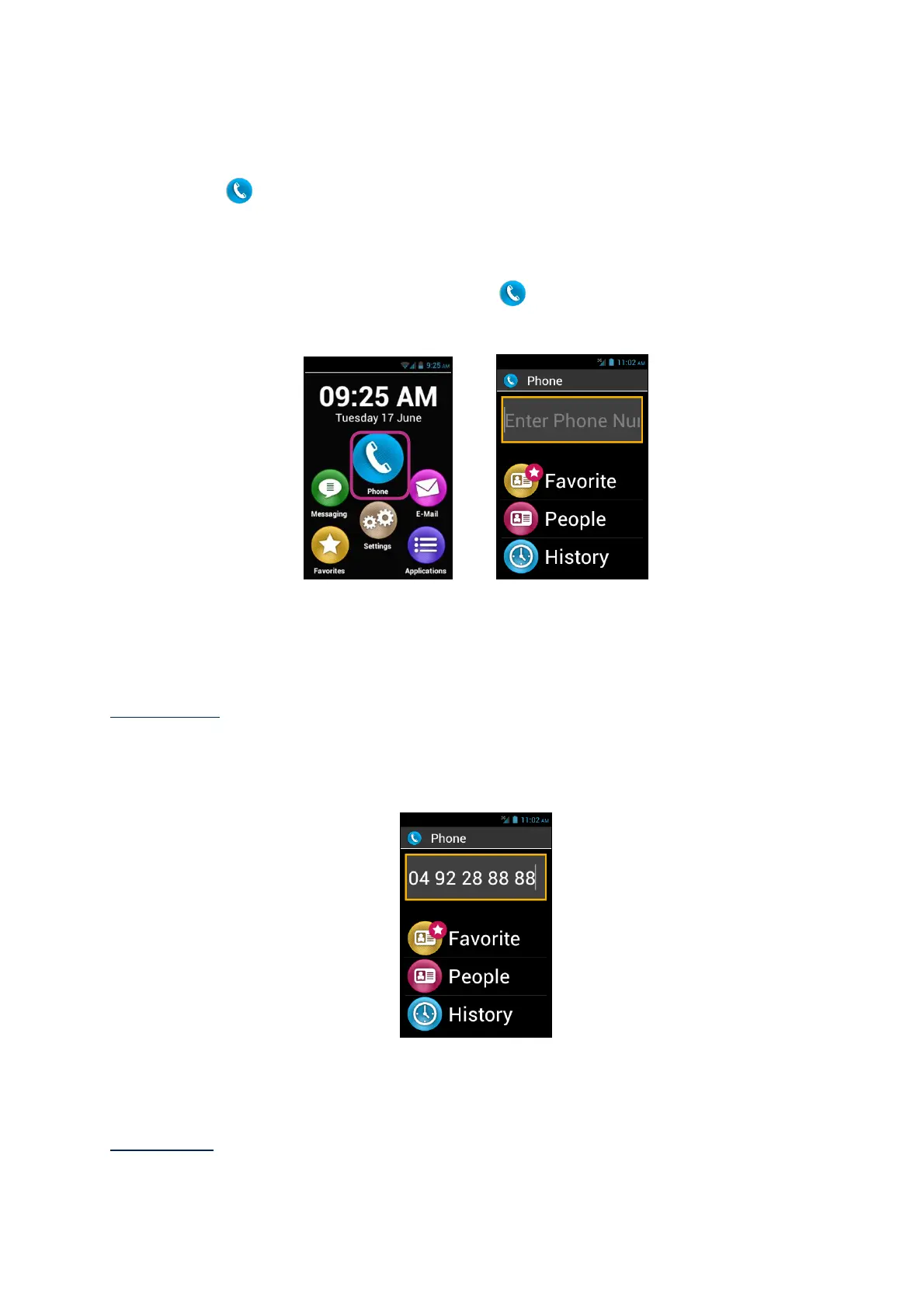
1. From the Home screen, click on "Phone" icon, the application main screen
appears.
2. You can either type your correspondent’s number using your telephone keypad,
or retrieve a number from the "People" application, a contact name from
"Favorite", or from the call "History".
Please note: You can use the "Search" item into the menu of "contacts" and
"Favorites" to find a contact quickly.
3. When the number or contact name has been entered, press the keypad "OK" key
to send the call.
4. The screen shows that the call is in progress. At the end of the call, press "C" key
to hang up. The unit will display "End".
Please note: Use a long press on keyboard “0” to do “+” for international call



 To Next Page