SmartVision & SmartVision LITE – User Guide (Rev. 2.7) – Version 1943.4105 42
How to answer a call?
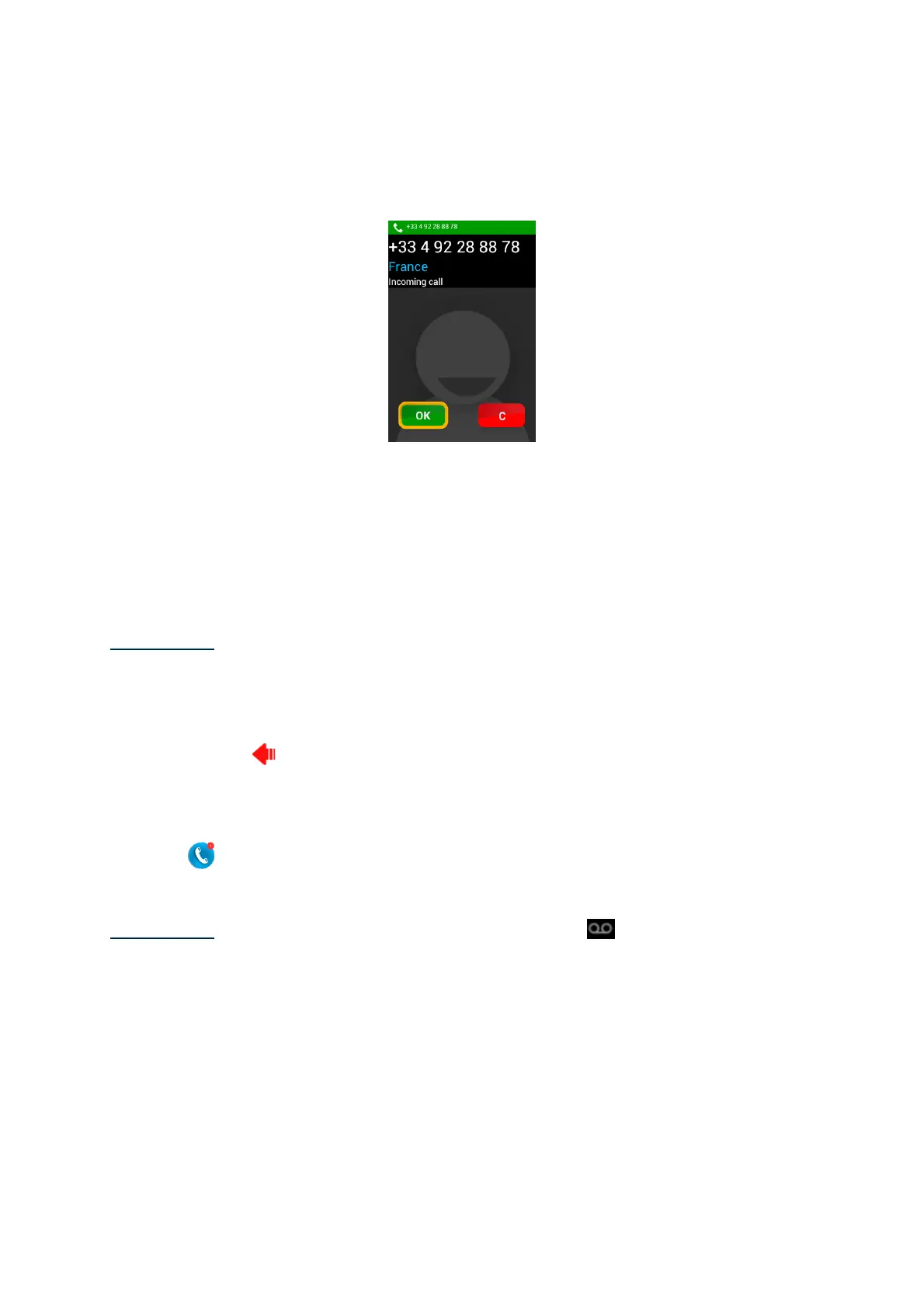
When you receive an incoming call, a ringtone is heard. The unit immediately shows
two keys: "OK" and "C", even in screen off mode.
The caller’s number appears on the top of the screen.
If the caller is a contact that has been added to your list of "People", his/her name
will be shown instead of the phone number.
Press the "OK" key of the keypad if you want to answer. If you want to reject the call,
click on the "C" key.
Please note: you can also pick-up a call by pressing a key from 0 to 9 or Hash (#) or
star (*) if “Pick up incoming call by pressing any numeric key” is ticked from the
accessibility parameters.
If you have missed a call, this call will be listed in the call "History" as a missed call,
with a red arrow . You will be able to call back simply by selecting this number or
contact from the History menu.
The missed call will also be shown on the home screen with a red bubble over the
"Phone"
icon, and a message alert in the notification panel. If you click on the
missed call from these locations, you immediately reach the "History" menu.
Please note: the missed call can also be indicated by the
voicemail symbol in the
status bar. Please refer to the next page to learn how SmartVision voicemail
operates.
Voicemail
SmartVision is equipped with a voicemail that works like an answering machine.
Configuration and features of the voicemail service depend on your service provider.



 To Next Page