SmartVision & SmartVision LITE – User Guide (Rev. 2.7) – Version 1943.4105 43
To set up your voicemail, please click on "Phone". Press the "Menu" button, and
click on "Settings", then on "Voicemail". Enter the number for the voice mail
supplied by your telephone service provider and confirm.
Whenever a caller leaves you a voice message, the message will show in the status
bar with the Voicemail symbol. To listen to your voice message, simply call your
voicemail service making a long press on number key"1"
from the physical
keypad.
Call History
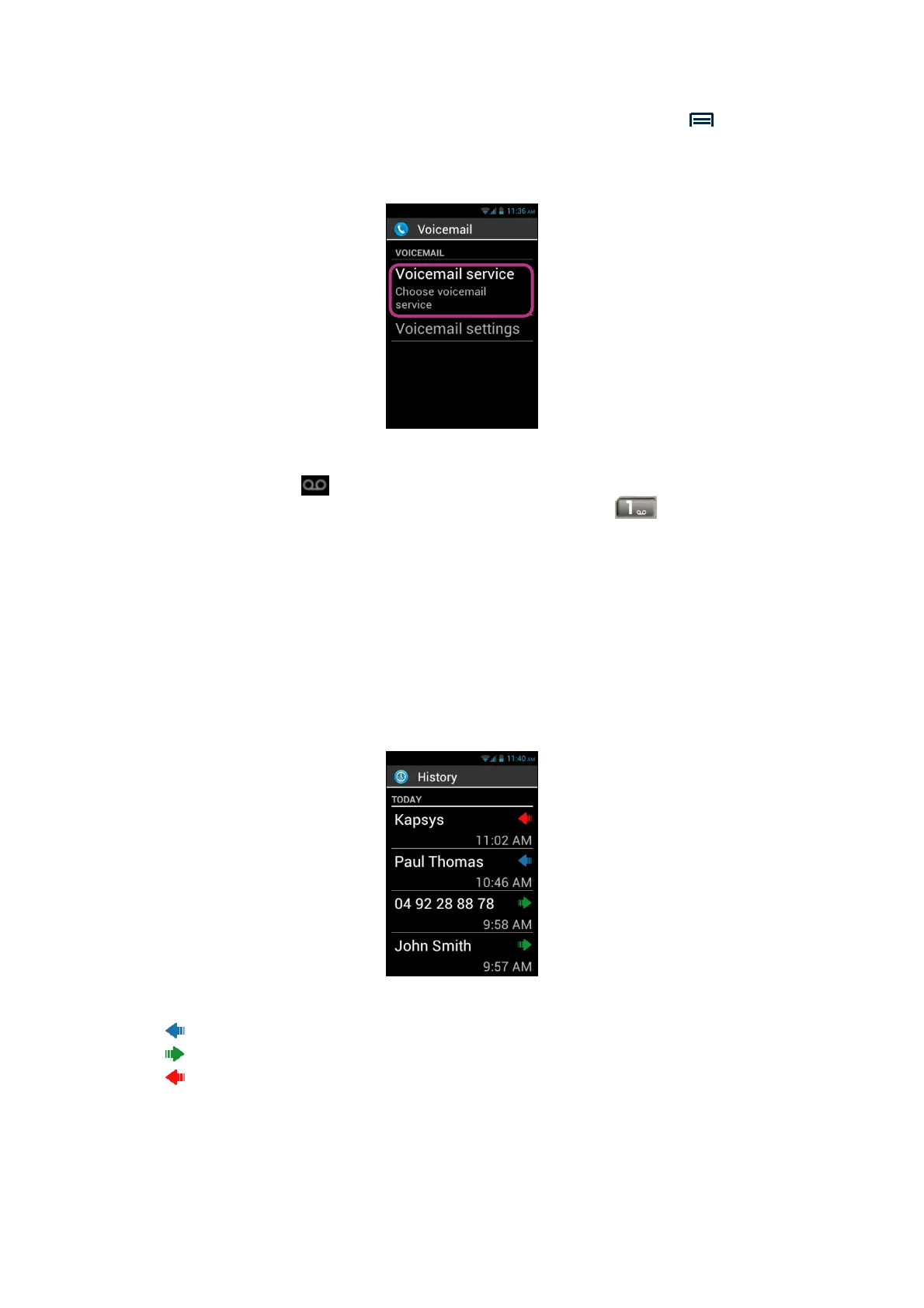
The "History" menu stores calls recently made or received by you. They are listed
from newer to older.
This feature presents two advantages: it keeps you informed of any call you have
missed, and gives you direct access to phone numbers and contacts.
SmartVision makes use of the symbols below for each call:
- Blue arrow to indicate an incoming call, either accepted or rejected by you.
- Green arrow to indicate an outgoing call made by you.
- Red arrow to indicate a missed call.



 To Next Page