SmartVision & SmartVision LITE – User Guide (Rev. 2.7) – Version 1943.4105 44
Calling a number or a contact from the Call History
To call back a number or a contact from the Call History, simply click on the
number/contact from this screen, and the call is made instantly.
At the end of the call, press the "C" key of the keypad or press the “Hang up”
icon to end the call.
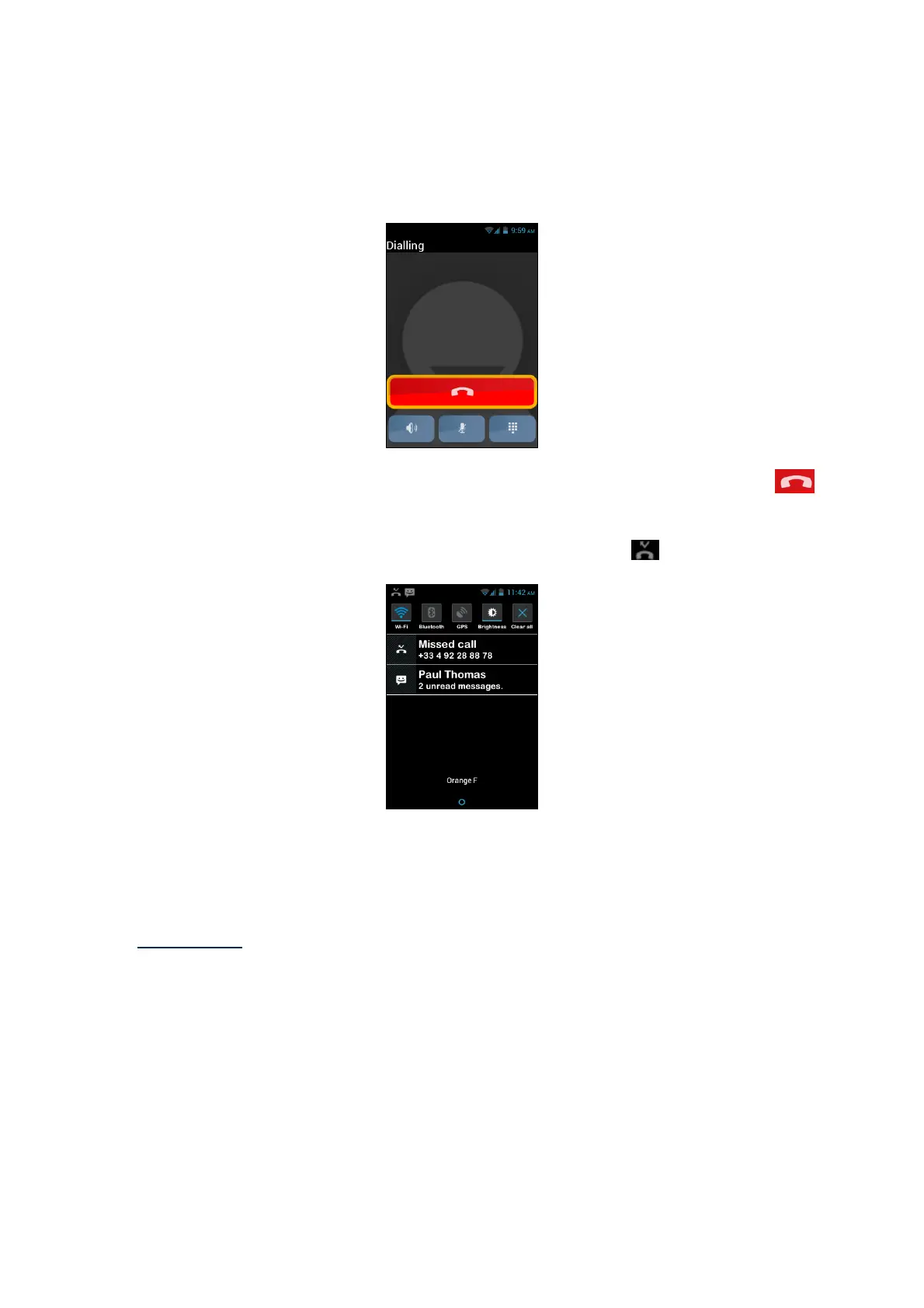
You can also call back a missed call from the notification panel , as follows:
- Open the notification panel.
- Select the missed call alert, you will instantly reach the "History" menu of your
smartphone.
Please note: To remove an item from the history, select it and press and hold the
"OK" key, then select from the contextual menu the item "remove from call log".
You can also remove all call history from the "Menu" in the "History" page.



 To Next Page