SmartVision & SmartVision LITE – User Guide (Rev. 2.7) – Version 1943.4105 45
Messaging
The "Messaging"
application lets you send and receive short messages or SMS
and MMS (text messages containing a multimedia item such as an image or a video,
etc.)
How to send a message?
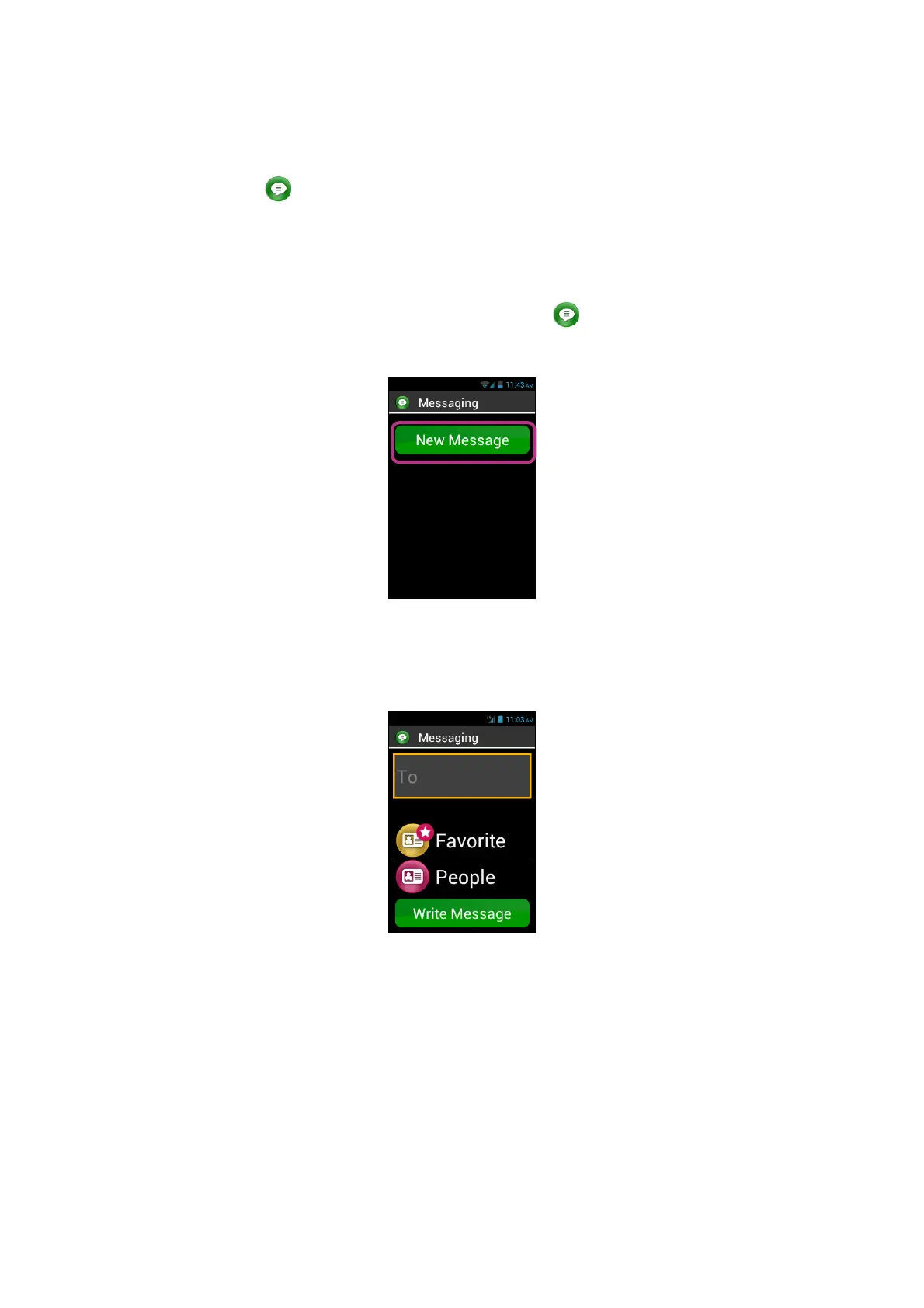
1. From the Home screen, click on the "Messaging" icon.
2. Click on "New Message" on top of the screen.
3. Several options are available to enter the recipient details: type his/her phone
number into the "To" input field using the keypad, or select one recipient in the
"People" list, or choose your contact from the "Favorite" menu.
4. When the recipient’s details are entered, click on "Write Message". The "Type
message" screen appears.



 To Next Page