SmartVision & SmartVision LITE – User Guide (Rev. 2.7) – Version 1943.4105 46
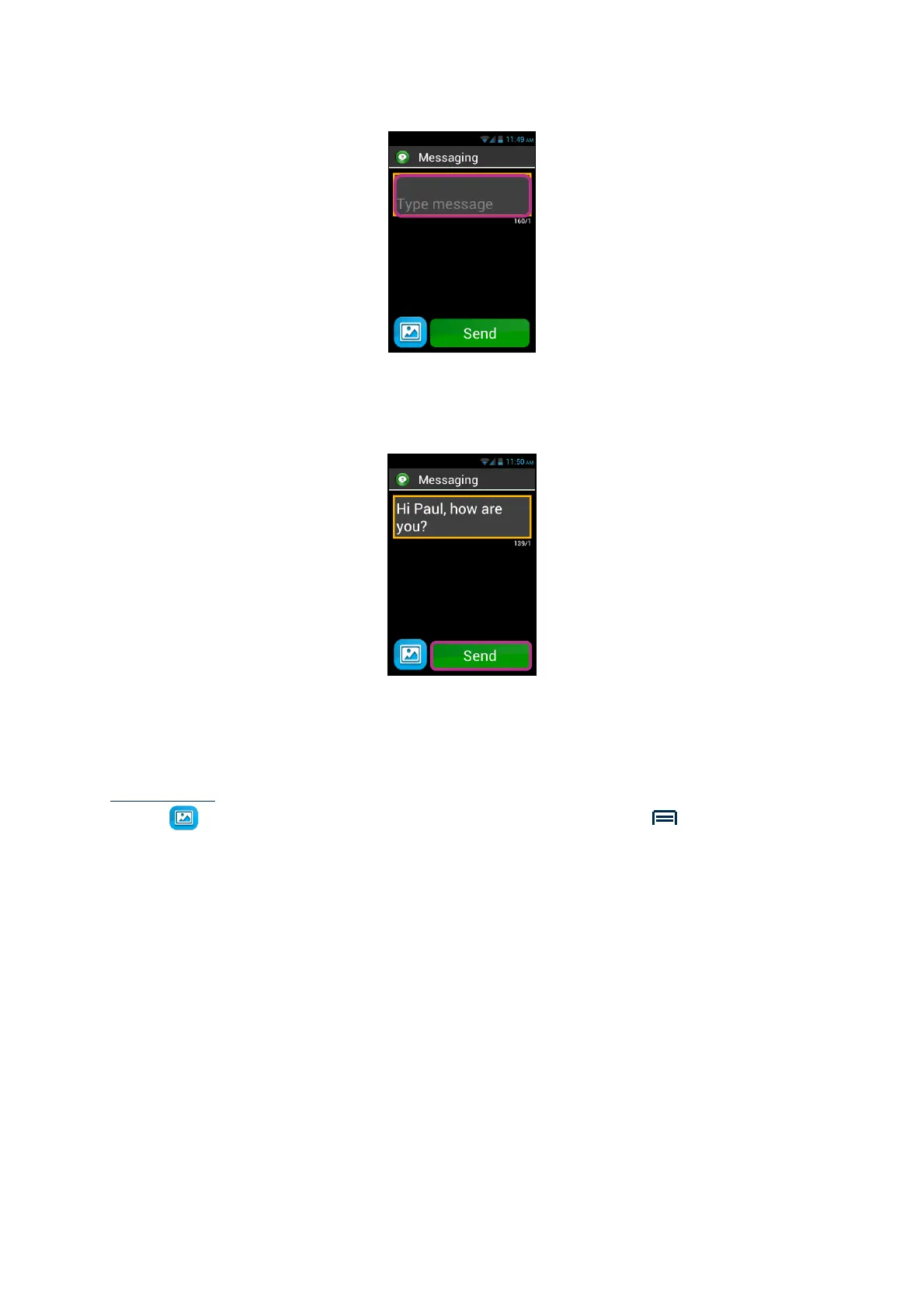
5. Type your message in the text field using the physical keypad, the virtual keypad
or speech-to-text (press and hold the voice control key to dictate).
6. When the entry is completed, click on "Send", your message will be sent and a
conversation is opened.
Please note: if you wish to attach an image or a video to your message, click on the
attach
symbol at the screen bottom left, or press the "Menu" button. Through
menu you will also be able to add or remove a recipient.



 To Next Page