SmartVision & SmartVision LITE – User Guide (Rev. 2.7) – Version 1943.4105 63
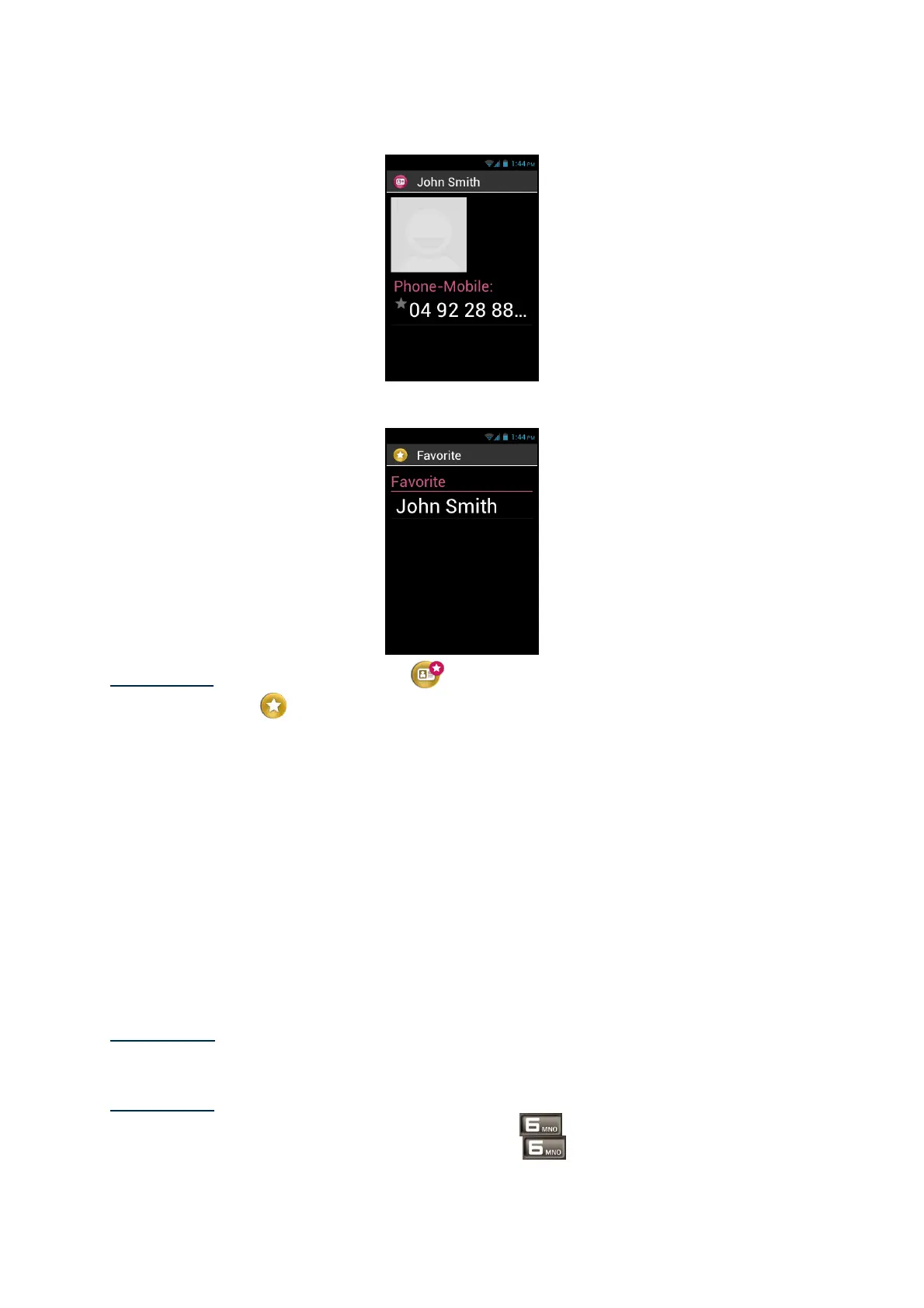
The selected number is shown with a star.
In the example below, Pierre Durand is now available in the "Favorite" Contact list
within the "Phone" and "Messaging" applications.
Please note: the "Favorite" Contact
list applies to contacts, it is different from
The "Favorites0" application reserved for preferred applications.
Find a Contact
If you wish to quickly access one of the People saved on your SmartVision, you can
use the search option:
- From the "People" application, click on "Menu"
- From the list of options, click on "Search". A search input box is displayed in
the top bar.
- Enter the first characters of the contact name you want search using the
physical or virtual keypad.
- SmartVision shows all contacts matching the search criteria.
- Use the navigation keys to select a contact into the list.
Please note: you can also activate the search mode directly from your "People" list
by pressing any key on the keypad.
Please note: you can quickly reach an item in the list of contacts using the keys 2 to
9 on the keypad. For example, pressing the "6" key to select the first contact
beginning with the letter "M". Press twice the "6" key to select the first contact



 To Next Page