SmartVision & SmartVision LITE – User Guide (Rev. 2.7) – Version 1943.4105 64
beginning with the letter "N". The start "*" and hash mark "#" keys to quickly access
the beginning and end of the list.
Import, Export contacts
To avoid problems with specific format of contacts stored on the SIM card, the SIM
contacts are not displayed by default in the SmartVision. To view, edit and use
contacts from the SIM card, it is necessary to import them previously in the internal
memory of SmartVision.
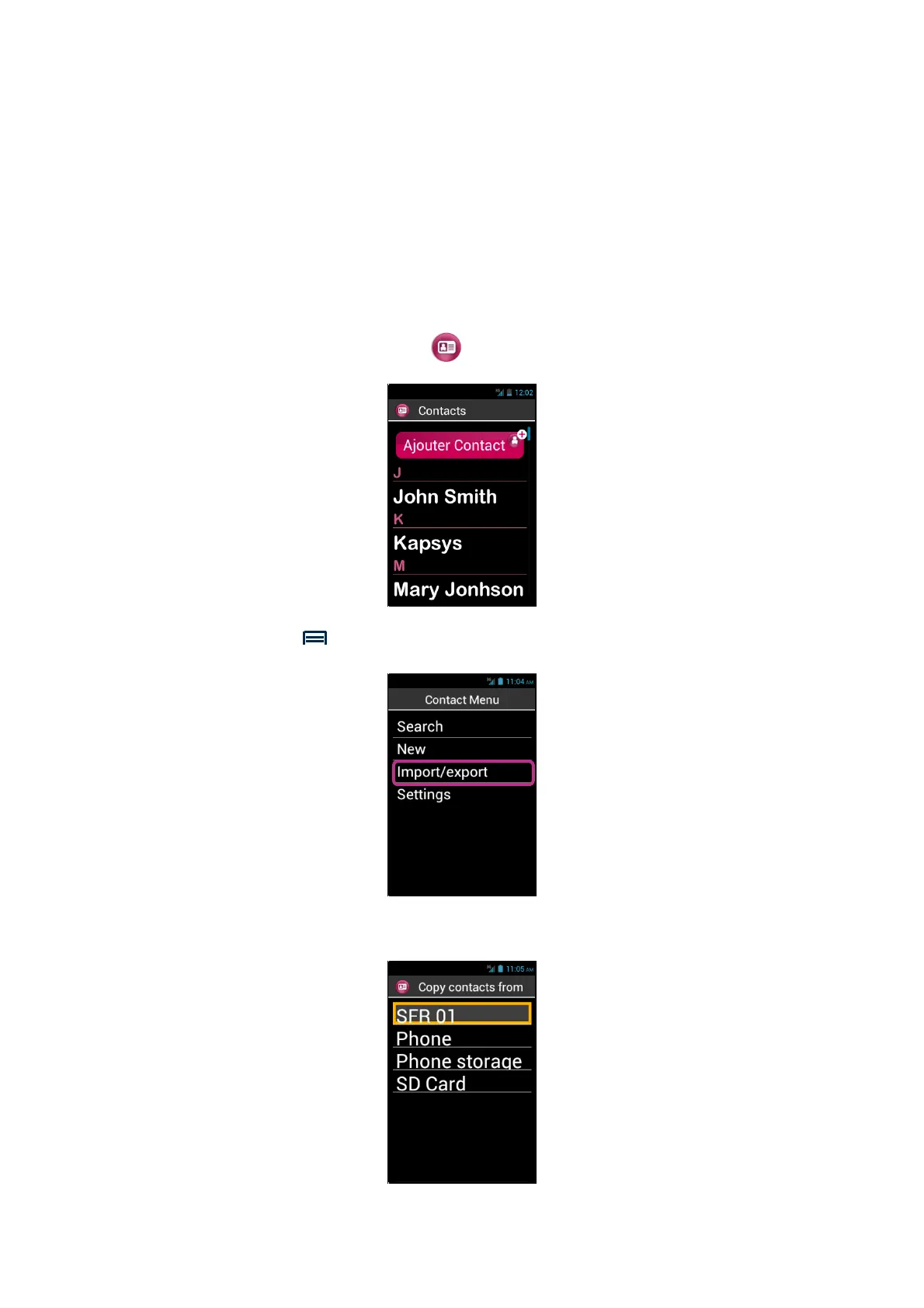
1. To import contacts from the SIM card to the internal memory of the phone,
start the application « People » .
2. Press « Menu » key, then « Import/Export ».
3. Select the copy source, that is your SIM card.



 To Next Page