SmartVision & SmartVision LITE – User Guide (Rev. 2.7) – Version 1943.4105 65
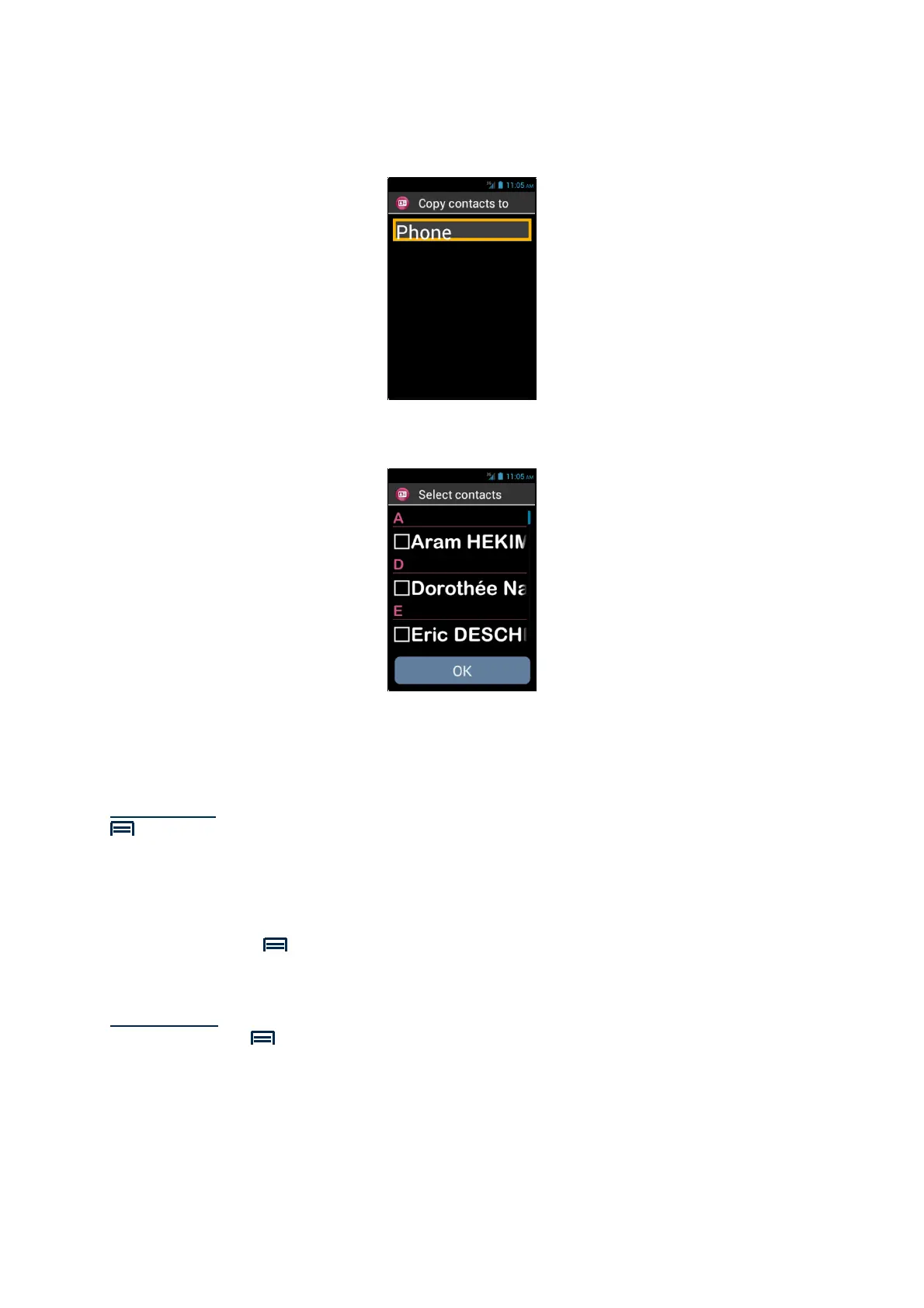
4. Then select the destination of the copy. In this case, the « Phone ».
5. The list of all contacts stored on the SIM card appears.
6. Select the contacts you want to save in the phone's internal memory and
complete the import by selecting "OK".
Please note: you can also select all the contacts from the SIM card via the "Menu"
key, then "Select All"
Delete a Contact
From the contacts list, select the contact you want to delete. Once the profile opens,
click and "Menu" and select "Delete". Confirm the deletion of this contact with
"OK". The contact will then be removed from the phone memory.
Please note: You can also delete all contacts stored into the phone memory by
pressing "Menu" from the contacts list and select "Delete all contacts".



 To Next Page