SmartVision & SmartVision LITE – User Guide (Rev. 2.7) – Version 1943.4105 88
Magnifier
SmartVision includes a digital magnifier for an enhanced user experience. The digital
magnifier lets you enlarge text or entire documents and adapts to your visual acuity
using the different settings available for the zoom and colour contrasts.
The digital magnifier is accessed by selecting "Favorites" , then clicking on
"Magnifier"
from the home screen.
Pass your SmartVision above the text to be enlarged, move up or down to adjust the
sharpness and use number keys "2" and "3" to zoom in and out.
Additional options are:
- Key 1: increases or decreases the brightness level.
- Key * (star): freezes the screen.
- Key 0: takes a picture and saves it to the gallery.
- Key # (hash): chooses from the 9 colour contrast levels available.
You can also access these options by pressing the "Menu" button.
Please note: For best results, proper lighting conditions are required.
Music
The "Music"
application allows you to play music or voice memos stored on your
phone memory or micro SD card.
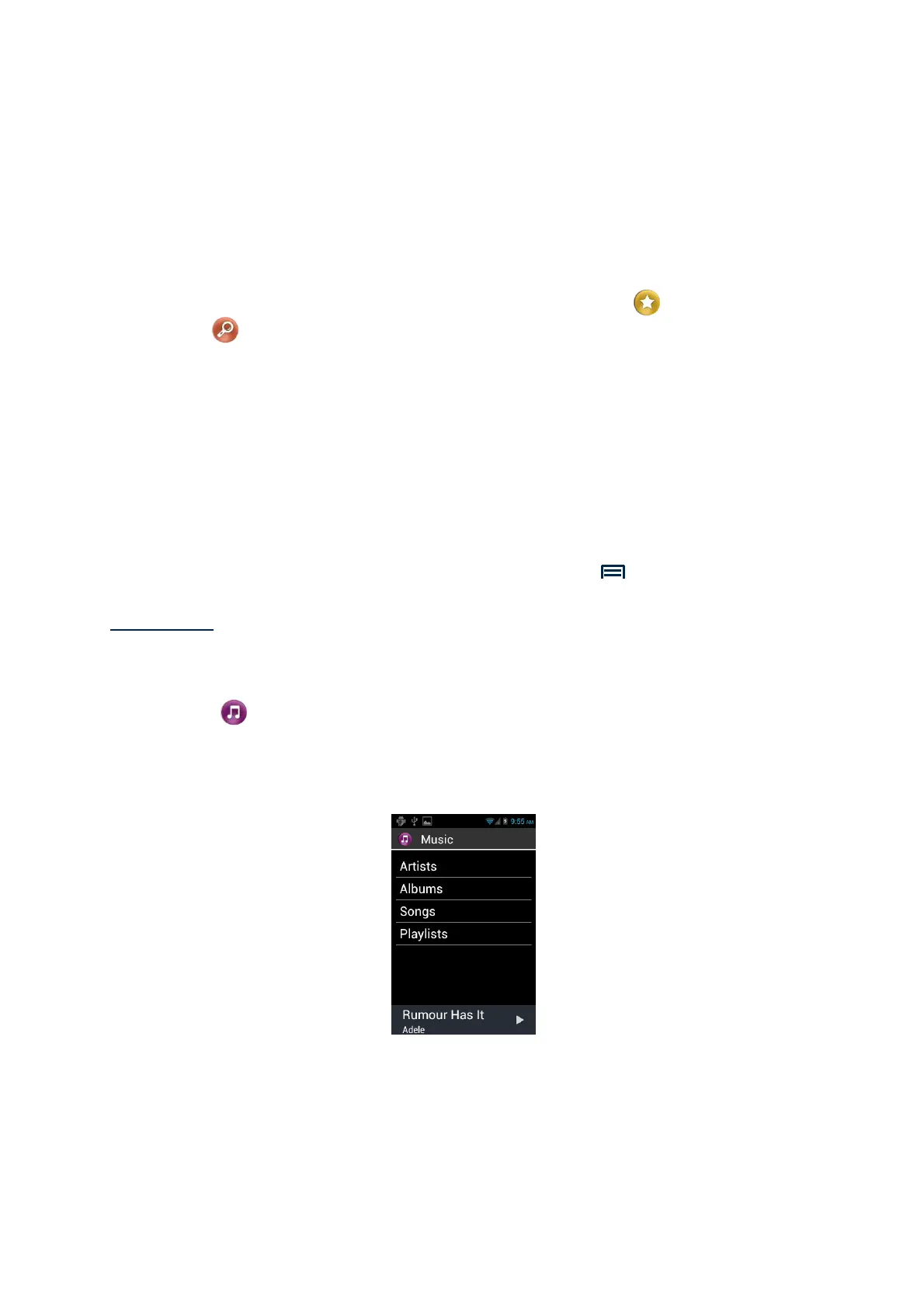
When the music application is launched, you can select your tracks sorted by
albums, artists, songs or playlists.



 To Next Page