SmartVision & SmartVision LITE – User Guide (Rev. 2.7) – Version 1943.4105 89
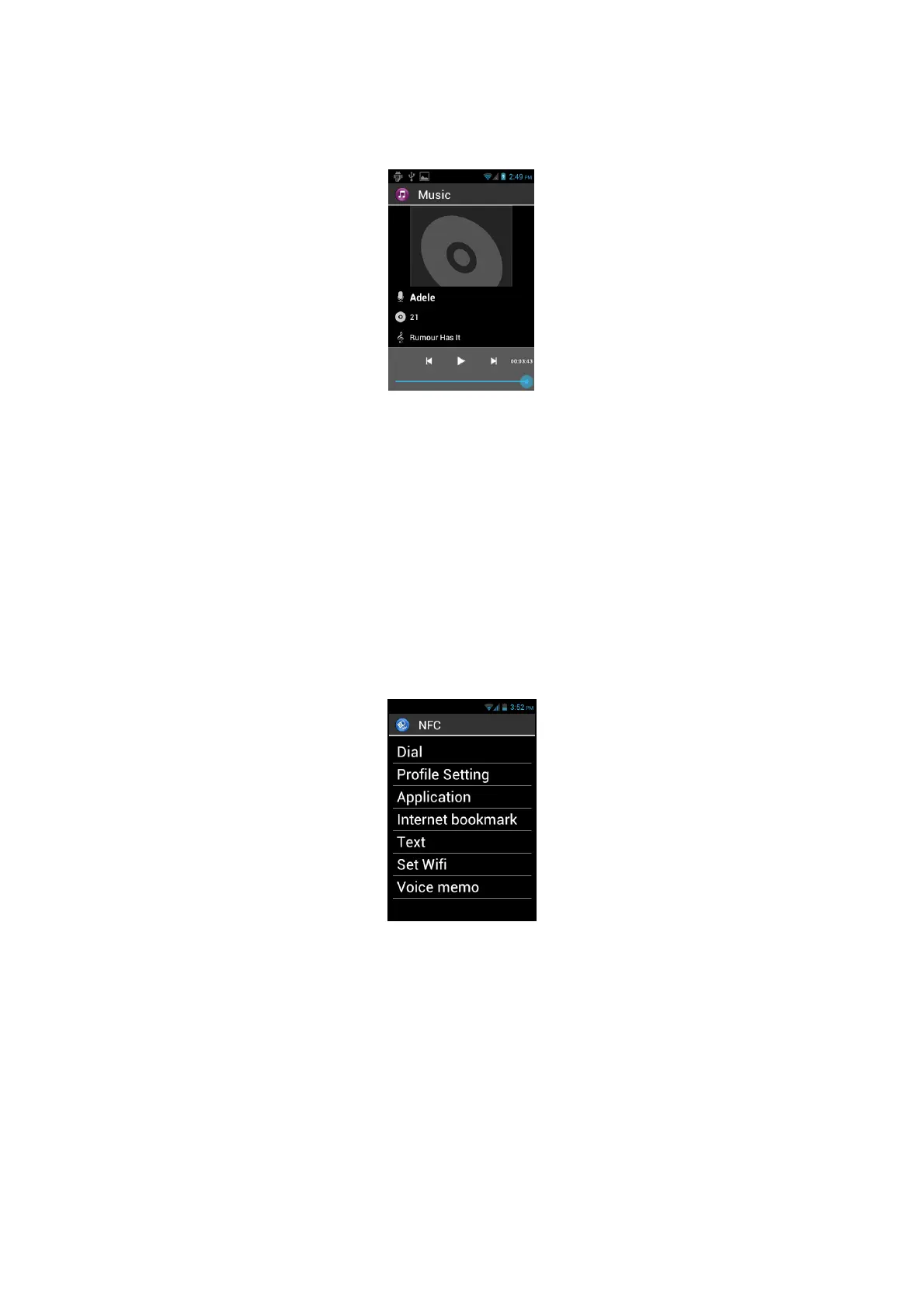
While listening, use up and down arrows to move to previous track, next track, play
and pause actions.
Use 1 and 2 keys to move forward into the track respectively of 10 and 30 seconds.
Use 3 and star “” keys to move backward into the track respectively of 10 and 30
seconds.
You can also press "Menu" button to access other listening options like as switching
to shuffle mode, setting the repeat mode or setting the song played as a ringtone.
NFC
NFC (Near Field Communication) technology lets smartphones and other devices to
communicate with NFC tags.
SmartVision offers this feature, therefore you can set up and read your NFC tags.
The different options available in this application will let you assign either information
or an action to an NFC Tag which can then be automatically executed when you read
the TAG. These options are:
- "Dial" assigns a phone number to a contact, and dials that number.
- "Profile Setting" assigns a phone mode (Wi-Fi, Bluetooth, Airplane mode,
ringtone) and enables it.
- "Application" assigns an application which can be automatically launched.
- "Internet bookmark" assigns a link to a webpage, and loads the webpage in
the web browser.
- "Text" assigns a text and reads it using speech recognition.



 To Next Page