SmartVision & SmartVision LITE – User Guide (Rev. 2.7) – Version 1943.4105 90
- "Set Wifi" assigns Wi-Fi login details (username and password) and
automatically logs in.
- "Voice memo" assigns a voice memo and plays it.
To write or read an NFC Tag, bring the back side of your smartphone close to the
tag, a beep will notify you that the action was registered.
Note
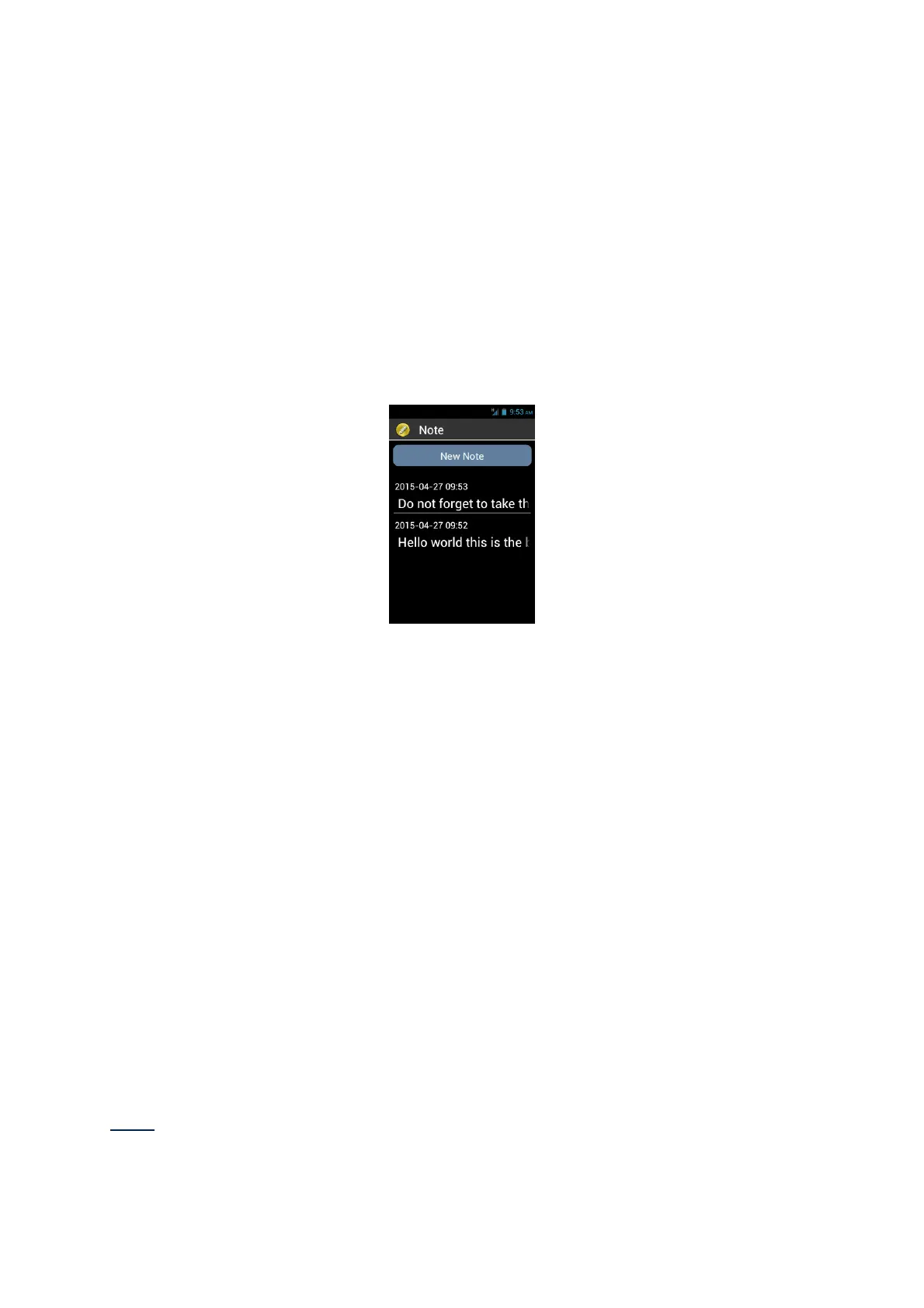
The “Note” application is used to write and save texts, reminders or shopping list for
example.
To create a note, from main screen select “New note”, then use the keypad or the
voice recognition mode to enter your text. When finished, select “Confirm” to save
the note.
Once created all notes are sorted by date.
To read the note, select it from main screen by using up and down arrows. Then
press on “OK” key if you want to open the reading mode and then navigate into the
note by using the following shortcuts:
- Short press on key « OK » : Play / pause.
- Short press on key “1” : Read left character.
- Short press on key “2” : Read right character.
- Short press on key “4” : Read left word.
- Short press on key “5” : Read right word.
- Short press on key “7” : restart from the beginning
Short press on key “8” : move to the end
1, 2, 3, 4, 5 keys will pause automatically the reading, press “OK” key to resume.
Note: You can also edit, copy, delete or export a note using the "Menu" while you are
into the reading mode.



 To Next Page