SmartVision & SmartVision LITE – User Guide (Rev. 2.7) – Version 1943.4105 91
OCR
(1)
(1)
: Not available on SmartVision Lite.
The OCR function scans a text by means of optical character recognition, and reads
it outloud, using text-to-speech function.
The conversion rate depends on the text capture quality. The OCR application is
equipped with intelligent document recognition and automated data capture system
that has the capability to accurately convert an A4 document with text in font size 12
or higher. To ensure automated detection, your document must be placed in front of
you in vertical position on a clear, one coloured, well-lit, even support base which
strongly contrasts with the document to be scanned.
Two capture modes are available:
1. "Page detection" capture mode is particularly useful for blind people. The
user is voice guided throughout the process of having the document detected
and captured automatically.
2. "Camera" mode allows to capture text documents without voice guidance.
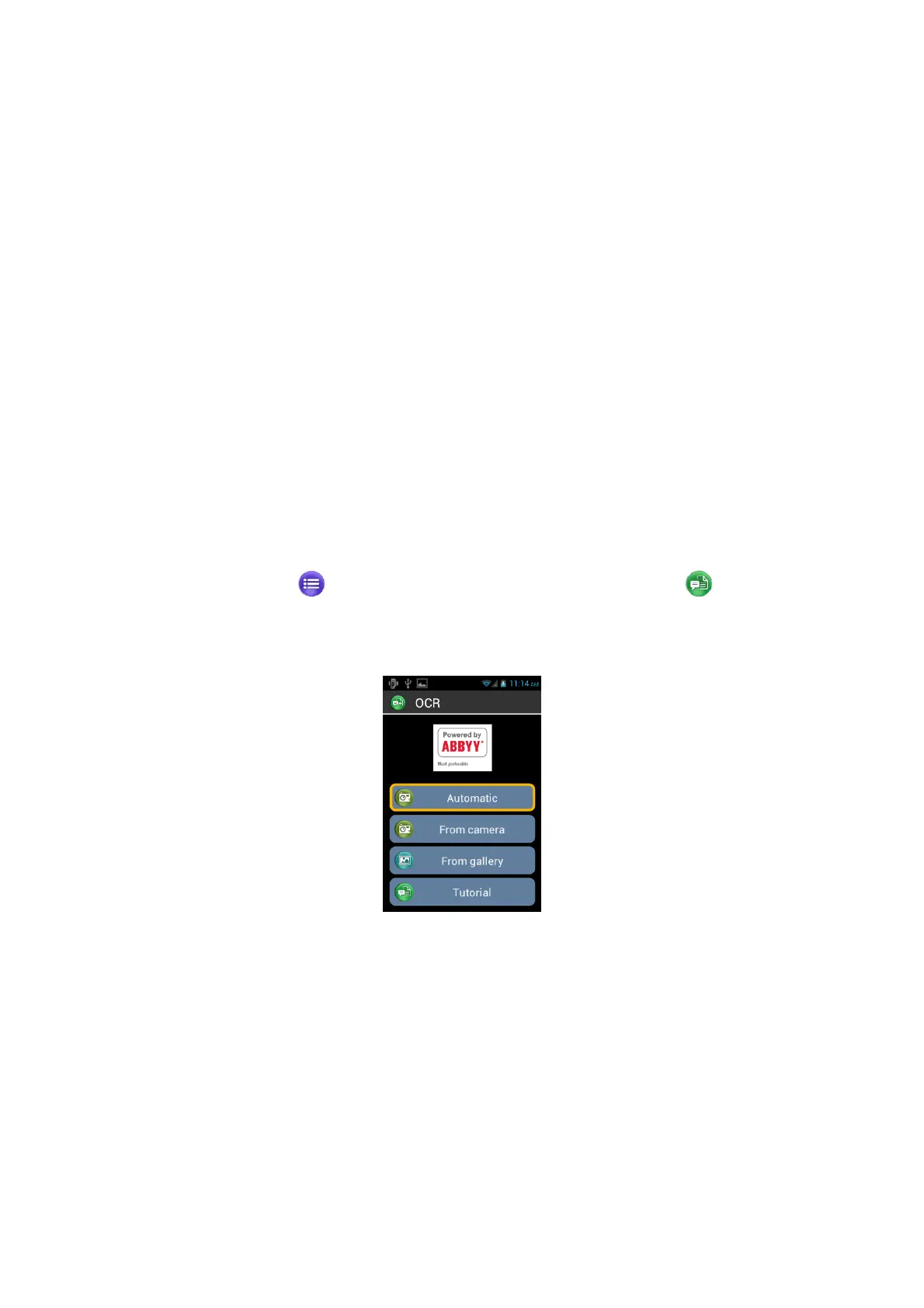
Select "Applications" from the home screen, and click on "OCR" .
From the OCR menu, select the source:
"From Automatic mode" place your SmartVision on the text, press the "OK" key.
Hold the handset horizontally and slowly move it up while following the audio
instructions until your SmartVision automatically captures the text. Optical recognition
will start instantly. In this mode you have a sound support to keep the horizontality.
More the beeps are distant from each other, near you are from the horizontality.
"From Camera mode": frame and focus the text document by yourself. Start the
scan of the document by pressing ”OK” button. OCR process is launched
automatically.
"From gallery": Select a document stored in the photo gallery on your SmartVision.
Character recognition will start instantly.



 To Next Page