CAN RANGER OPERATION
31
USING THE OPTIONAL
PALM™ INTERFACE
The Patented Palm Pilot™
interface, US patent No.
6,907,302, software is a very
useful tool for troubleshooting
the control system.
To use this tool, connect the
Palm™ serial cable to the
serial connector on the
receiver control harness or
adaptor, and apply power to
the system.
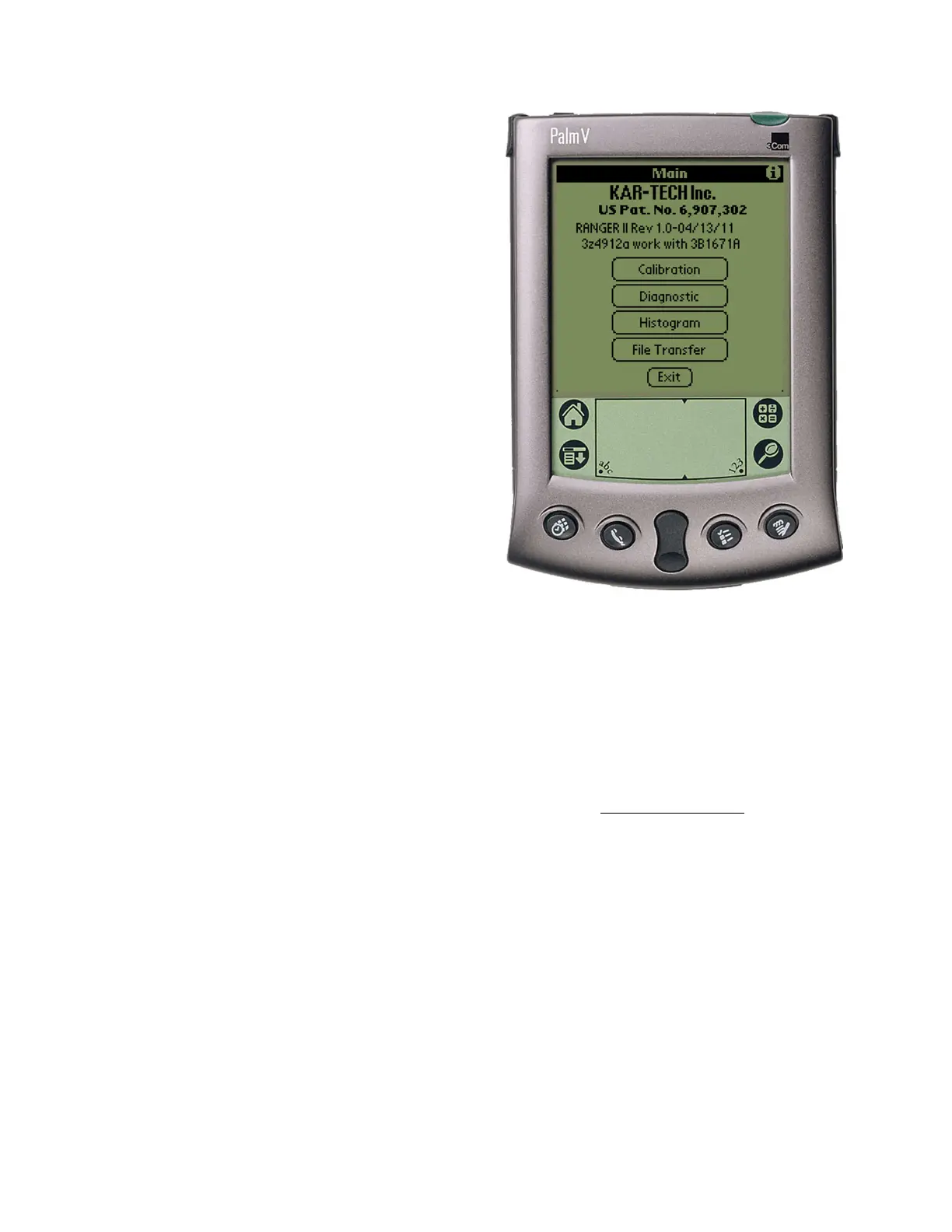
Main Page
Use the Palm’s stylus pen and
tap the icon ‘RANGER II’ to
launch the application.
DIAGNOSTIC
Tap the Diagnostic button to
see the diagnostic screens,
which shows the present state
of remote communications,
and system I/O.



 To Next Page