CAN RANGER OPERATION
35
FILE TRANSFER
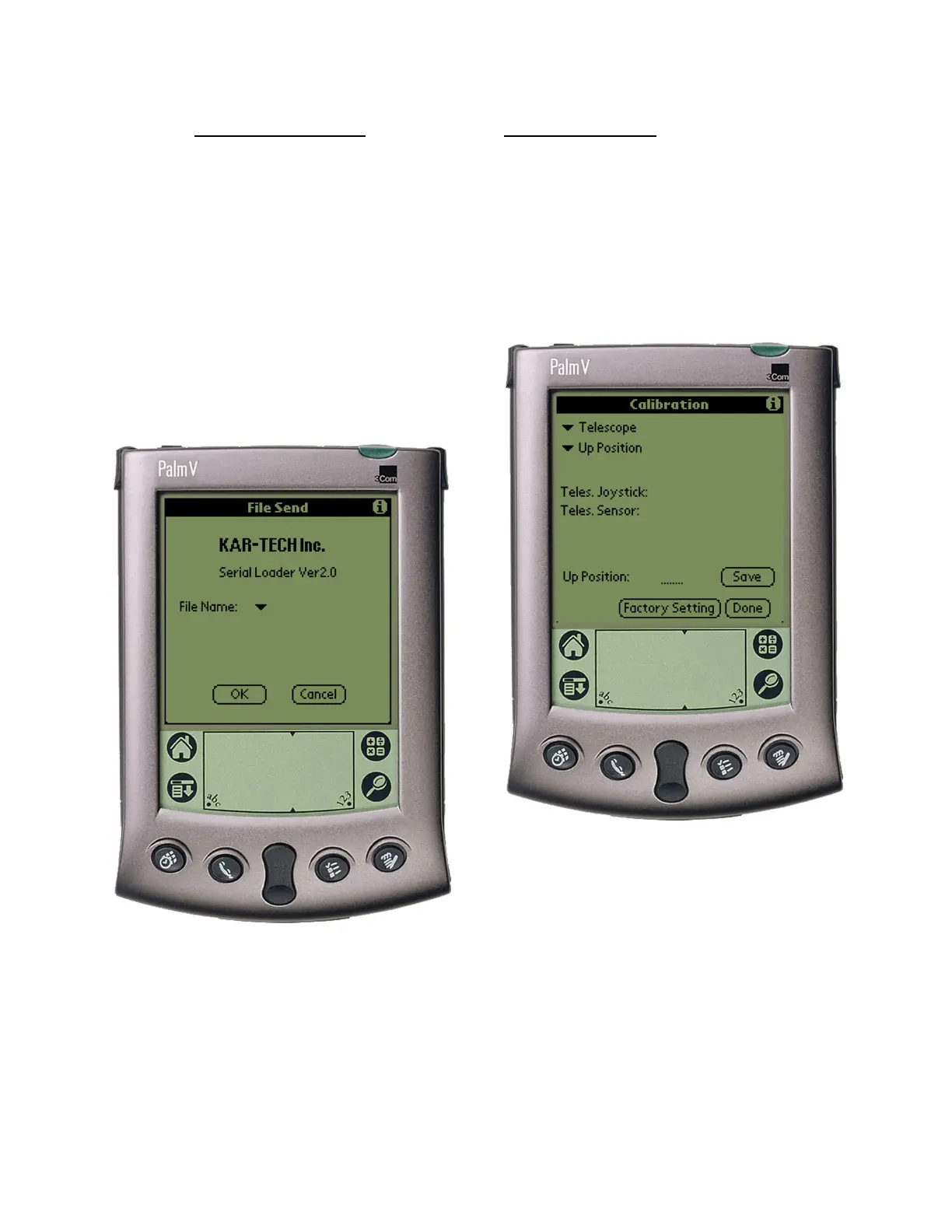
Tap the File Transfer
button to send new program
files from the Palm to the
receiver. New programs are
uploaded to the Palm via the
Palm™ desktop as a *.pdb file
using HotSync™.
File Transfer Page
This is only used for software
updates to the receiver. Tap the
‘i’ icon for more information on
this procedure.
CALIBRATION
To change the configuration of
the actuator outputs, tap the
Calibration icon.
Calibration Page
The password to gain access
to the calibration screens is
1262. In these screens,
manual configuration for
actuator positions and RPM
configuration is available.



 To Next Page