CAN RANGER OPERATION
36
Automatic configuration of
actuator positions is outlined
in the Kar-Tech
INSTALLATION manual.
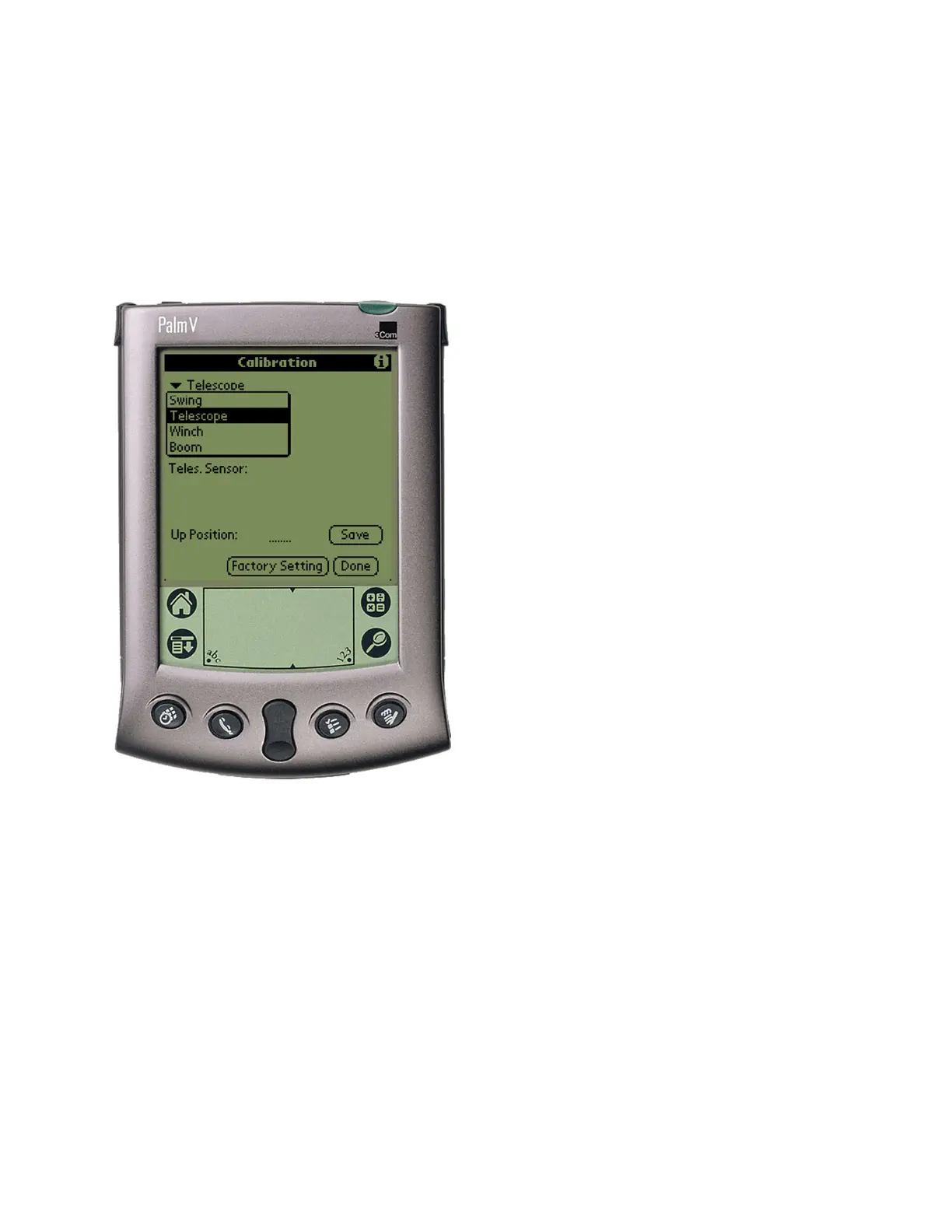
Output Selection Menu
To adjust an actuator output’s
configuration, use the
following procedure:
1. Select the output to
change from the first
drop-down menu
2. Select the parameter of
the output to change
from the second drop-
down menu
3. Enter the new value on
the line above the
Factory Setting button
by tapping on the line
and using the scratch
pad to enter a new value
4. Tap the Save button to
send the setting to
memory
The lines below the drop-
down menus indicate the
present value of the joystick
voltage on the transmitter
and corresponding input
sensor levels.



 To Next Page