85
Settings
Virtual Technician Settings
1
Touch Curve
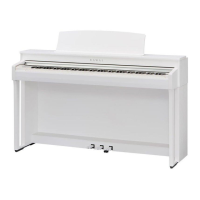
As with an acoustic piano, the CN39 digital piano produces a louder sound when the keys are struck with force, and
a softer sound when the keys are played gently. The volume and tonal character change in relation to the strength
and velocity of playing – on a digital piano this system is referred to as ‘touch sensitivity’.
The Touch Curve setting allows the touch sensitivity of the keyboard to be conveniently adjusted. There are
ten dierent preset touch curve settings available, with two additional ‘User’ settings that allow performers to
customise the instrument’s keyboard responsiveness to suit their individual playing style.
The default ‘Normal’ setting is designed to accurately recreate the touch of a Kawai concert grand piano. However,
if the keyboard feels too light, or fortissimo playing is achieved too easily, it may be desirable to select a heavier
touch curve. Alternatively, if the keyboard feels too heavy, or fortissimo playing is too dicult to achieve, it may be
desirable to select a lighter touch curve.
* This Virtual Technician setting will aect all sounds.
Touch Curve types
Touch Curve Description
Light (4/3/2/1)
Light touch curves require less striking force to achieve a forte note, and are therefore recommended for
players with a delicate touch. The key touch will become progressively lighter as the number inreases.
Normal
(default) Reproduces the standard touch sensitivity of an acoustic piano.
Heavy (1/2/3/4)
Heavy touch curves require more striking force in order to achieve a forte, and are therefore recommended
for players with stronger ngers. The key touch will become progressively heavier as the number increases.
O (constant)
A constant volume is produced regardless of how hard the keys are struck.
* This touch curve intended for playing sounds of instruments that have a xed dynamic range (e.g. organ and harpsichord).
User 1 / User 2 A custom touch curve, created to suit an individual’s personal playing style.
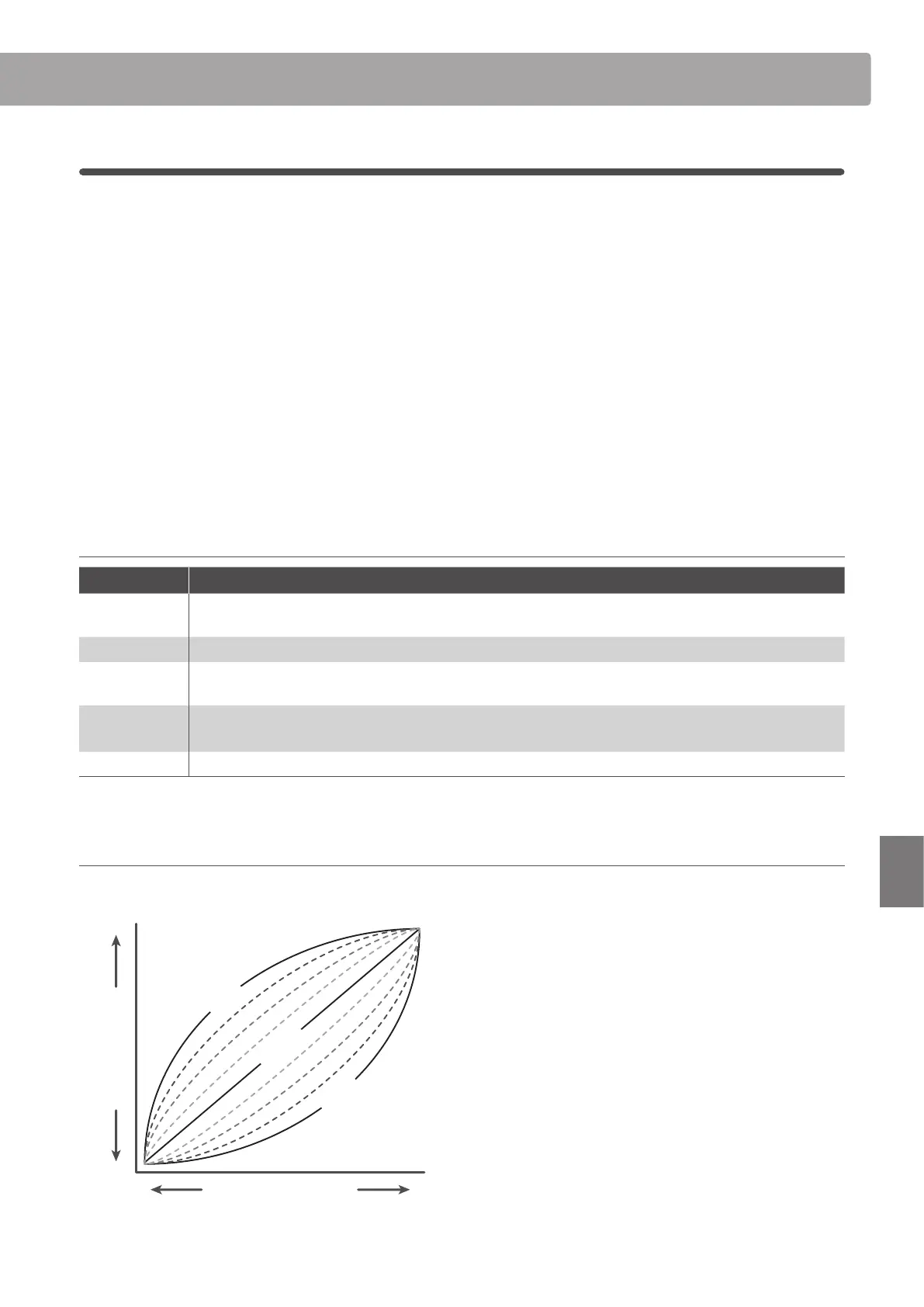
Touch Curve graph
The illustration below provides a visual representation of the dierent Touch Curve settings.
Gentle Strong
Keyboard Pressure
LoudSoft
Sound Volume
Normal
Light
Heavy


 To Next Page