44
Table of ContentsSetting UpWi-Fi StreamingUsing KEF Connect AppFAQ and Troubleshooting
12.2 Selecting USB Mode
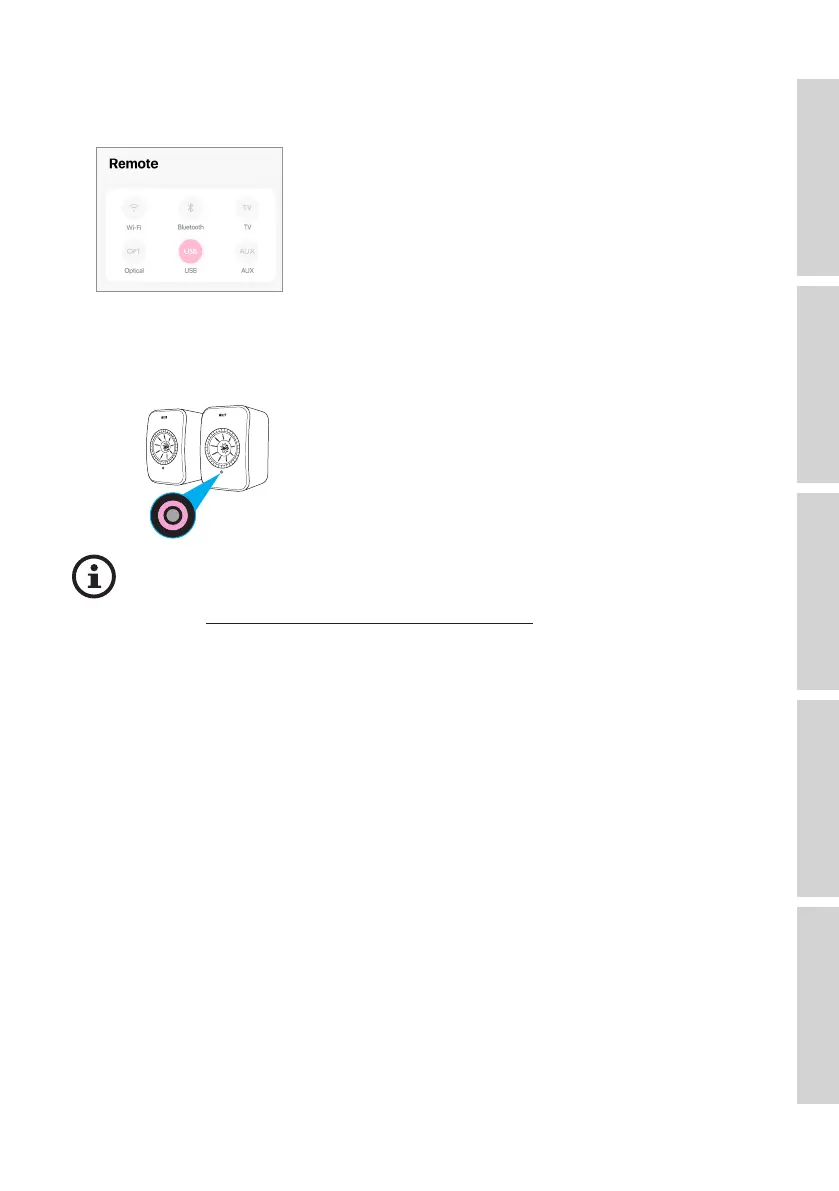
• In the KEF Connect App, tap the USB button (USB) to switch to USB mode.
• Alternatively, press the source button on the remote control.
• The LEDindicatorlightofthePrimarySpeakerilluminatespinkbrieyandthenfades
out when USB mode is selected.
You can assign USB mode as a second wake-up source to turn on the speakers
automatically when there is audio input through the USB connection. See
chapter “Power Saver – Second Wake-Up Source.
12.3 Playback Controls
All playback controls (except adjusting volume) must be done on the connected device.
The volume can also be adjusted on the remote control.



 To Next Page