22
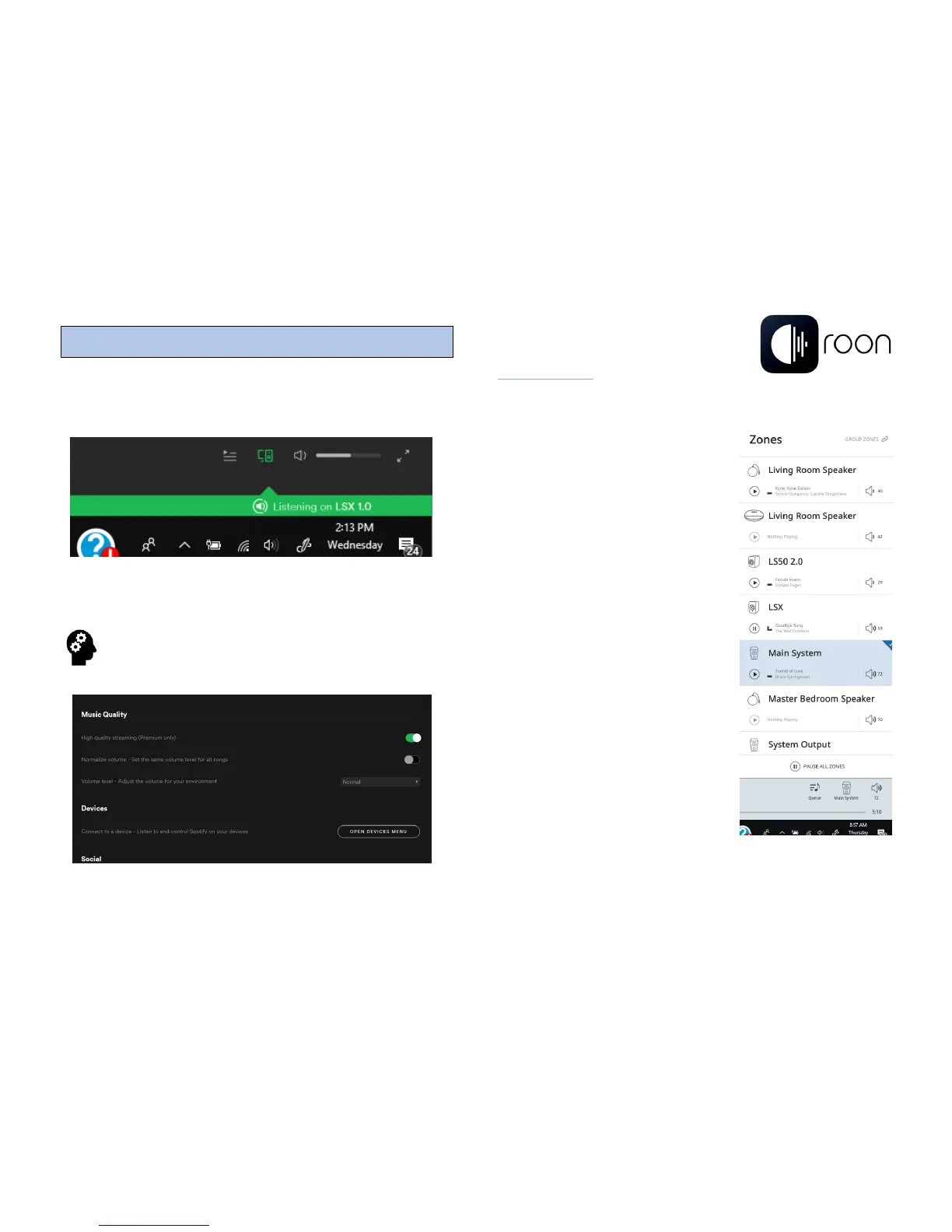
Spotify Connect can also be accessed from your desktop PC.
Simply select the LSX from the Devices Available menu.
From your desktop, select High Quality Streaming
which allows streaming bitrates up to 320kbps. This
setting allows up to CD quality streaming.
14 – Roon
About Roon
Roon is a powerful application that uses the computing power in
your desktop device to stream high-resolution files up to
192kHz/24-bit resolution (96kHz/24-
bit with LSX), while using the power of
the Internet to compile photographs,
biographical material, reviews and the
latest news from the artists you are
listening to.
LSX communicates with Roon and
your desktop device via Wi-Fi.
Roon is a subscription-based service
that can be purchased separately.
Connect your entire library (desktop
storage, NAS server, etc.) via Roon,
which also allows for multiple systems
throughout your home to be
controlled from the desktop platform.
TIDAL is also available through the
Roon application.
For more information on Roon please
visit www.roonlabs.com



 To Next Page