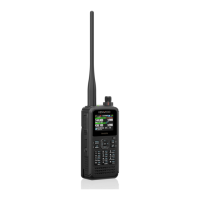
4 ENJOYING D-STAR (by DON ARNOLD, W6GPS)
29
4.2 Enjoy with D-STAR
You will have to get yourself registered first on the D-STAR network server. Go to
http://www.dstargateway.org/D-Star_Registration.html and register.
The TH-D74A/E’s DR mode for D-STAR means Digital Repeater. It is a series of
commands to tell the D-STAR network what to do from your radio.
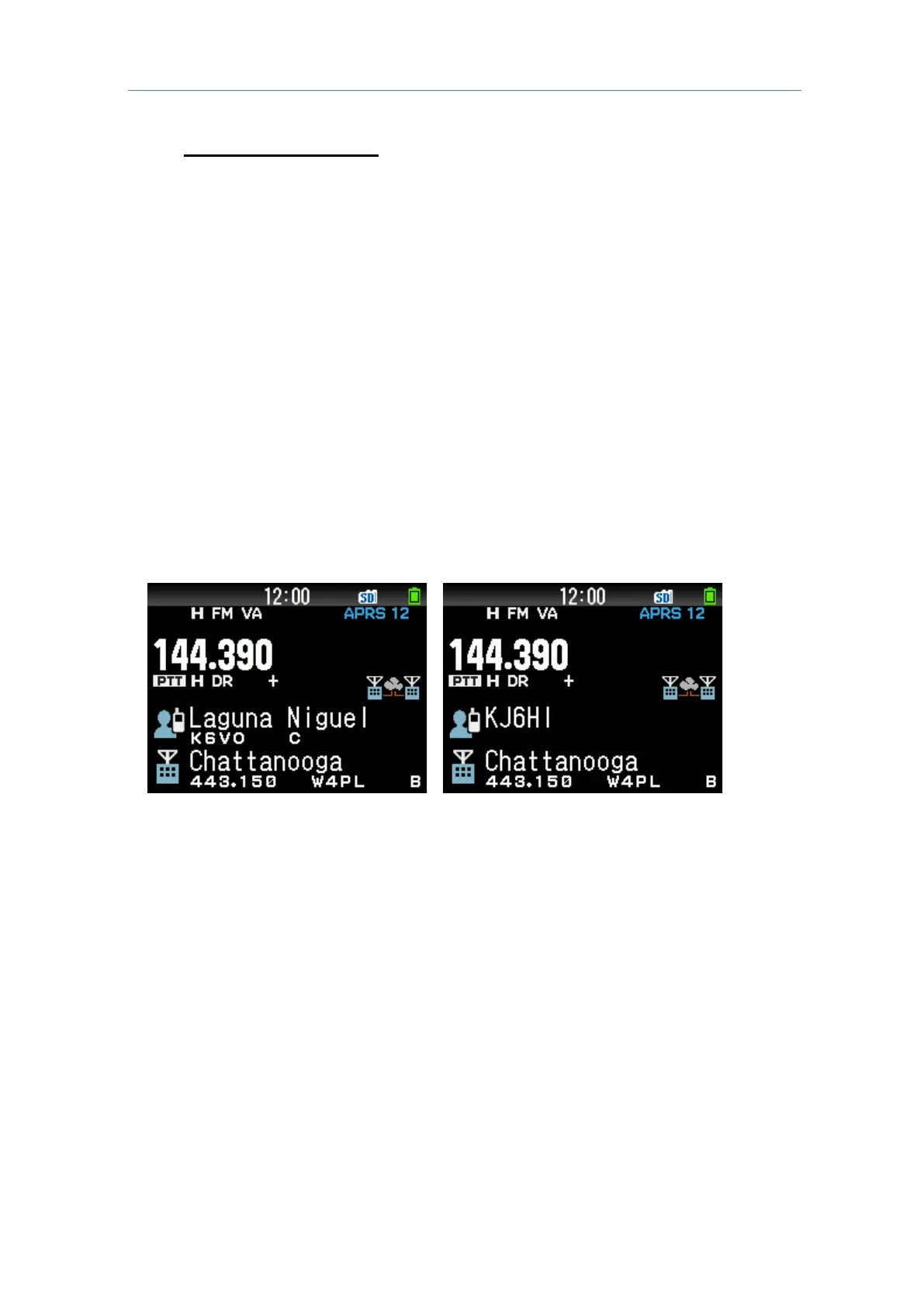
So, for me in Chattanooga, State of Tennessee (TN) in USA, to get to my repeater, I hold
down the bottom key on the multi-scroll key[
] for 2 seconds to use the "Repeater Select"
menu, so I can locate Chattanooga [W4PL B] module.
When I select this, the frequency (443.15 MHz) is selected along with the repeater name
“Chattanooga”. So I am getting ready to tell the [W4PL B] module what to do.
I hold in the multi-scroll key[
] for 2 seconds and I get a list on the "Destination Select"
Menu. If I want a local CQ (only Chattanooga Area) I select the “Local CQ”. And talk
local Chattanooga.
This would be output to the [W4PL B] module and I would be transmitting to the local area.
The "Gateway CQ" in the "Destination Select" Menu would mean I wanted my signal sent
to another repeater like [K6VO C] module. This way I can talk to my California friends.
Another option is I can input a callsign for the "Individual Call" (Callsign routing) in the
"Repeater Select" Menu. Both of these transmissions are possible, but not 100 percent
dependable.
The best
way to get on the D-STAR is to use the “Reflector” menus.
If your local repeater allows it, you can transmit to the repeater a command to link to a
reflector.
For example: to link to reflector 30 C you would select link to a reflector, hit [ENT] key, and
use the encoder dial in “REF030CL” and press [PTT] for about 1 second.
This command is sent to the D-STAR network and your repeater is linked to the reflector
30C. You should get a response from the repeater that is “linked to 30 C”



 To Next Page