EasyManua.ls Logo

KERN FKB - Menu; Setup Menu

KERN FKB
59 pages
Print Icon
To Next Page IconTo Next Page
To Previous Page IconTo Previous Page
Loading...
10 TFKB-B-BA-e-2311
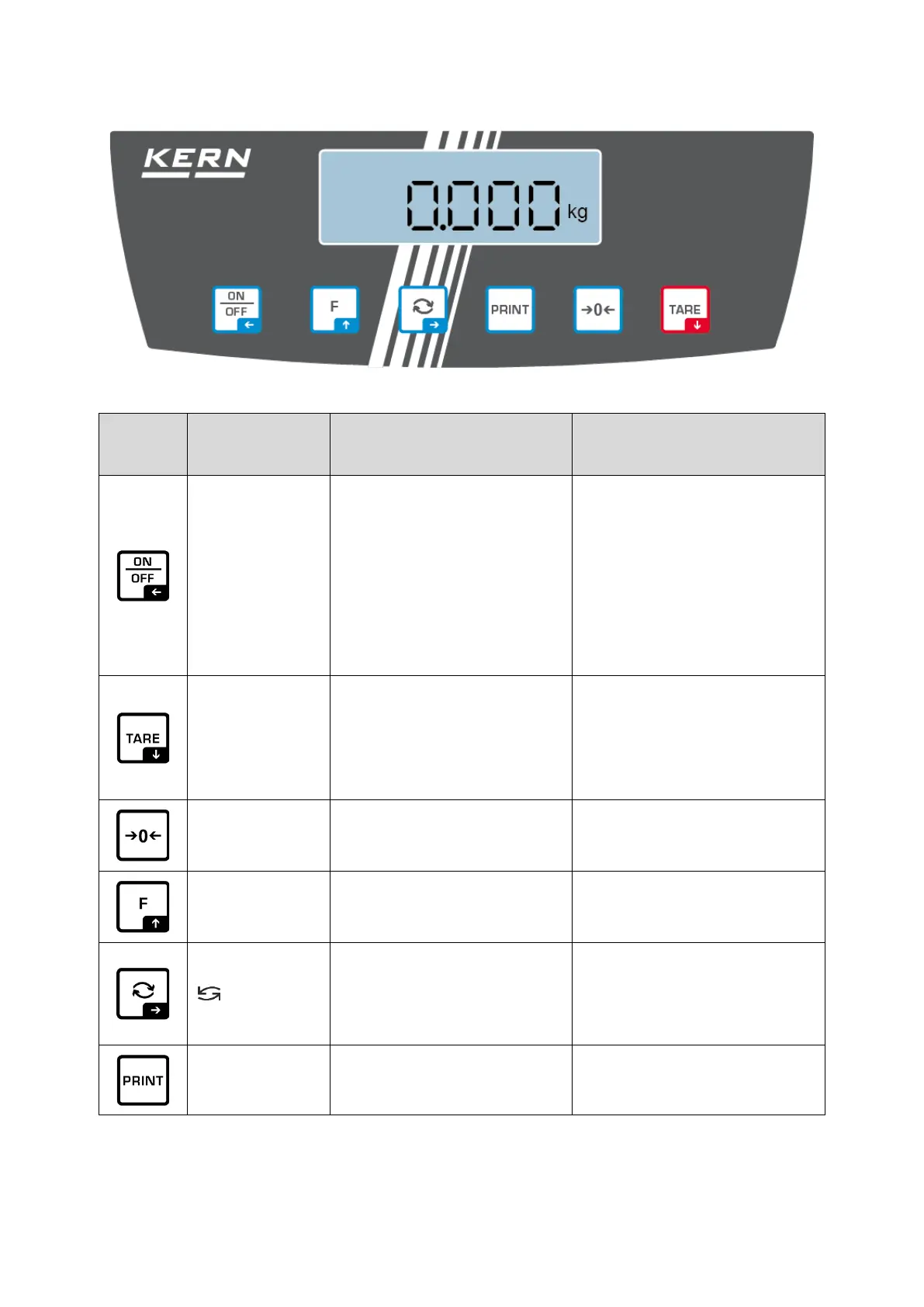
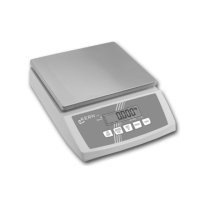
3.2 Operating elements
3.2.1 Keyboard overview
Button
Name
Function in Operating
mode
Function in Menu
ON/OFF-but-
ton
➢ Switch on/off
(press button long
time)
➢ Switch on/off the dis-
play background illumi-
nation
(press button short
time)
➢ Navigation key
➢ Menu level back
➢ Exit menu / back to
weighing mode.
TARE-button
➢ Taring
➢ Invoke application menu
(press button long time)
➢ Navigation key
➢ Select menu item
ZERO key
➢ Zeroing
F-key
➢ Functions key, see
chap. 8.5
➢ Navigation key
➢ Select menu item
-key
➢ Change-over button,
see chap. 8.5
➢ Navigation key ➔
➢ Activate menu item
➢ Confirm selection
PRINT button
➢ Calculate weighing data
via interface

Table of Contents