7
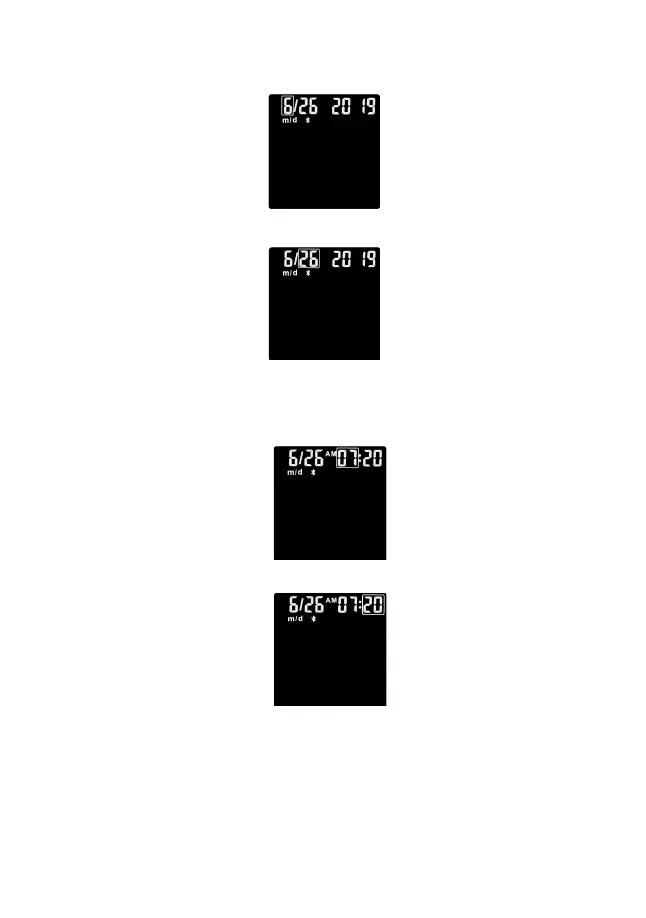
The month will now flash. Press the side button to adjust the month until the month
setting is completed, then press the power button until the meter beeps to set.
The day will now flash. Press the side button to adjust the day until the date setting
is completed, then press the power button until the meter beeps to set.
3. Set the Time
The hour will now flash. Press the side button to adjust the current hour until the
hour setting is completed, then press the power button until the meter beeps to
set.
The minute will now flash. Press the side button to adjust the minute until the
minute setting is completed.
Set the Beep Feature
After setting the date and time, press the power button until the meter beeps and
the word ‘beep’ flashes on the screen. Press the side button to set On or OFF,
press the power button to save the beep setting.



 To Next Page