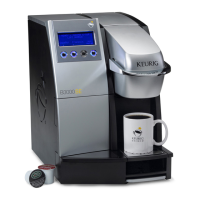
B3000 SERVICE MANUAL
60-200807-000, REV C 22
8. Menu Mode (For brewers with serial numbers 7506 and above)
The Menu Mode allows you to:
• Set the language to be displayed.
• See the number of brew cycles that the brewer has completed.
• Set the brewer to vend / no vend.
• Set pricing.
• Adjust the brew temperature between 192 and 187°F (89 and 86 degrees C).
• Invert the background text color display intensity.
• List your telephone service number. (Scroll and set all ten digits, using the NEXT and ADJUST
buttons).
• Turn ON / OFF Mug Light.
• Turn ON / OFF the Hot Water Valve.
• Set available Cup Sizes.
• List the LAST brewer error code.
To enter the MENU MODE
1. Press the power button, located on the rear of the brewer, to the “0” position.
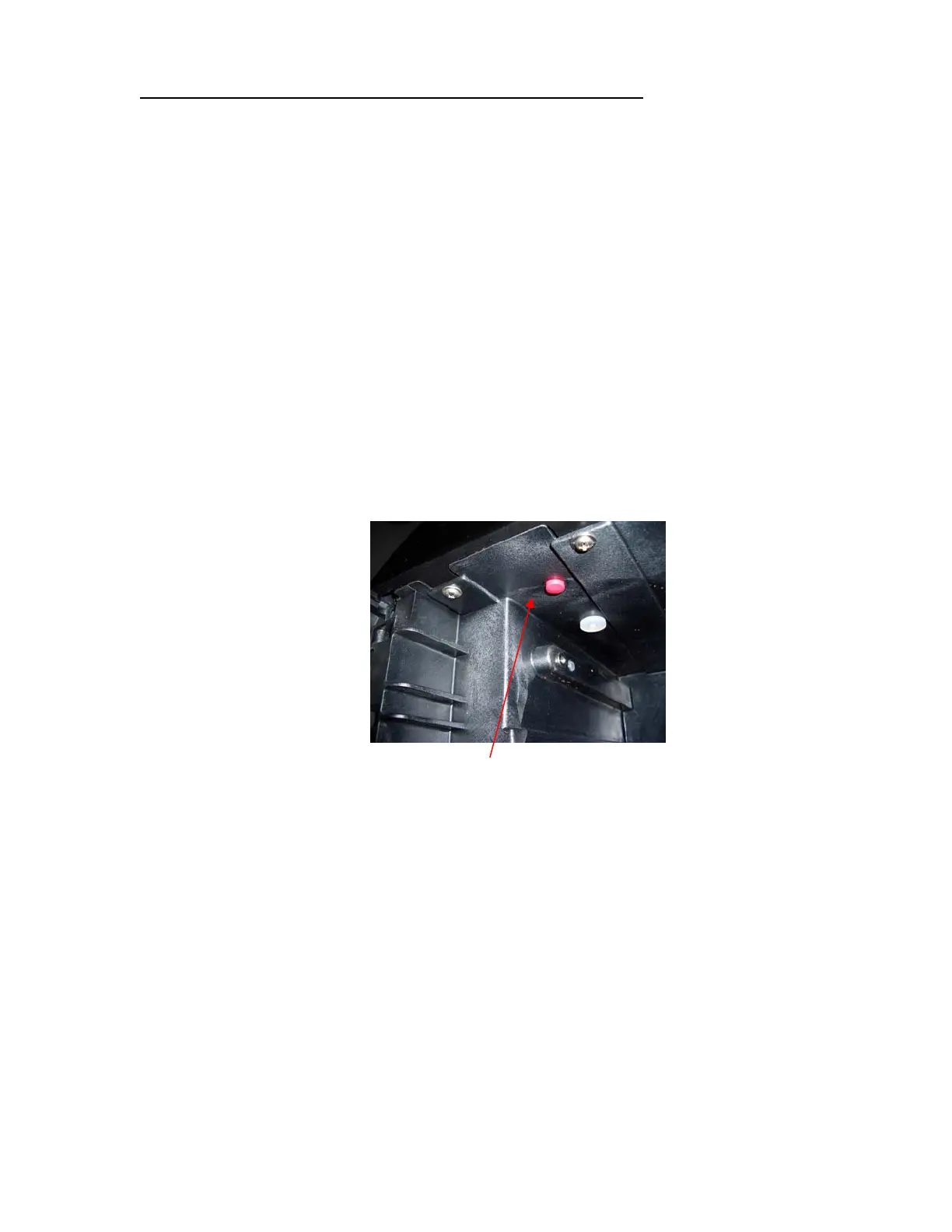
2. Open the K-Cup bin door and locate the RED button at the top of the bin area.
3. Press the power button, located on the rear of the brewer, to the “-” position. Within 4 seconds,
push this RED button four times.
The first screen displayed will be where you change the default language to either Spanish or
French, if English is not going to be the primary language displayed.
NOTE: If this screen does not appear, then repeat steps 1 and 3 again until it does.
Scroll thru the menu screens answering the prompts that appear.


 To Next Page