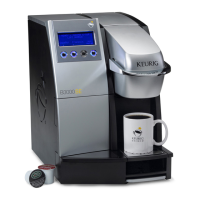
B3000 SERVICE MANUAL
60-200807-000, REV C 23
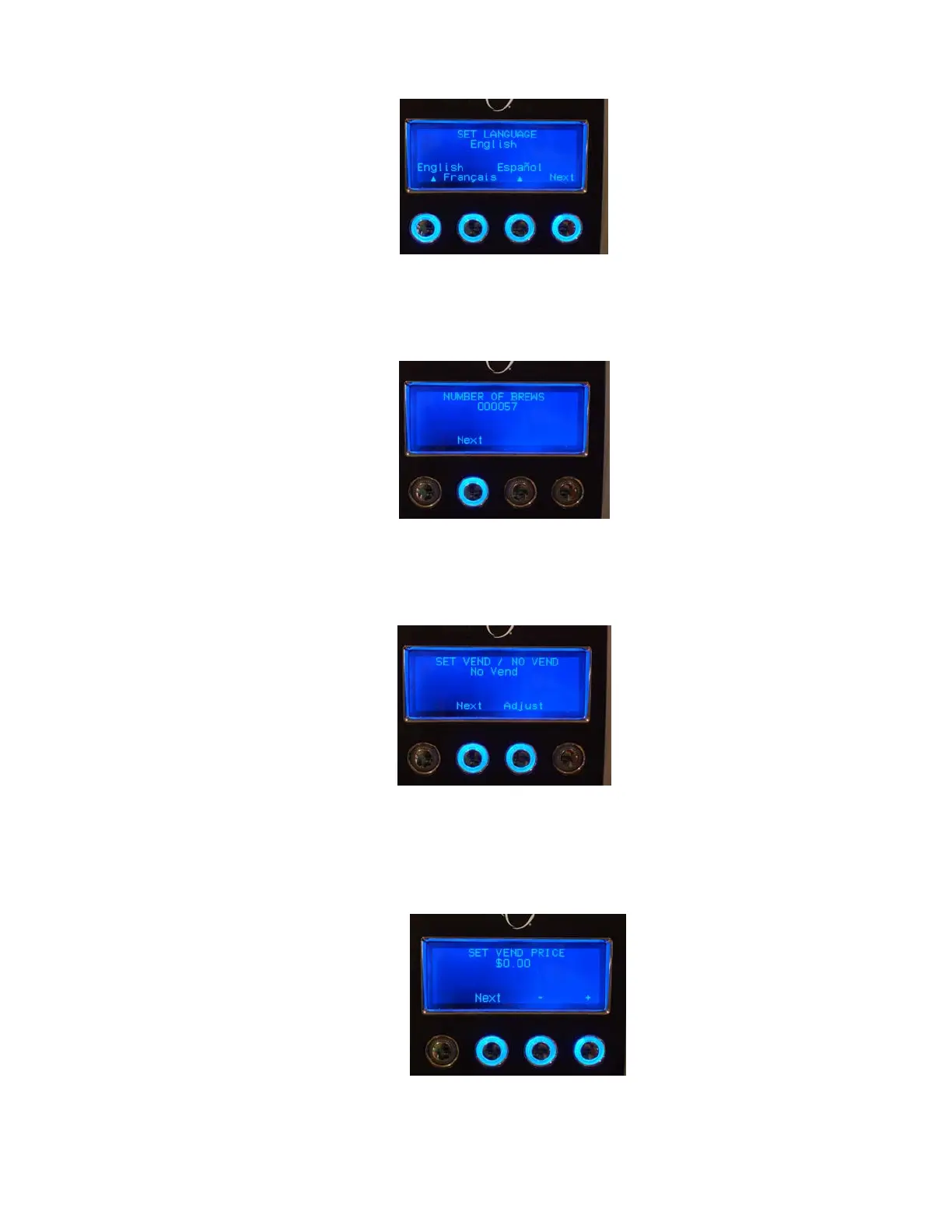
1. Once the menu is accessed the display will look like this (set language):
2. Press the ‘Next’ button.
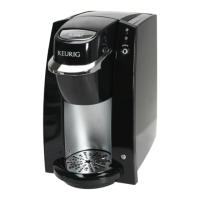
3. The display will look like this (number of brews):
4. Press the ‘Next’ button.
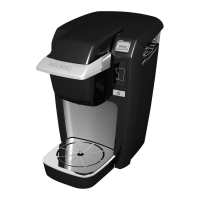
5. The display will look like this (set vend / no vend):
6. If a coin unit is being used, Press ‘Adjust’ button to ‘Vend at Set the price’. Then press next
button.
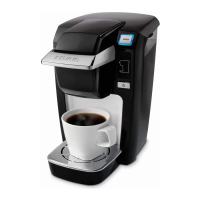
7. The display will look like these (set vend price):


 To Next Page