www.keyestudio.com
Project 3: Knocking
We will make a simple experiment, testing the knock sensor.
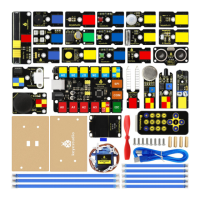
EASY plug control board*1
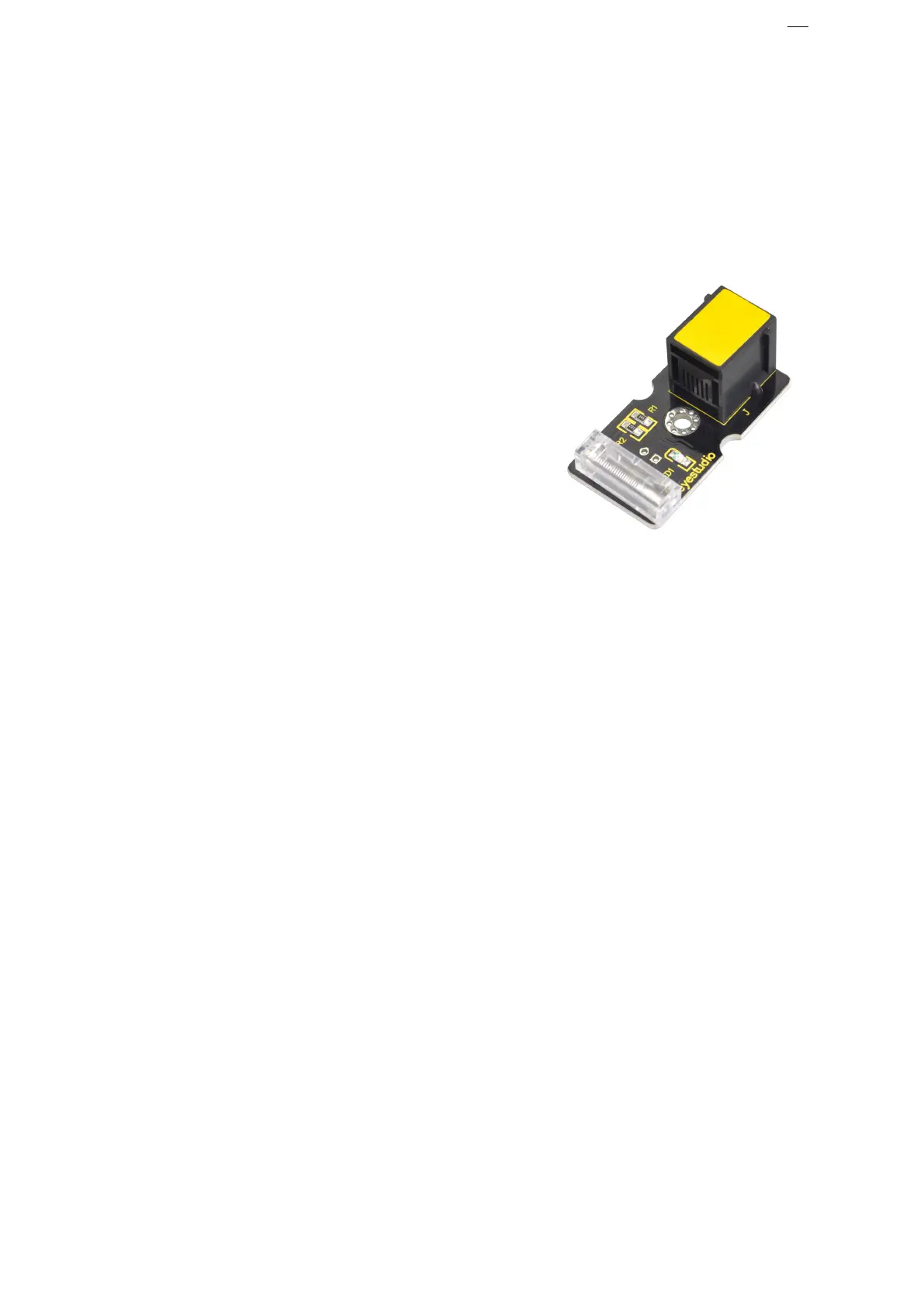
EASY plug Knock Sensor *1
The knock sensor is mainly composed of SW-280 vibration switch, which is
an inductive proximity switch.
It is an electronic switch that transmits the sensing result to the circuit
device and induces the circuit to start working when the vibration force is
The module comes with a positioning hole for you to fix it to other devices.
You can make full use of it with creative thinking, like electronic drum, and
Connect the EASY Plug knock sensor to control board using an RJ11 cable.


 To Next Page