www.keyestudio.com
Project 5: Buzzer clicking
In this project, we’ll bridge the gap between the digital world and the
analog world. We’ll be using a buzzer module that makes a small “click”
when you apply voltage to it (try it!).
EASY plug control board*1
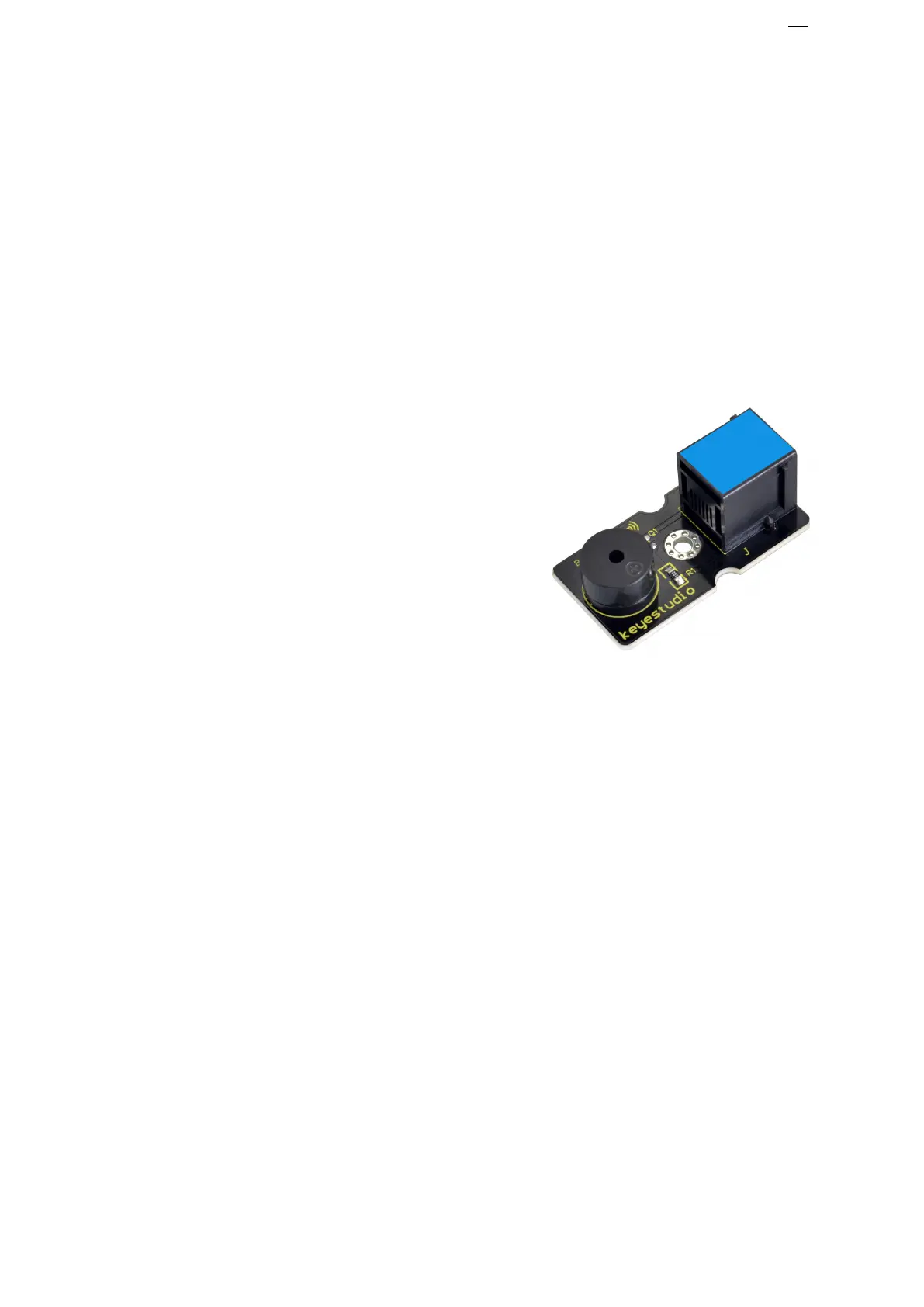
EASY plug Passive Buzzer Module*1
EASY plug Passive Buzzer Module
We can use Arduino to make many interactive works of which the most
commonly used is acoustic-optic display.
The buzzer we introduced here is a passive buzzer. It cannot be actuated by
itself, but by external pulse frequencies.
Different frequencies produce different sounds. You can use Arduino to
code the melody of a song, which is quite fun and simple.
Working voltage: 3.3-5v
Connect the EASY Plug passive buzzer module to control board using an


 To Next Page