www.keyestudio.com
Project 6: Capacitive touch
Are you tired of clicking mechanic buttons? Well, try our capacitive touch
sensor. In this project, we’ll use the EASY Plug touch sensor to make a
EASY plug control board*1
EASY plug Touch Sensor *1
EASY plug LED Module *1
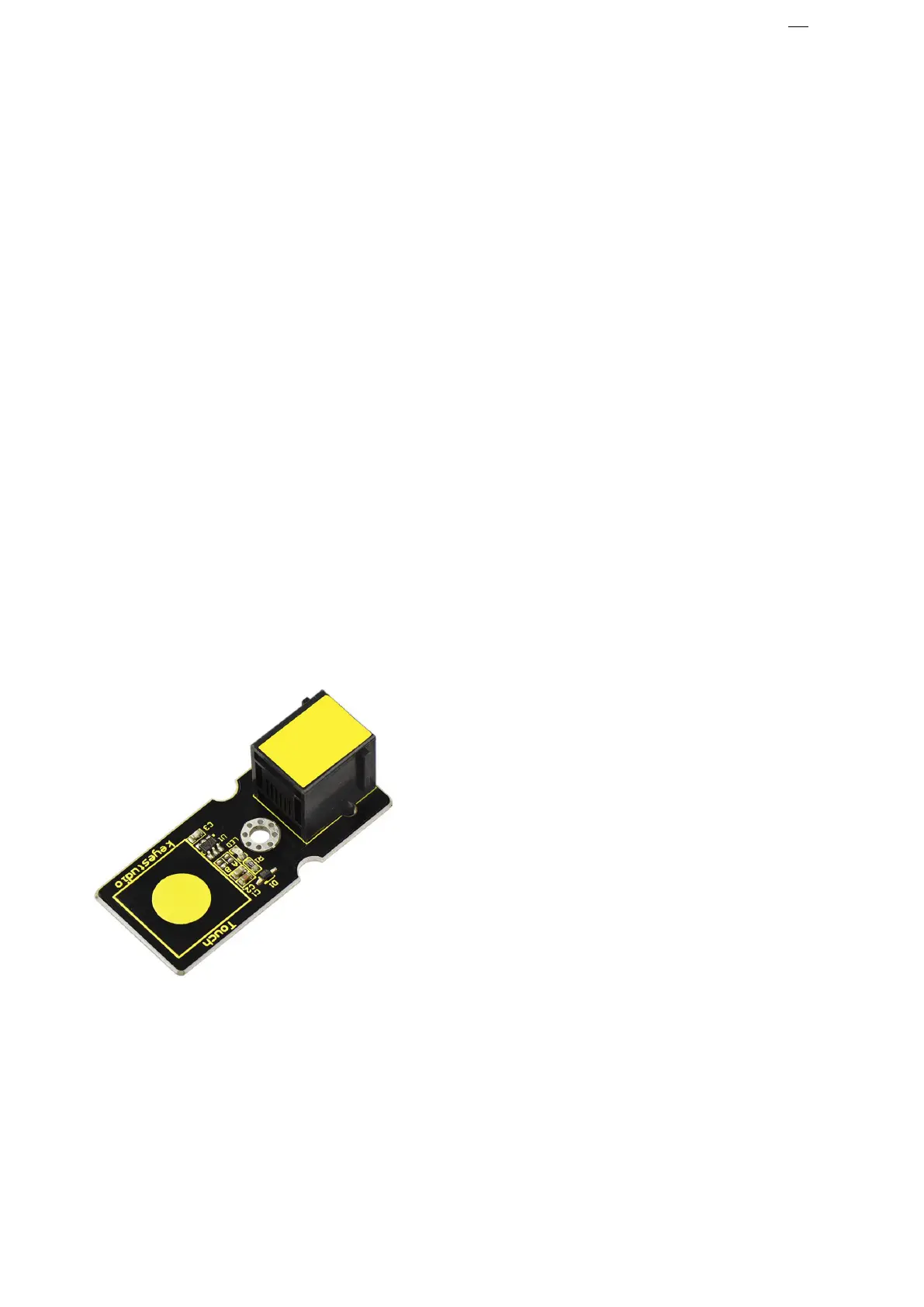
EASY plug Capacitive Touch Sensor
You can find touch sensors mostly on
electronic device. Instead of buttons,
upgrade your Arduino project with our
new version touch sensor and make it
This EASY Plug digital capacitive touch
sensor provides a one-touch style switch
on your Arduino project. It uses the most popular capacitive sensing
technology which is the same as your mobile phone.
This little sensor can "feel" people and metal touch and feedback a high/low
voltage level. Even isolated by some cloth and paper, it can still feel the
touch. The sensitivity will decrease as the isolation getting thick.


 To Next Page