Next, we will introduce the driver installation for development board. The
driver installation may have slight differences in different computer systems.
So in the following let’s move on to the driver installation in the WIN 7
The Arduino folder contains both the Arduino program itself and the drivers
that allow the Arduino to be connected to your computer by a USB cable.
Before we launch the Arduino software, you are going to install the USB
Plug one end of your USB cable into the Arduino and the other into a USB
When you connect the UNO board to your computer at the first time, right
click the icon of your
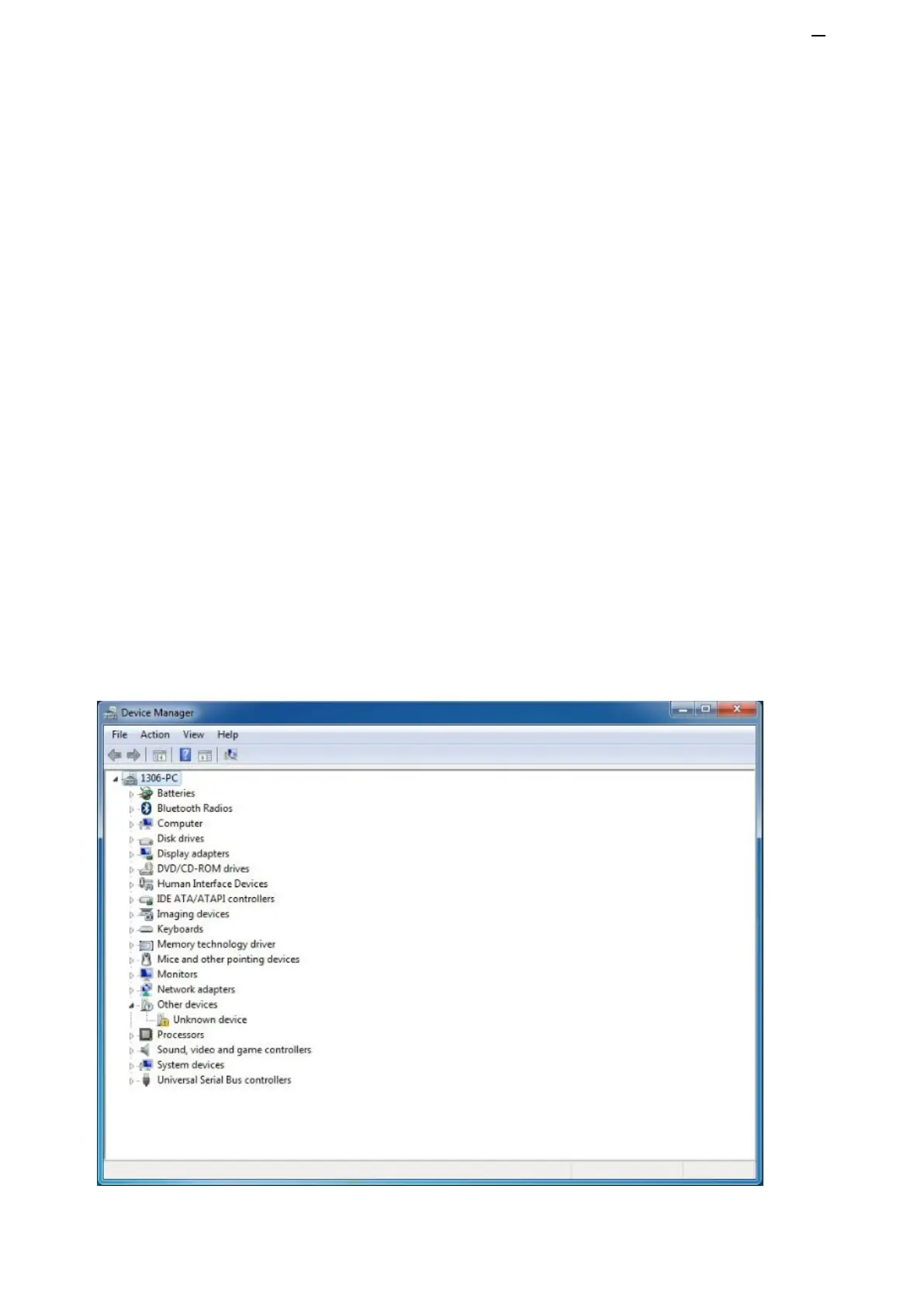
“Computer” —>for “Properties”—> click “Device
manager”
, under “Other Devices”, you should see an icon for “Unknown
device” with a little yellow warning triangle next to it. This is your Arduino.


 To Next Page