Adjusting the Carrying Handle Getting Started
EPM-P Installation Guide 15
Adjusting the Carrying Handle
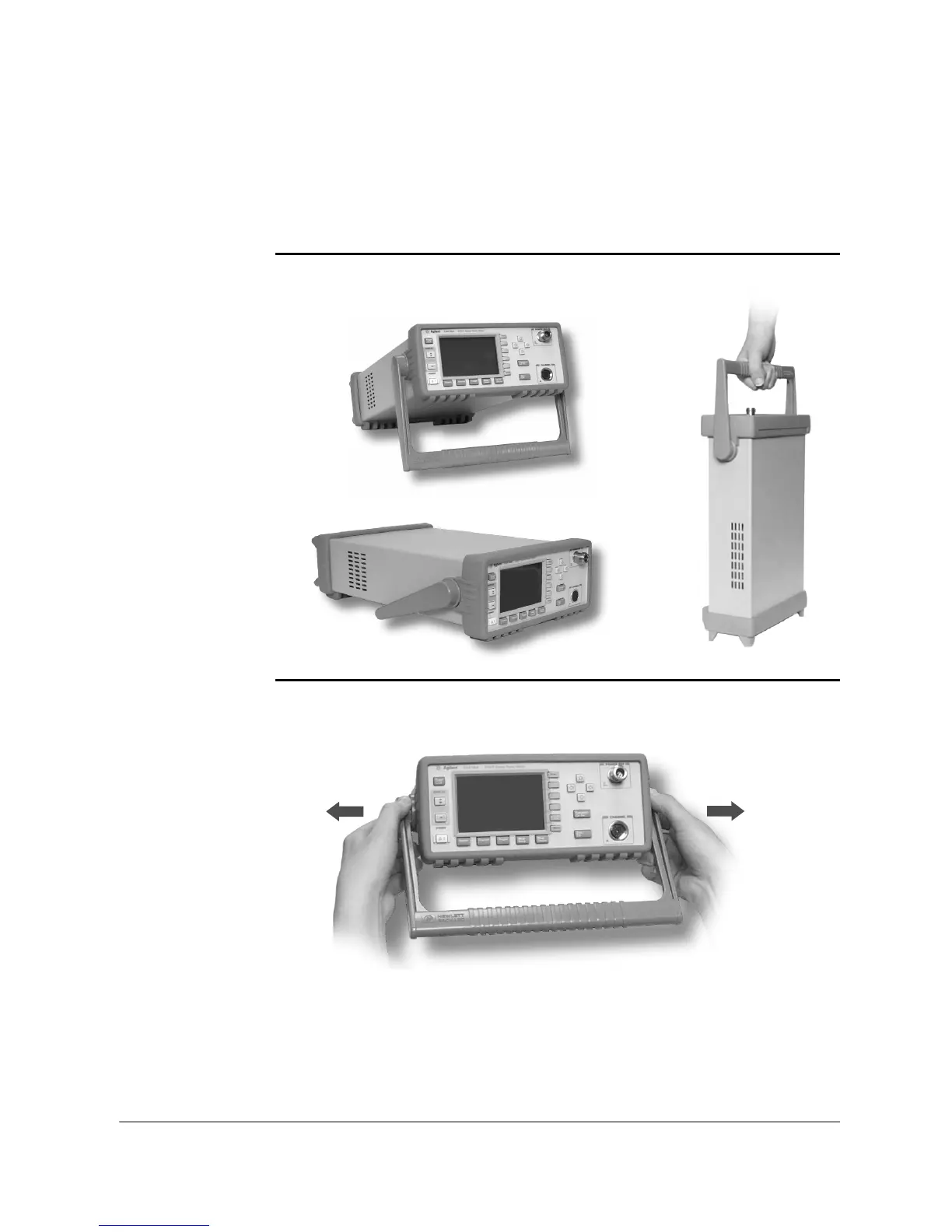
Adjust the carrying handle to carry the meter or view the display.
If you want to remove the handle, refer to Rack Mounting the Power Meter on
page 30.
The carrying handle can be locked into three different positions.
Pull the handle outwards, rotate it to the required position and release it into
one of the three locks.












 To Next Page