Remote Interface Configurations Getting Started
EPM-P Installation Guide 29
RS232/RS422
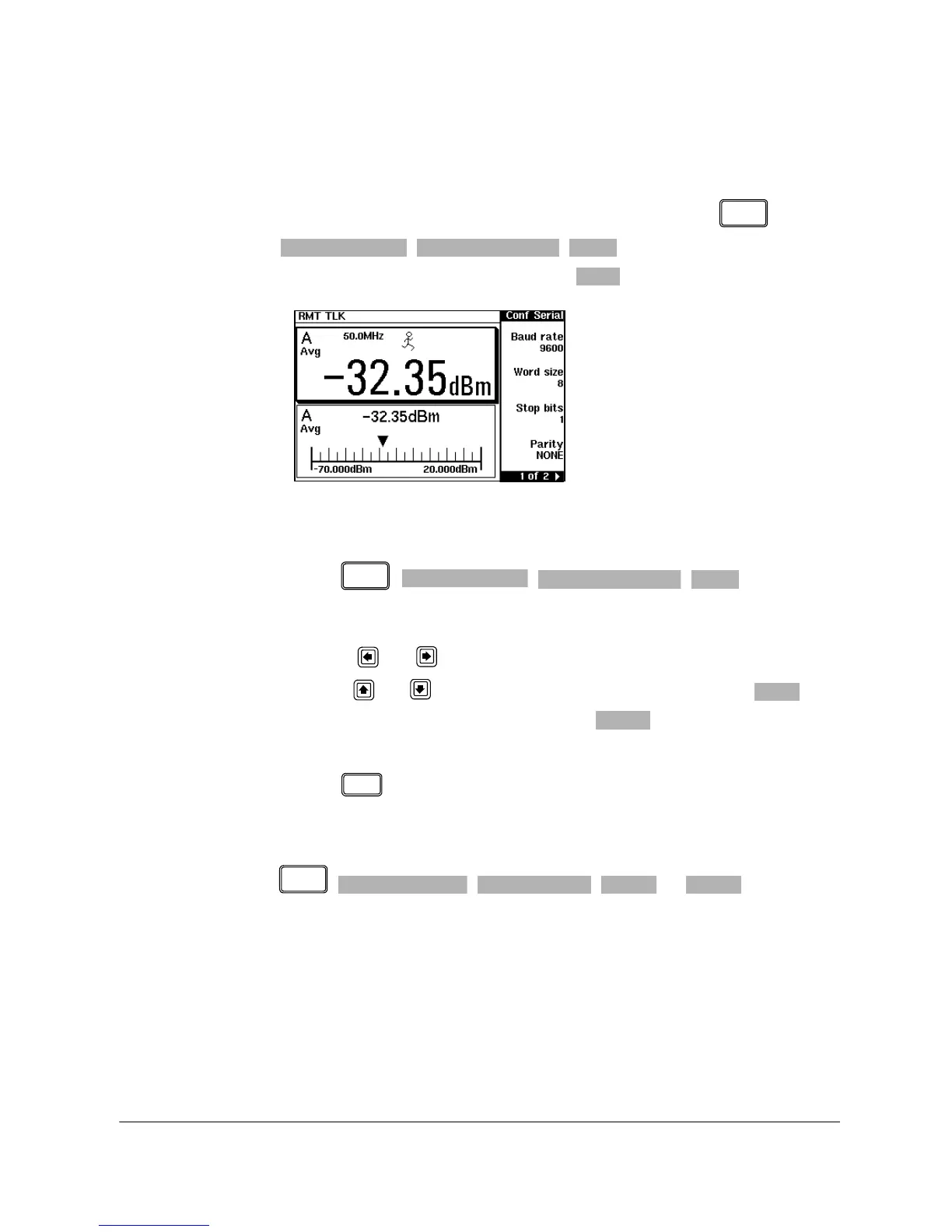
To check the settings for the RS232 or RS422 interfaces press ,
, , . The settings are displayed
below the respective softkey labels. Press to access the next menu page.
To change any setting:
1 Press , , , .
2 Select the parameter you want to change by pressing the softkey.
3 Use the and keys to select (highlight) the digit you want to change;
use the and keys to increase or decrease the value. Press to
confirm and save the new value. Pressing restores the previous
value.
4 Press to access the second page of the settings menu.
To configure the power meter to use the serial RS232 or RS422 interfaces press
, , , , or .












 To Next Page