Getting Started Remote Interface Configurations
28 EPM-P Installation Guide
Remote Interface Configurations
The power meter is equipped with GPIB (IEEE488), RS232, and RS422 remote
programming interfaces. This section shows you how to change the interface
settings.
GPIB
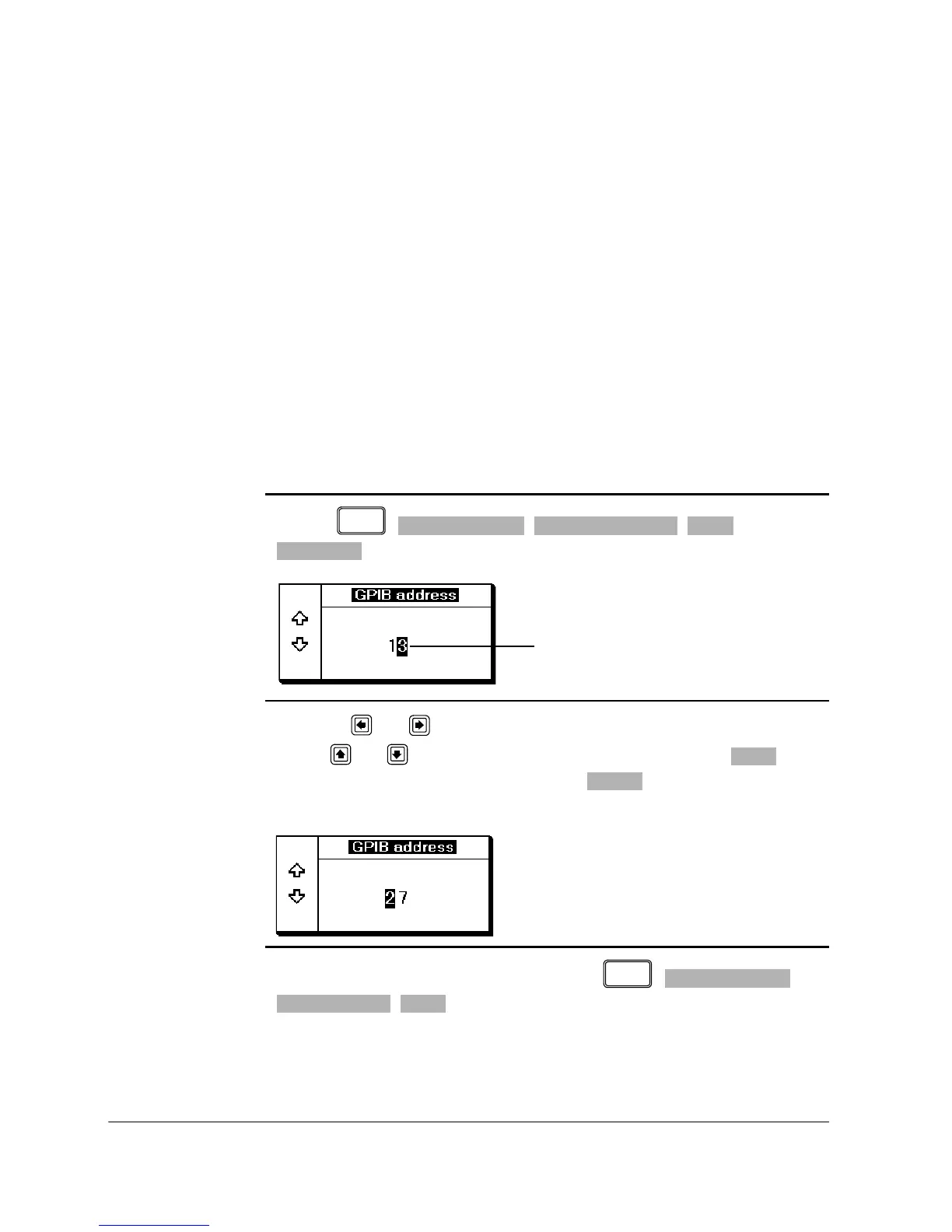
The power meter is shipped from the factory with GPIB as the selected interface
and the address set to 13. Addresses between 0 and 30 are valid. The GPIB
address is stored in non-volatile memory. To change the address proceed as
follows:
1. Press , , , ,
. The GPIB address pop-up appears.
2. Use the and keys to select (highlight) the digit you want to change;
use the and keys to increase or decrease the value. Press to
confirm and save the new address. Pressing restores the previous
value.
To ensure the GPIB interface is selected press , ,
, .












 To Next Page